1 Run the draft
2 Pick a look
The Modern simple looks leave the top empty on purpose so you can add your own bar or leave it clear. OSL and Malum have their own top bands and two camera frames. Open the panel or the draft screen on its own.
3 Put it in OBS
The short version. Open the full OBS guide with pictures if this is your first time.
- Add the panel as a dock
In OBS open the Docks menu, choose Custom Browser Docks, and paste this address.
- Add the draft screen as a Browser Source
Paste this address, set the size to 1920 x 1080, and leave "Shutdown source when not visible" off.
- Want the in game scorebug too?
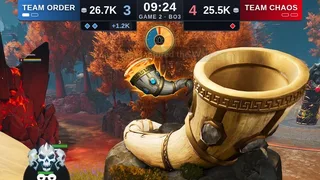
Names, series score, bans and the caster card for this look, made to sit on the game's top bar. Copy its address here, or open the scorebug page to preview it, pick your colors or download it.
- Run it
Type or click in the dock. The panel shows LINKED once the source is listening.
OBS will not open the addresses?
Copy them with the Copy buttons so nothing gets cut off, and turn Local file off in the Browser Source. The panel and the screen have to run in the same OBS so they share the draft. The OBS guide fixes cover the rest.