Free for community use
Broadcast packages
Everything a league or community needs to run a SMITE 2 esports broadcast. Each package is one free zip: every screen as its own OBS Browser Source, a control dock, a ready made OBS scene collection and a stinger.
- 11packages, all free
- OBS readyscene collection inside
- No sign upjust download
- Skin artswitch in every dock
Package finder
Not sure where to start? Answer three quick questions and we will point you to the package that fits.
Pick an answer for all three and your match shows up here.
All packages
Build your own package Experimental
Want it in your league's colors? Start from Runner, White Glow or Wii Style, pick your colors, font, event logo, team names and screens, watch every screen update live, then download a zip that is ready for OBS. You also get a stinger made from your colors and logo.
It pulls together the screens Malum made by hand, mixed with code. Zero generative AI: no AI made images, artwork, audio or video.
Beginner / Simple
New to running a broadcast, or doing it all on your own? Start here. Fewer screens, bigger buttons, and a dock that does most of the scene switching for you.
Grassroots Start here
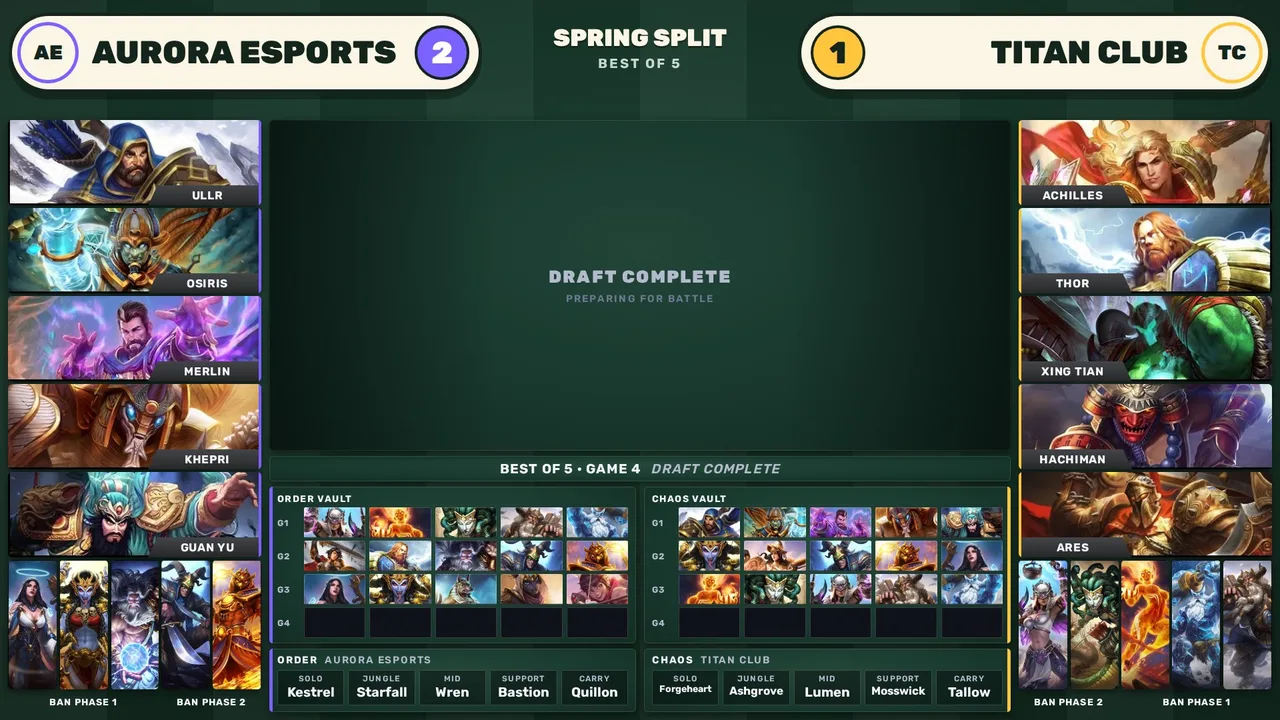
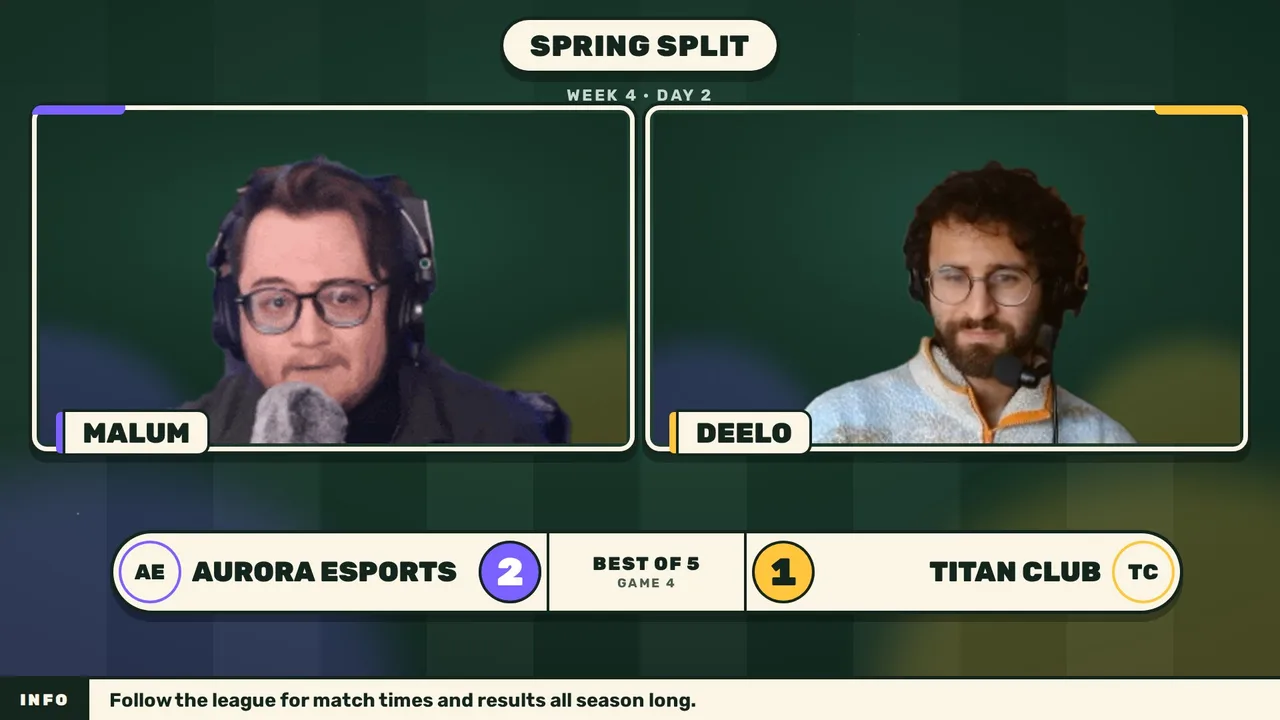
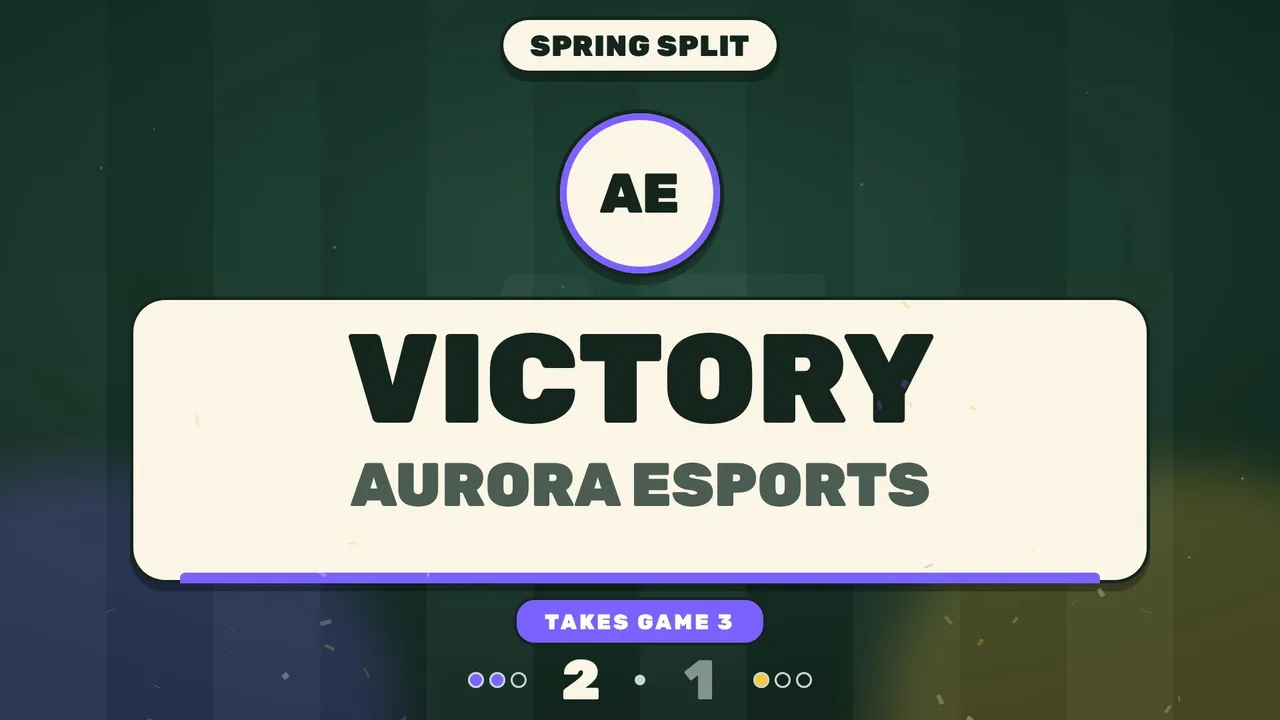
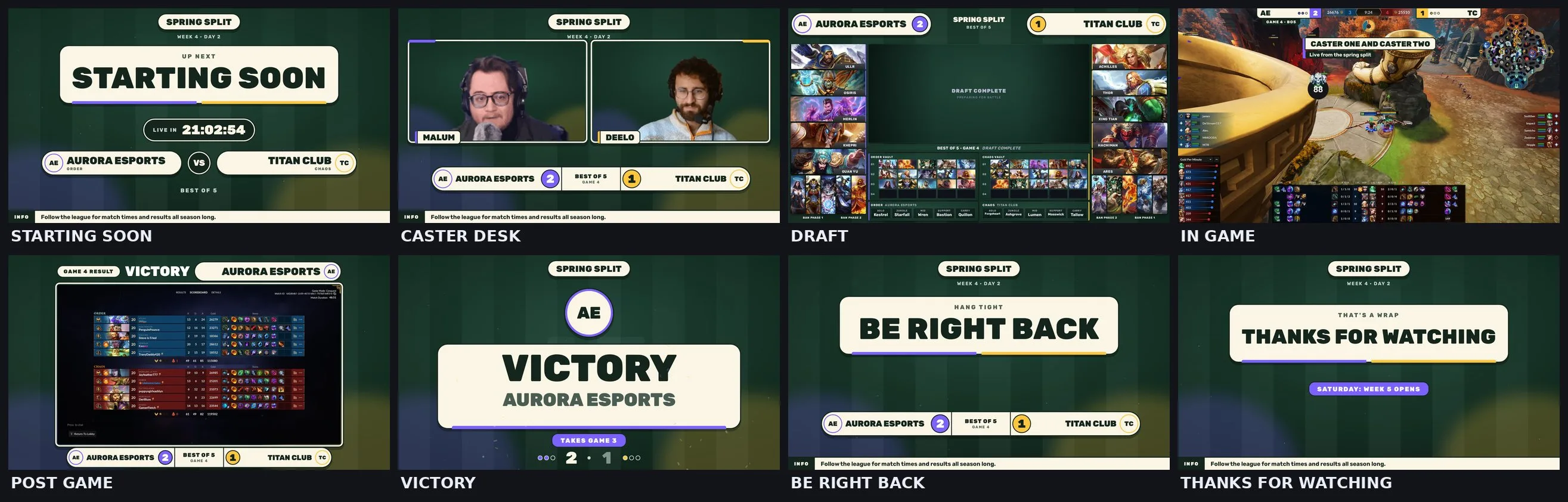
Made for one person running a community tournament alone. Eight screens, big friendly type on cream cards, a pine green backdrop, violet for the left team and gold for the right.
Every screen with sample teams. Drag the bar to jump to any screen.
What is inside
- Screens: Starting Soon, Caster Desk, Draft, In Game, Post Game, Victory, Be Right Back, Thanks for Watching. Nothing you will not use.
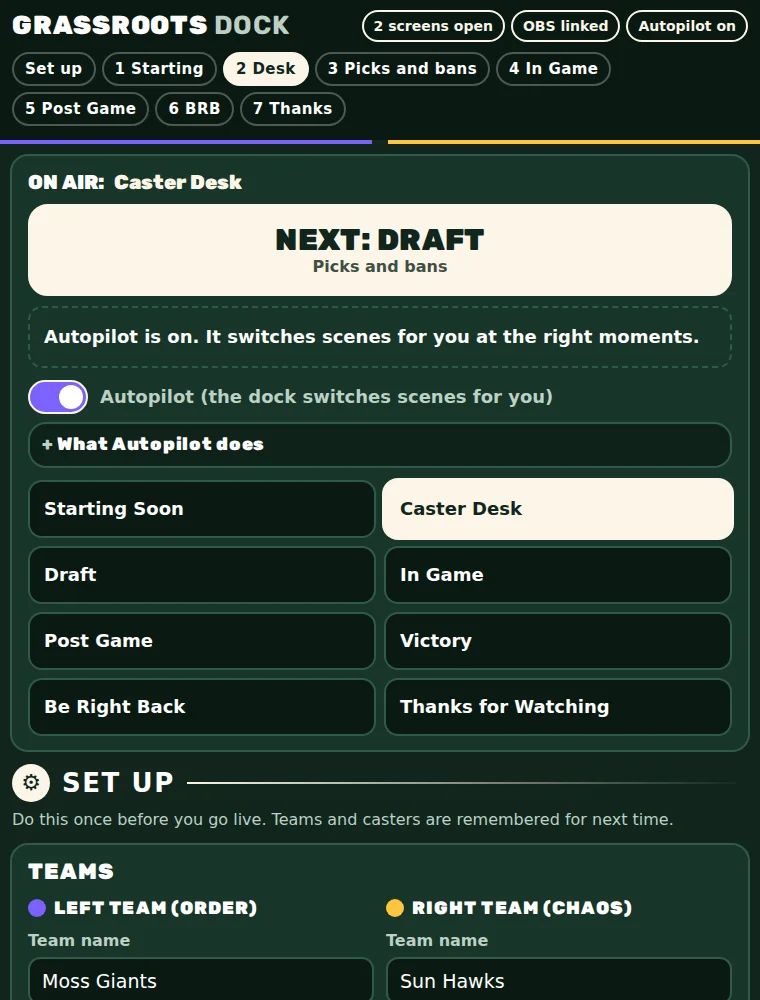
- One big NEXT button at the top of the dock always shows the next scene of the night. Press it and OBS switches.
- Autopilot switches for you: the Starting Soon countdown ends and it goes to the desk, the first god typed opens the draft, the last pick moves to In Game, and pressing who won plays Post Game, Victory, then back to the desk. Press Stay here to cancel any switch.
- Draft: type a god and press Enter. The dock knows the order of picks and bans and clears itself for the next game.
- Big buttons for who won, countdowns (5, 10, 15 minutes) and breaks (2, 5, 10 minutes). Undo the last result if you press the wrong team.
- Casting alone? Hide the second cam and you are set. In Game sits around the SMITE 2 spectator HUD.
Full esports packages
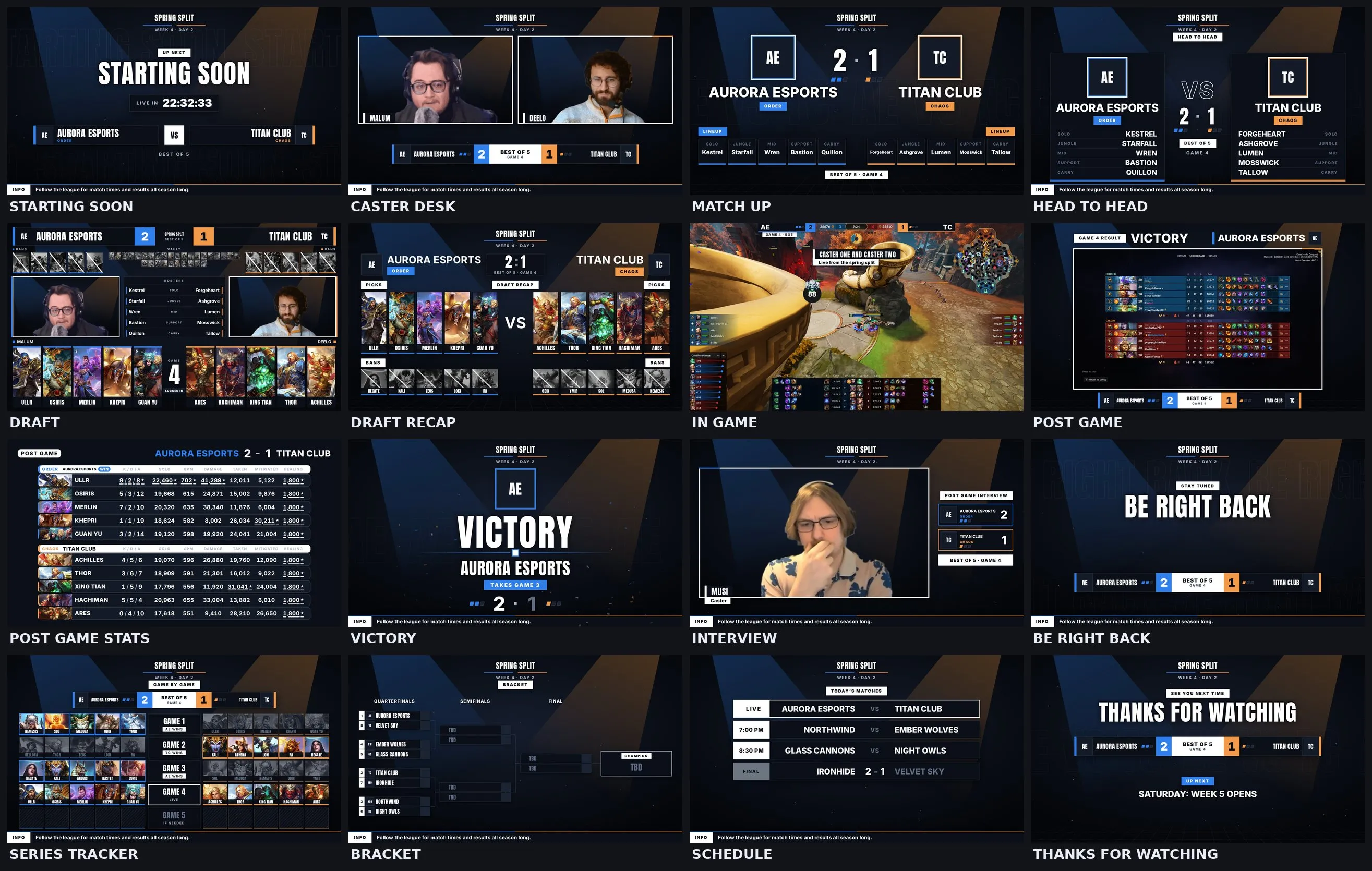
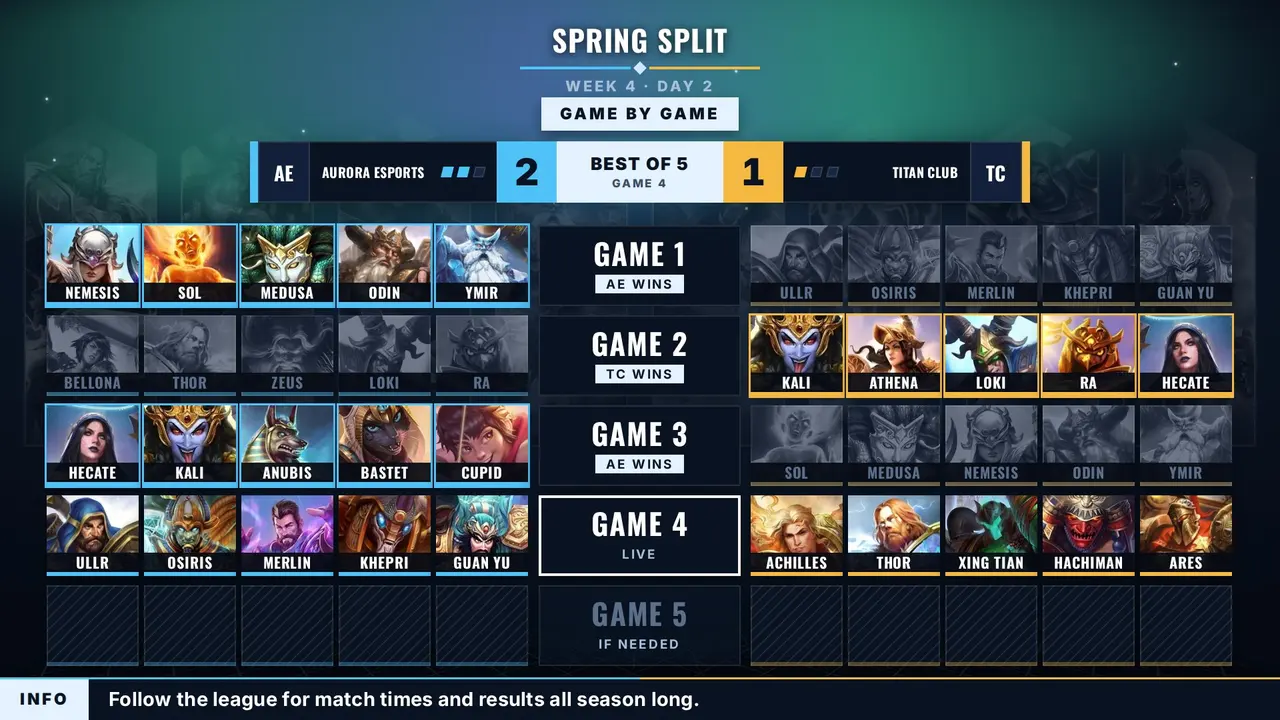
Every screen a league broadcast uses, from match up and head to head to post game stats, brackets and schedules.
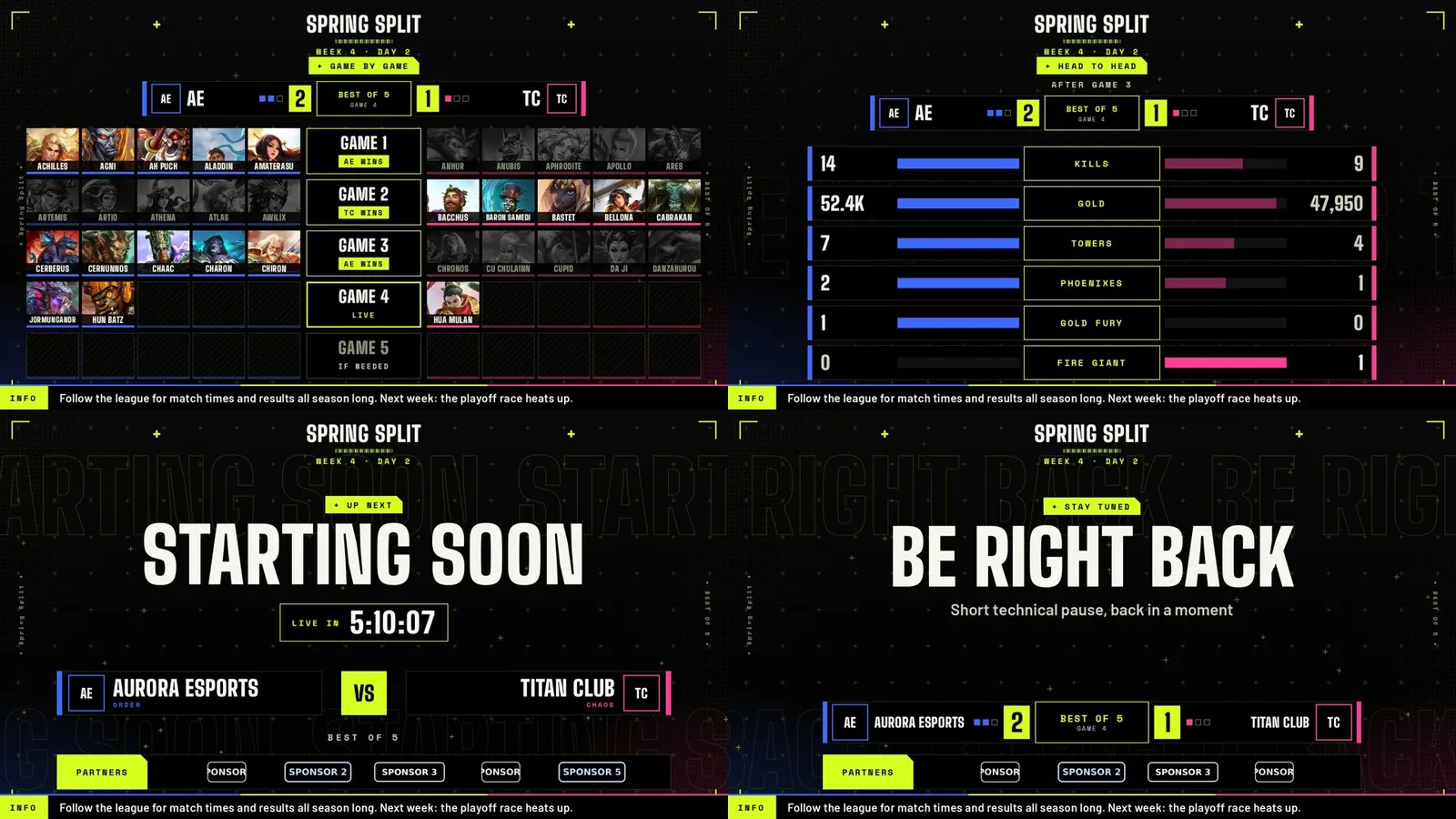
Runner
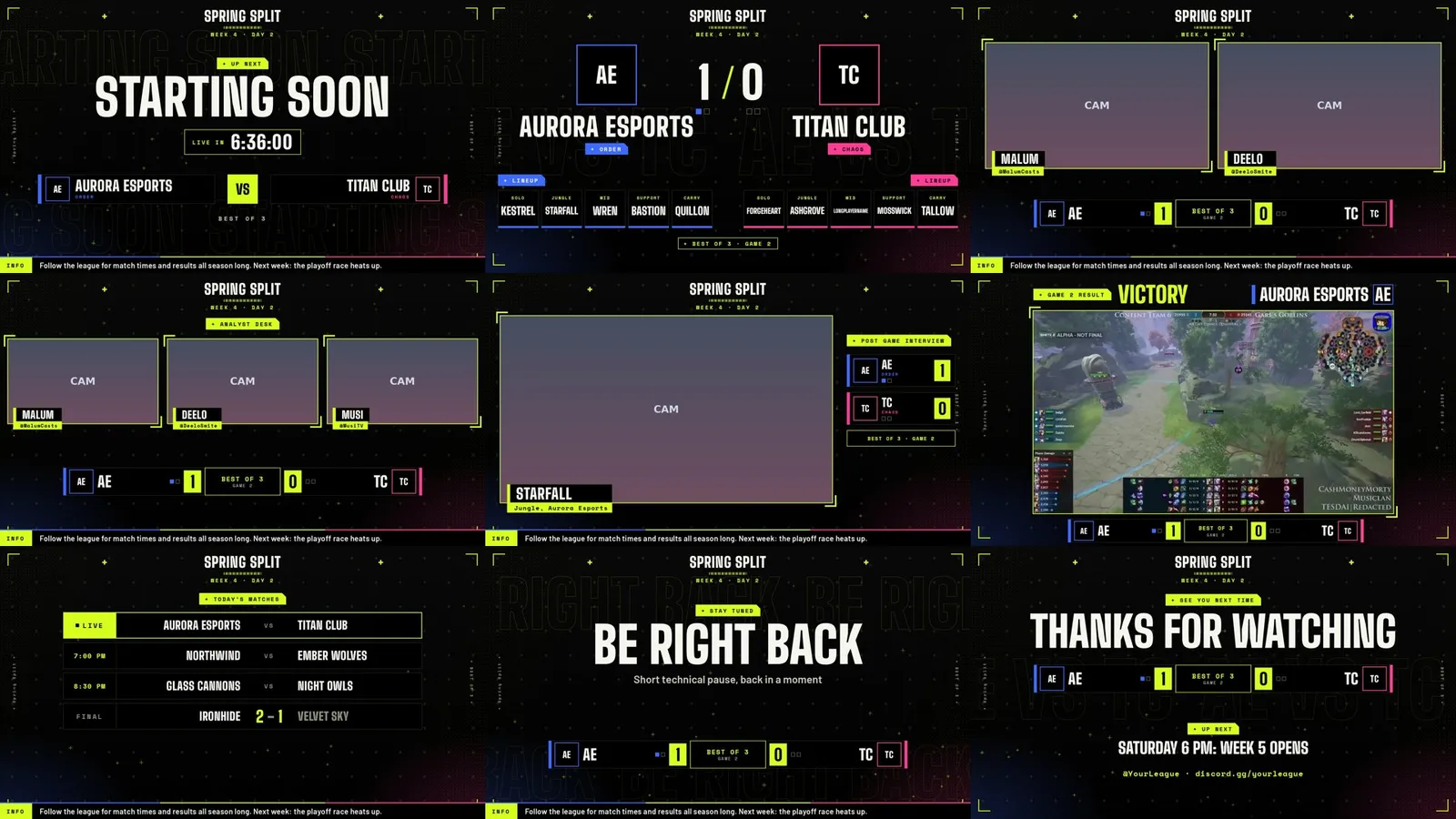
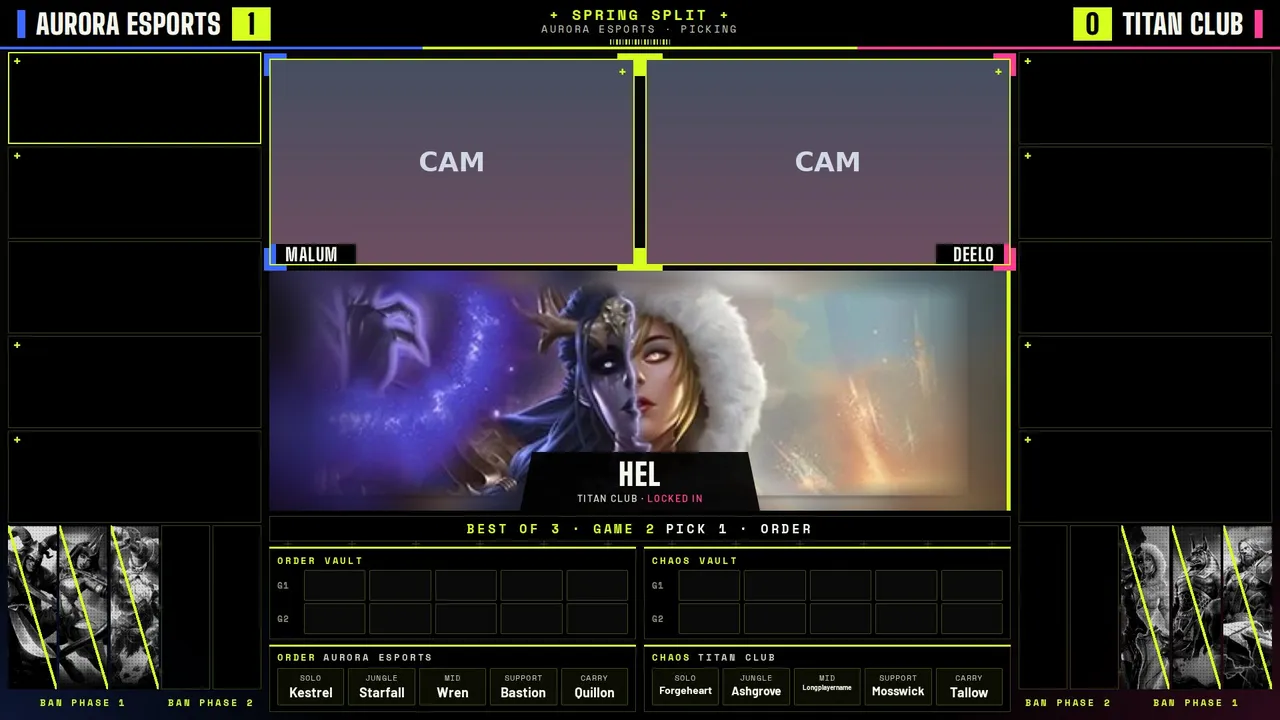
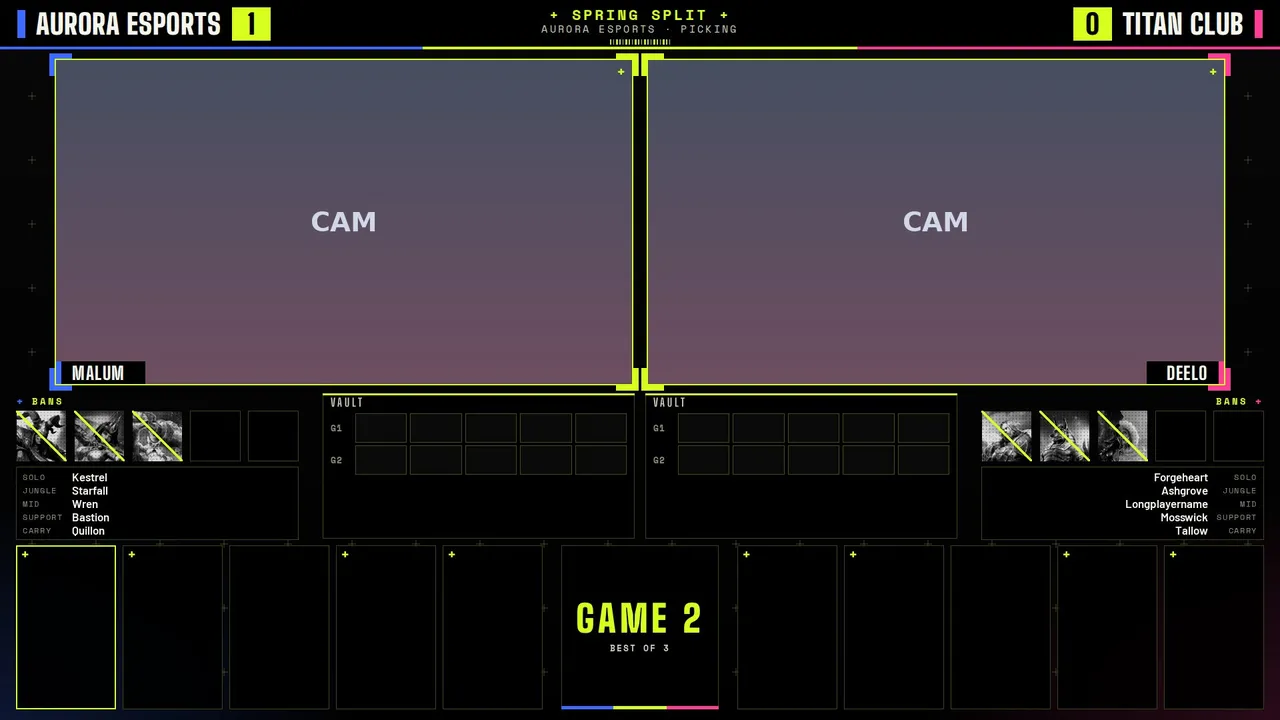
Black, sharp lime, blue Order and pink Chaos. Plus marks, halftone and barcodes.
Every screen in the package, playing with sample teams. Drag the bar to jump to any screen.
What is inside
- Screens: Starting Soon, Intro Video, Caster Desk, Match Up, Head to Head, Draft (SPL layout), Draft (Malum layout), Draft Recap, In Game, Post Game, Post Game Stats, Victory, Interview, Be Right Back, Series Tracker, Bracket, Schedule, Thanks. The dock and OBS list them in this broadcast order.
- Dock: team names and logos, swap sides, series score, caster handles, schedule, bracket, head to head, a post game stats reader that fills the board from two lobby screenshots, sponsors, and the full pick and ban draft. Pick which draft layout to show and it switches the scene for you.
- In Game is built to sit around the SMITE 2 spectator HUD.
- Extras: a sponsor strip on Starting Soon and Be Right Back, and a one click Next match straight from the bracket.
White Glow
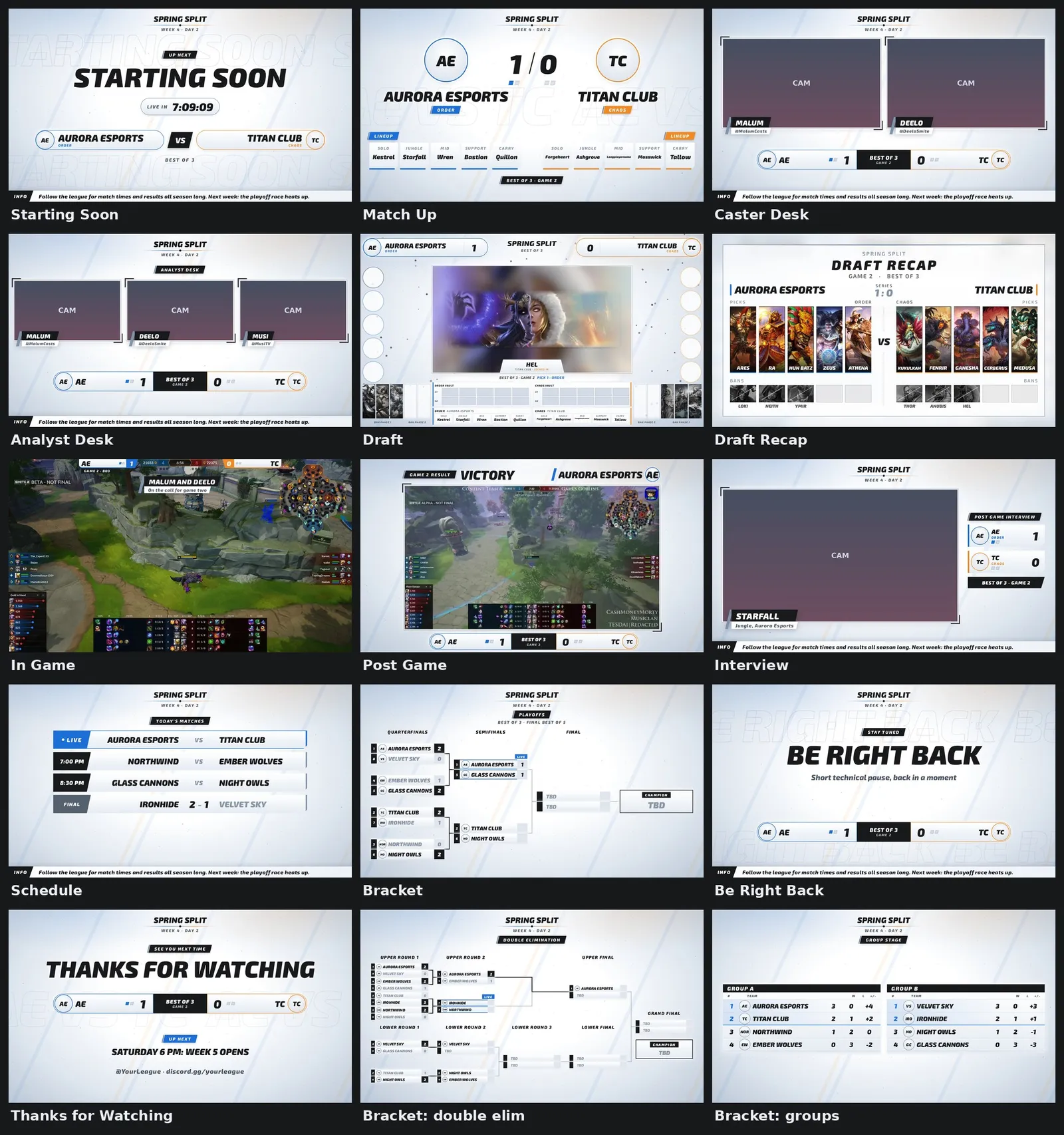
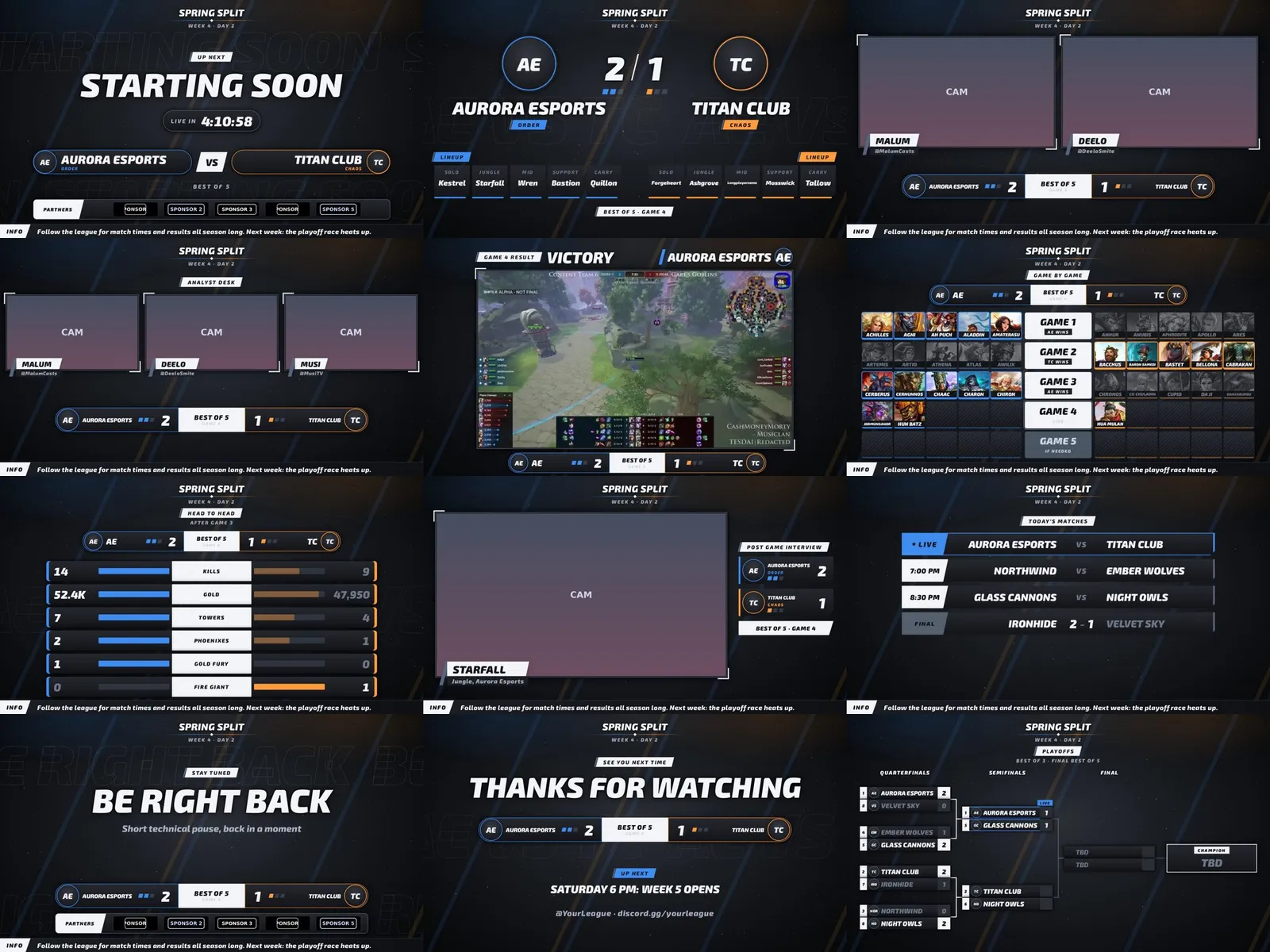
Clean white look with big league broadcast touches: skewed label tabs, win pips, team tags and giant outlined lettering.
Every screen in the light version, then the black version, with sample teams. Drag the bar to jump to any screen.
What is inside
- Screens: Starting Soon, Intro Video, Caster Desk, Match Up, Head to Head, Draft, Draft Recap, In Game, Post Game, Post Game Stats, Victory, Interview, Be Right Back, Series Tracker, Bracket, Schedule, Thanks. The dock and OBS list them in this broadcast order.
- Light and black versions: one switch in the dock flips every screen, the draft, the recap card and the stinger to black.
- Dock: team names and logos, swap sides, series score, caster handles, schedule, bracket, head to head, a post game stats reader that fills the board from two lobby screenshots, sponsors, and the full pick and ban draft.
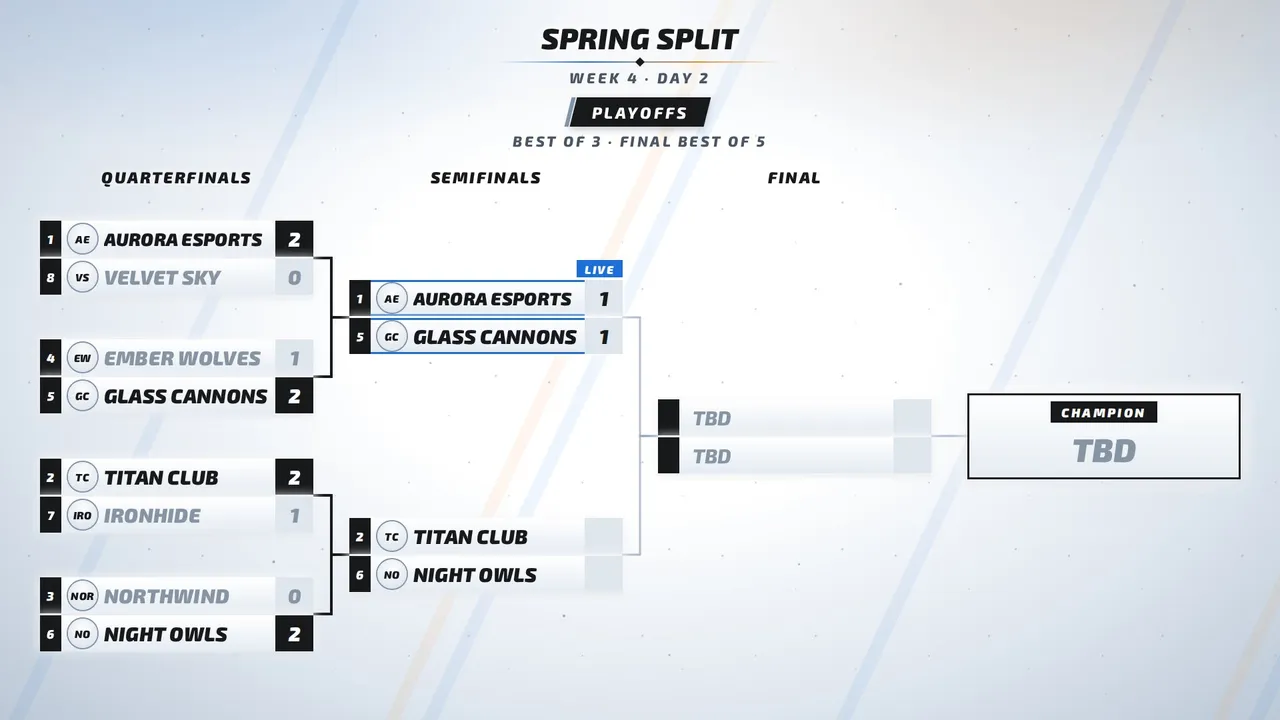
- Bracket supports single and double elimination, round robin and Swiss, with a one click Next match.
- Extras: a sponsor strip on Starting Soon and Be Right Back.
Wii Style
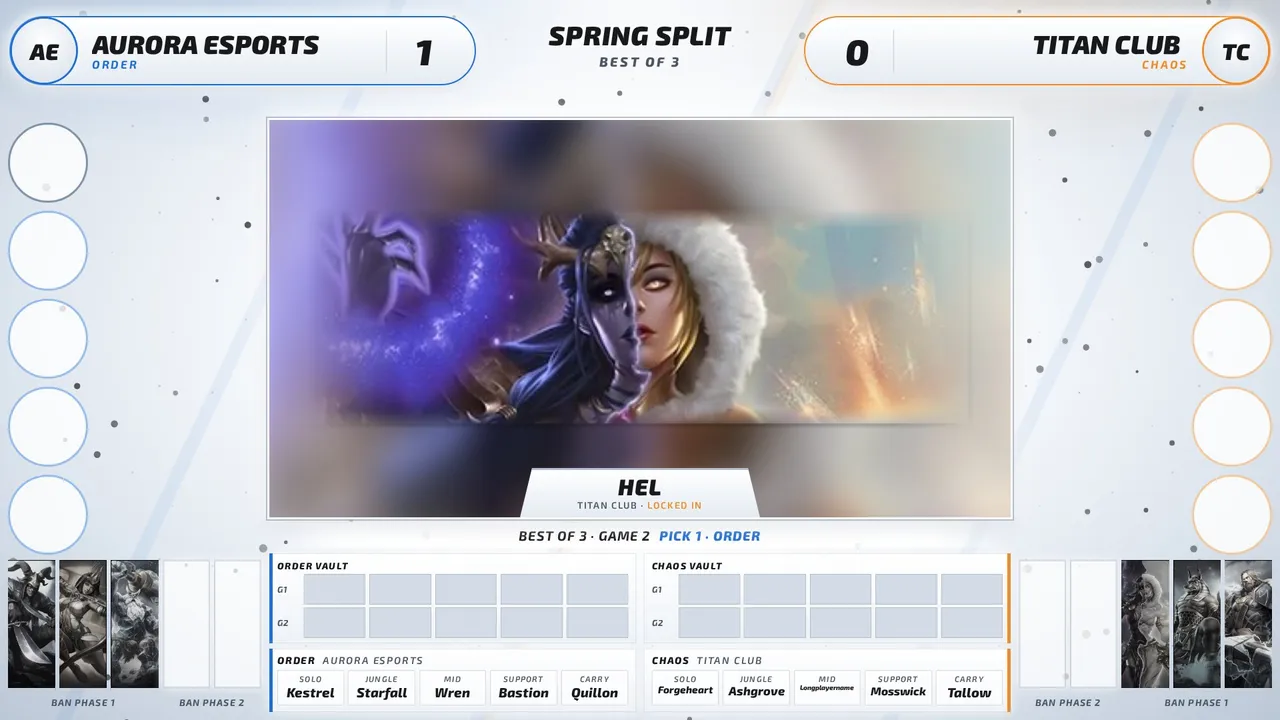
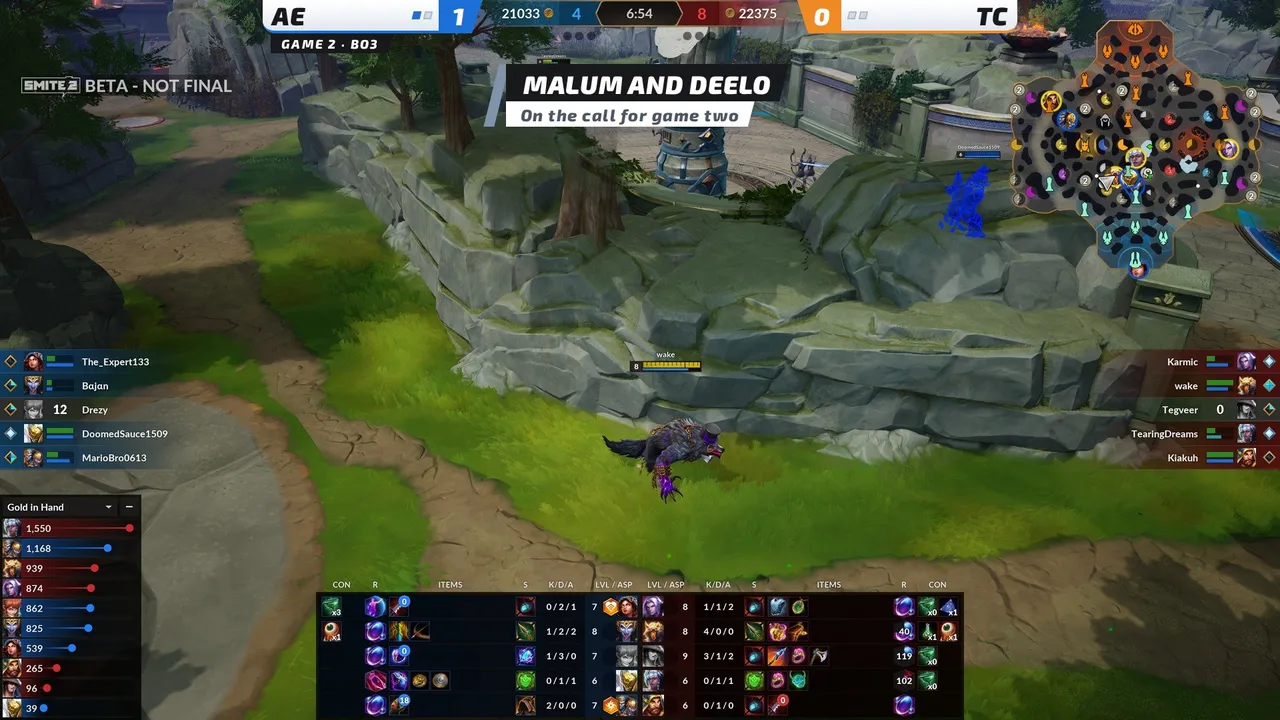
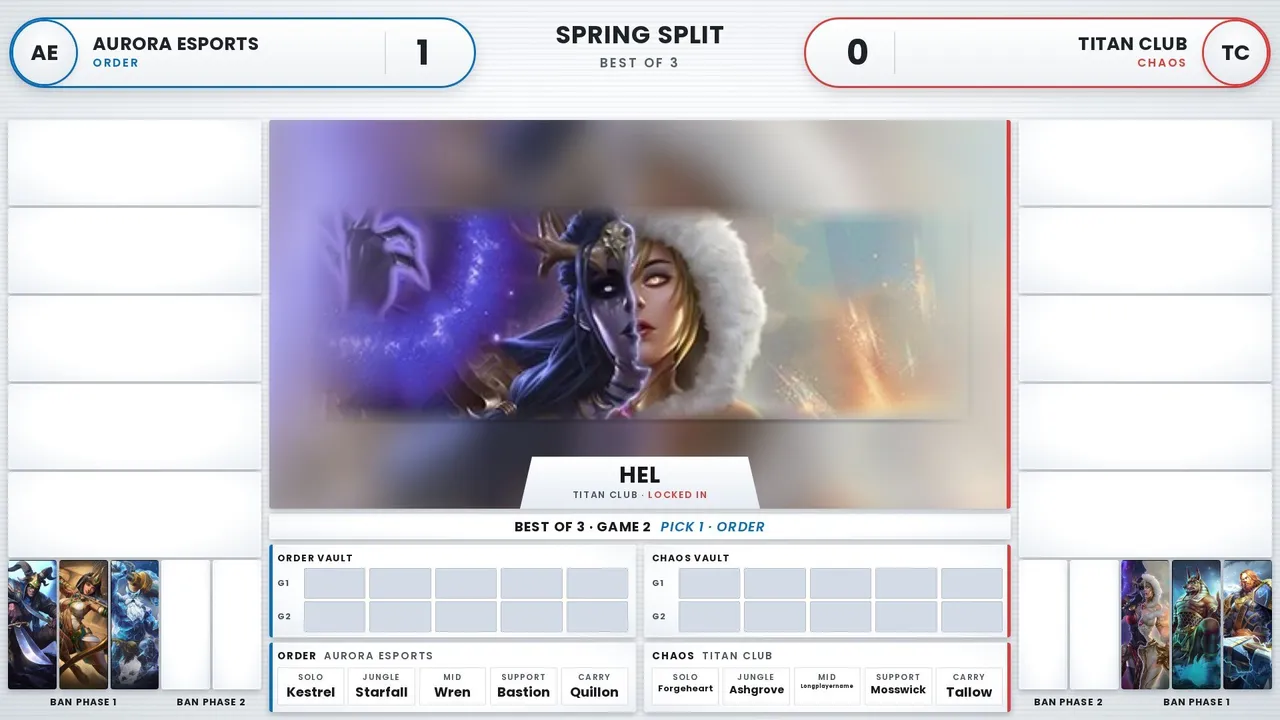
Clean white menu tiles with soft gray rims, rounded buttons and upright Poppins type. Blue Order on the left, red Chaos on the right.
Every screen in the light version, then the black version, with sample teams. Drag the bar to jump to any screen.
What is inside
- Screens: Starting Soon, Intro Video, Caster Desk, Match Up, Head to Head, Draft, Draft Recap, In Game, Post Game, Post Game Stats, Victory, Interview, Be Right Back, Series Tracker, Bracket, Schedule, Thanks. The dock and OBS list them in this broadcast order.
- Light and black versions: one switch in the dock flips every screen, the draft, the recap card and the stinger to black.
- Dock: team names and logos, swap sides, series score, caster handles, schedule, bracket, head to head, a post game stats reader that fills the board from two lobby screenshots, sponsors, and the full pick and ban draft.
- In Game is built to sit around the SMITE 2 spectator HUD.
- Extras: a sponsor strip on Starting Soon and Be Right Back, and a one click Next match straight from the bracket.
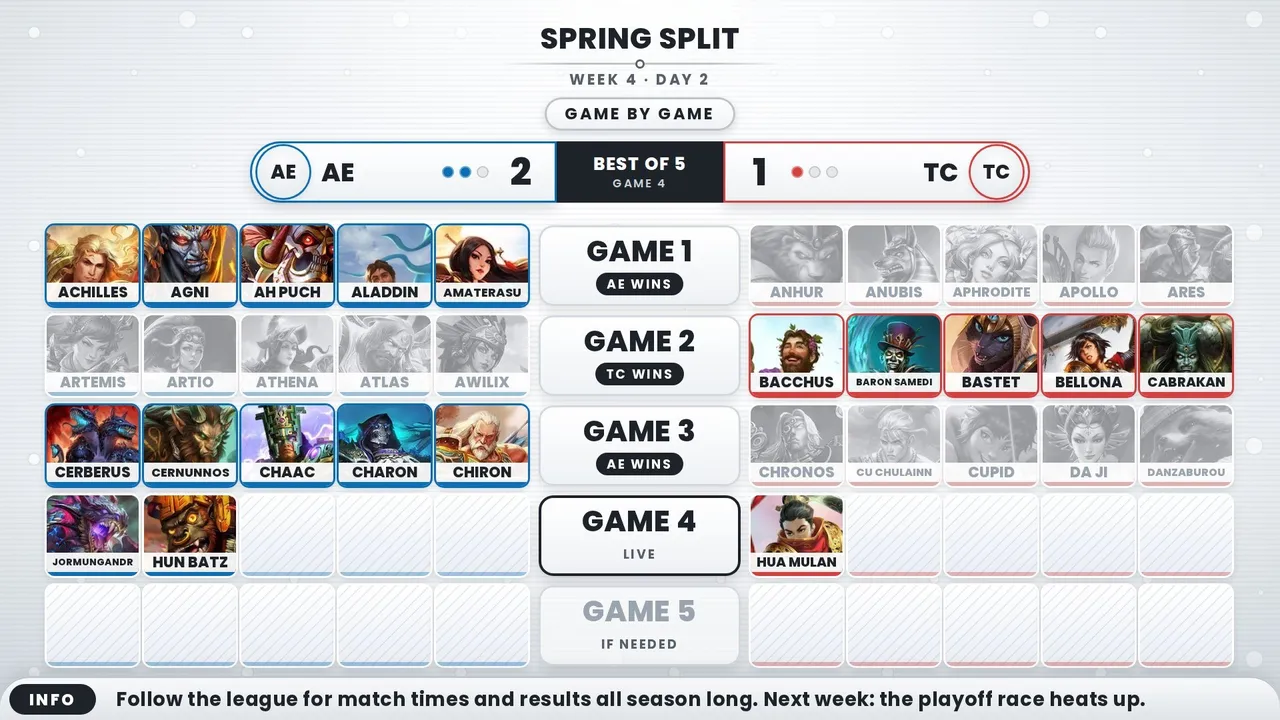
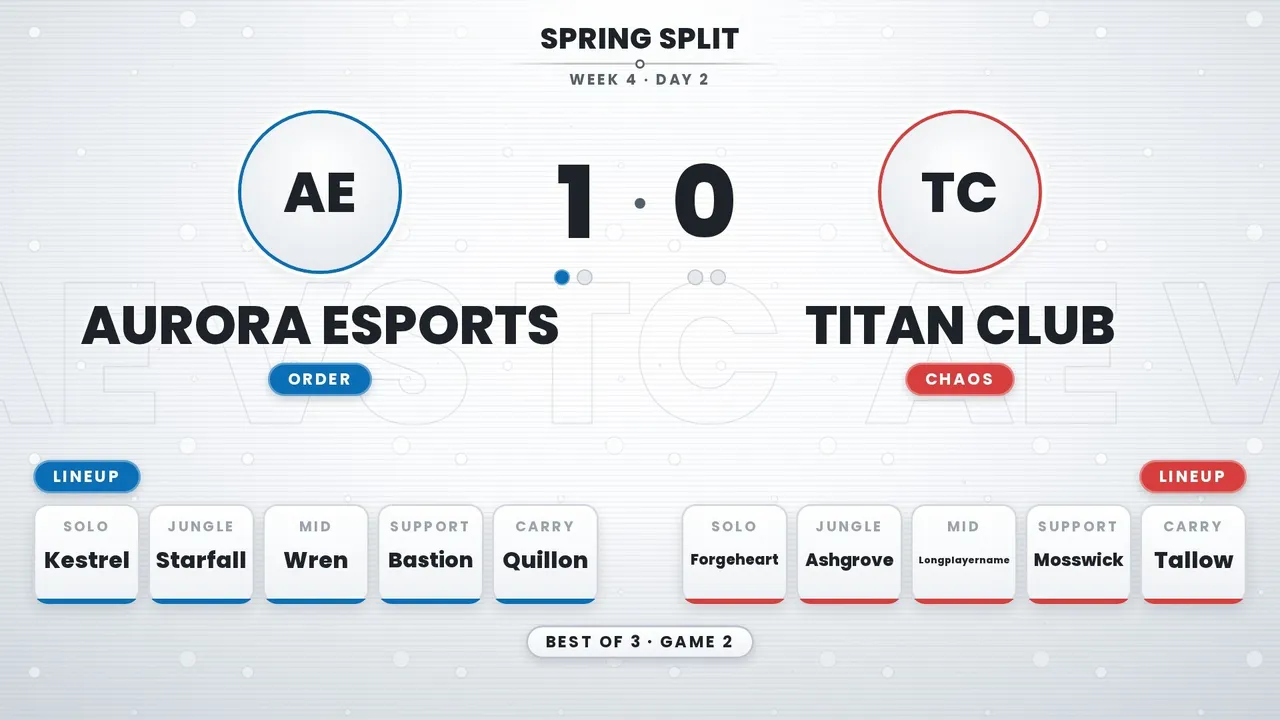
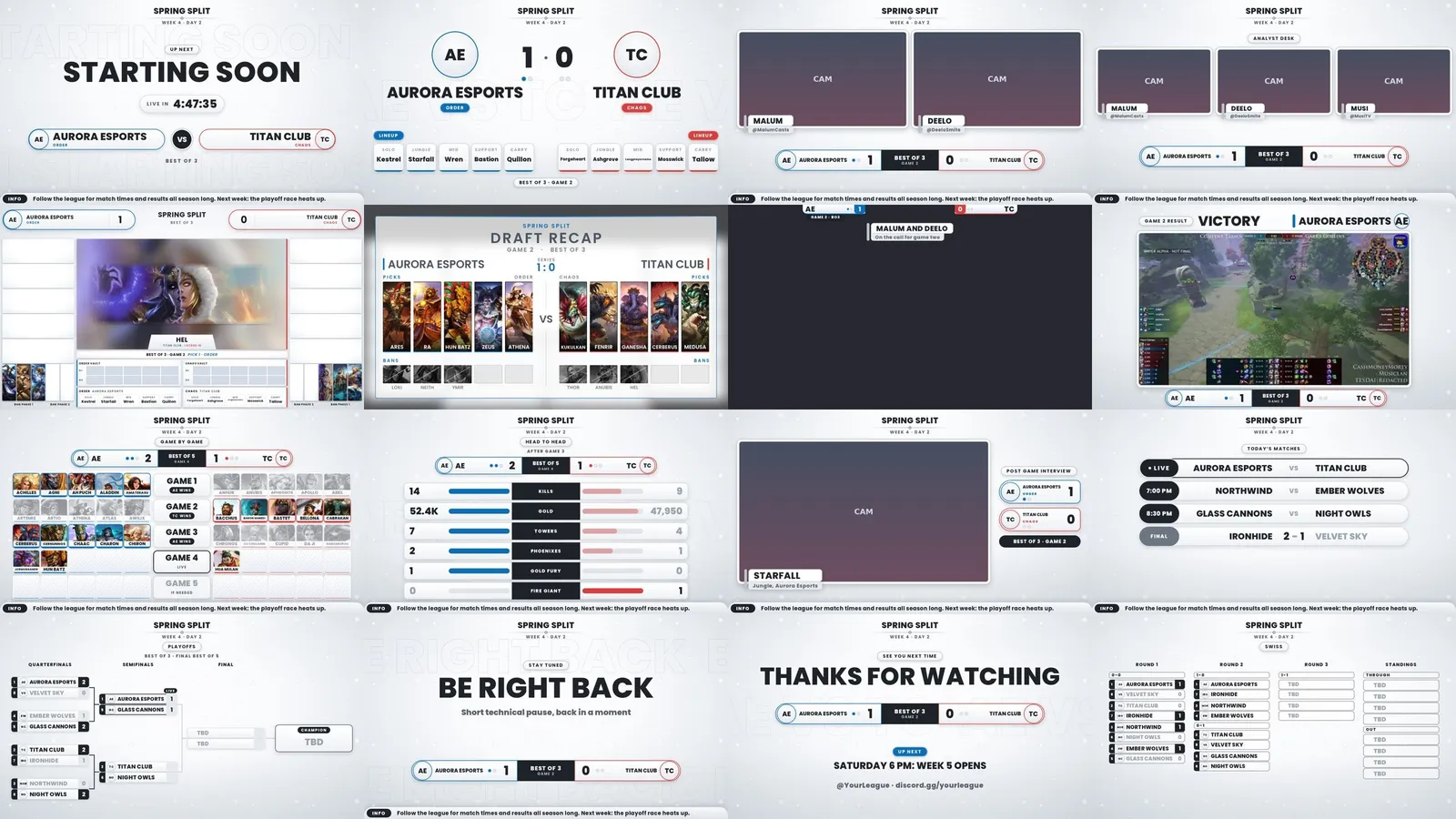
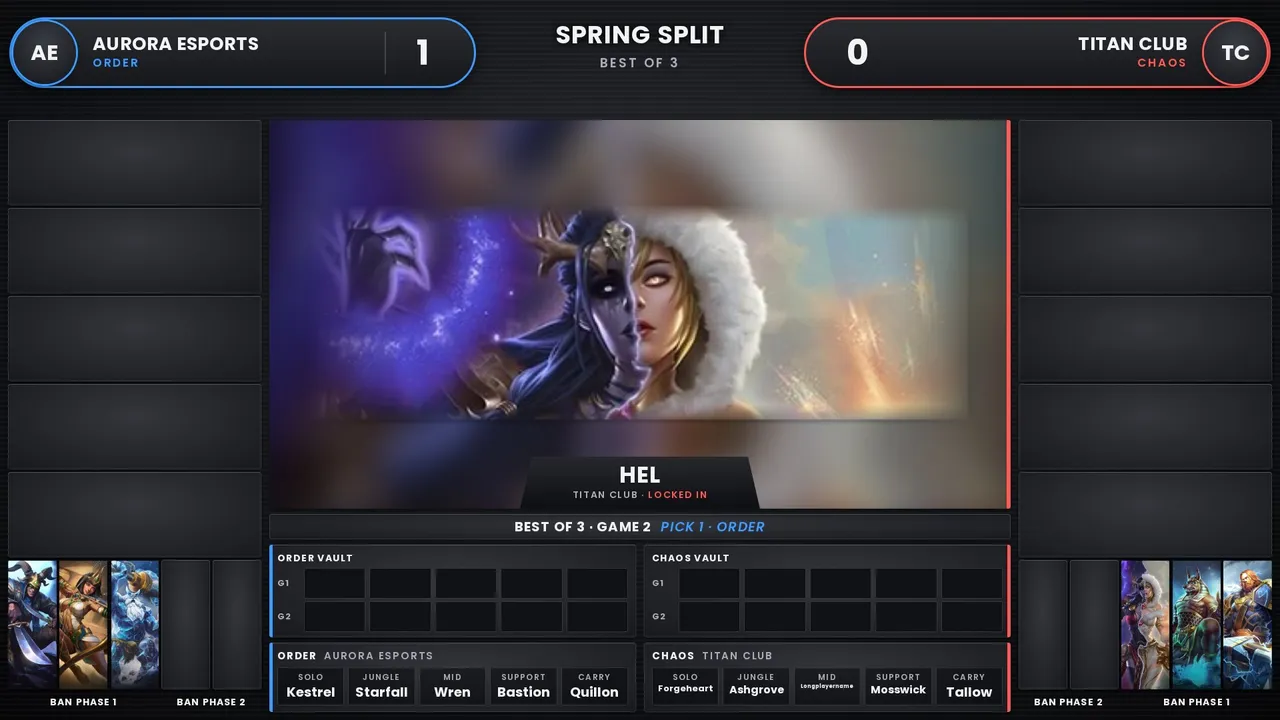
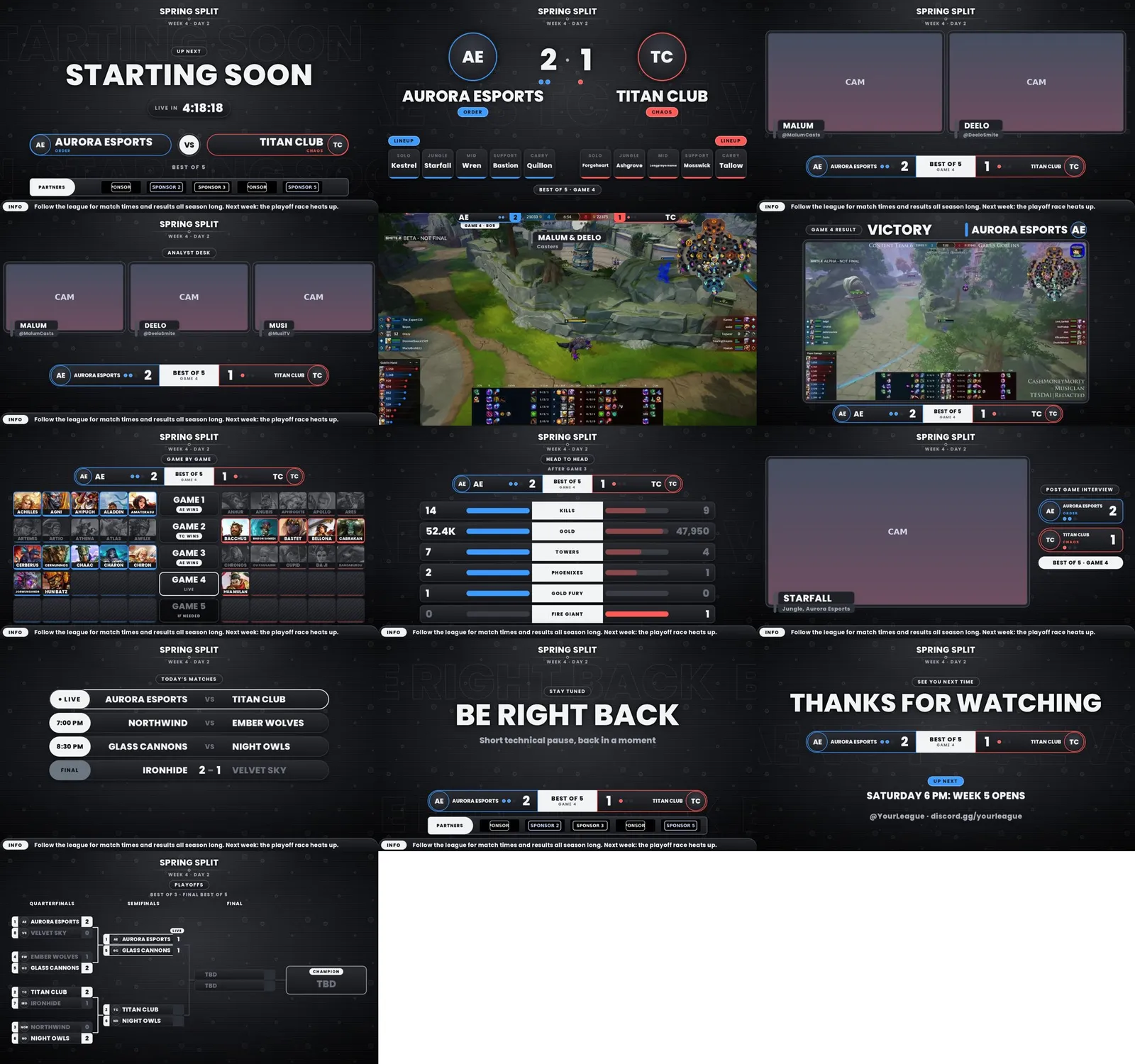
Fan Favorite Experimental
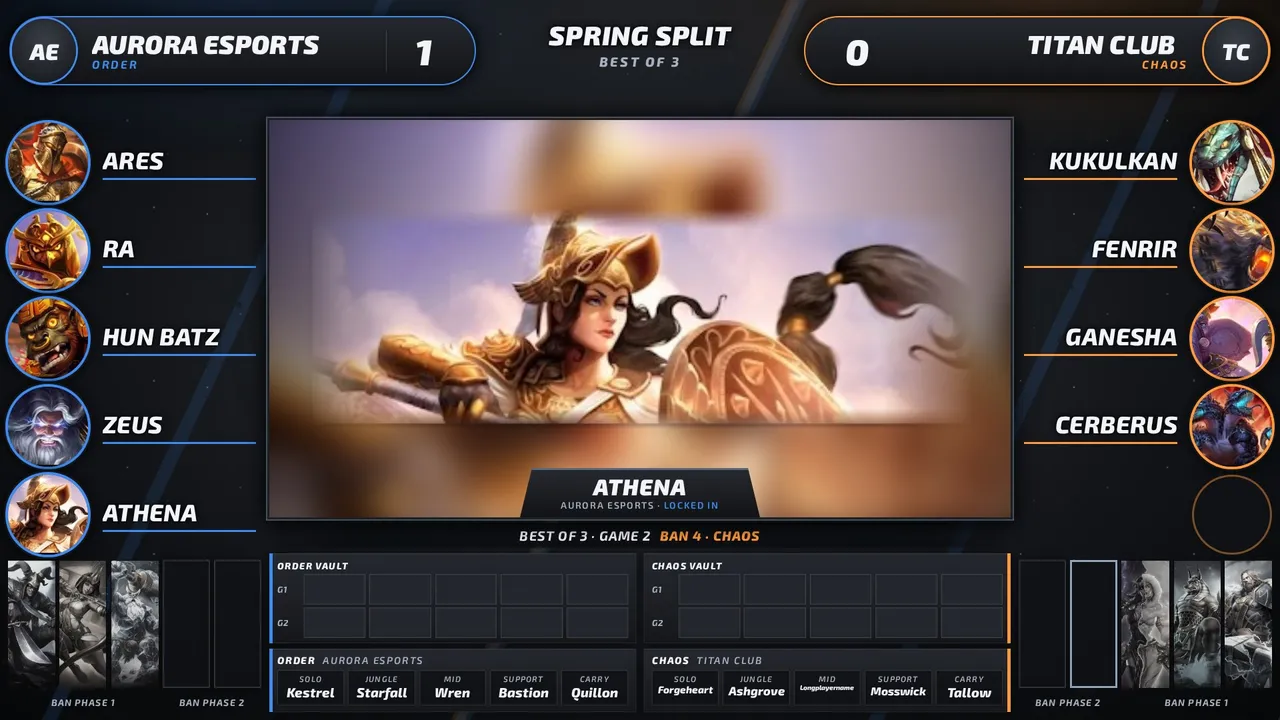
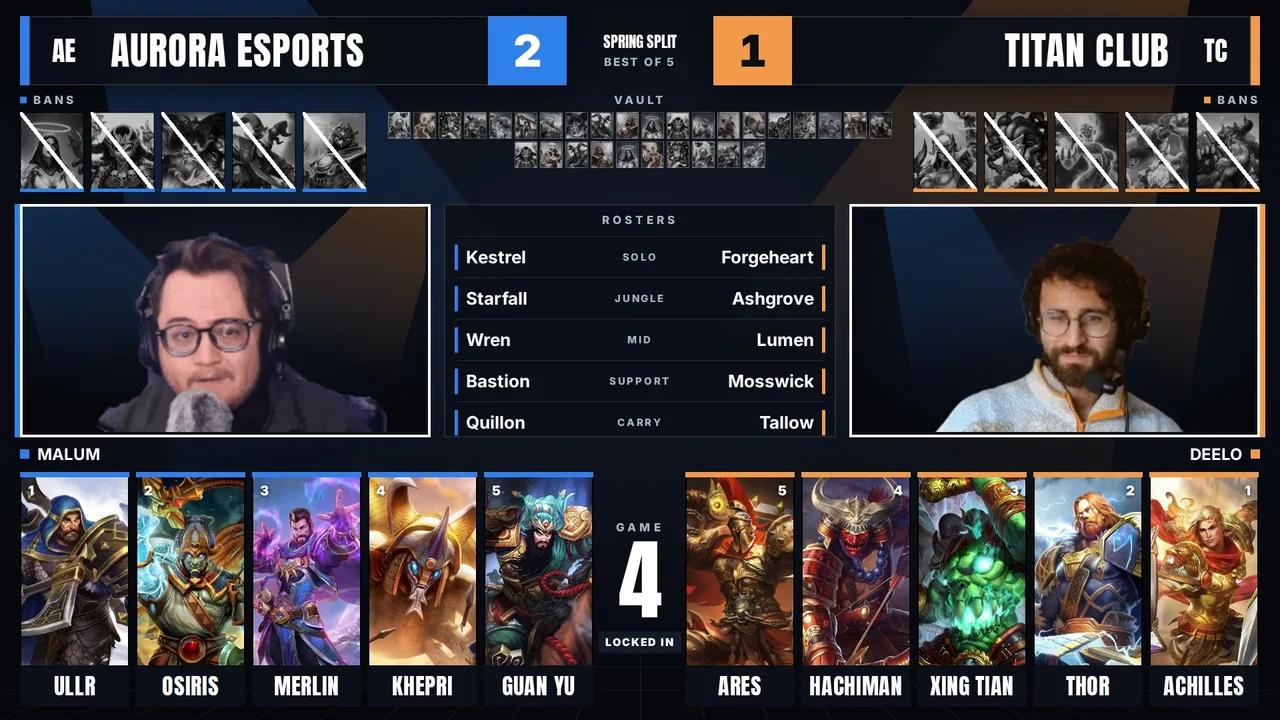
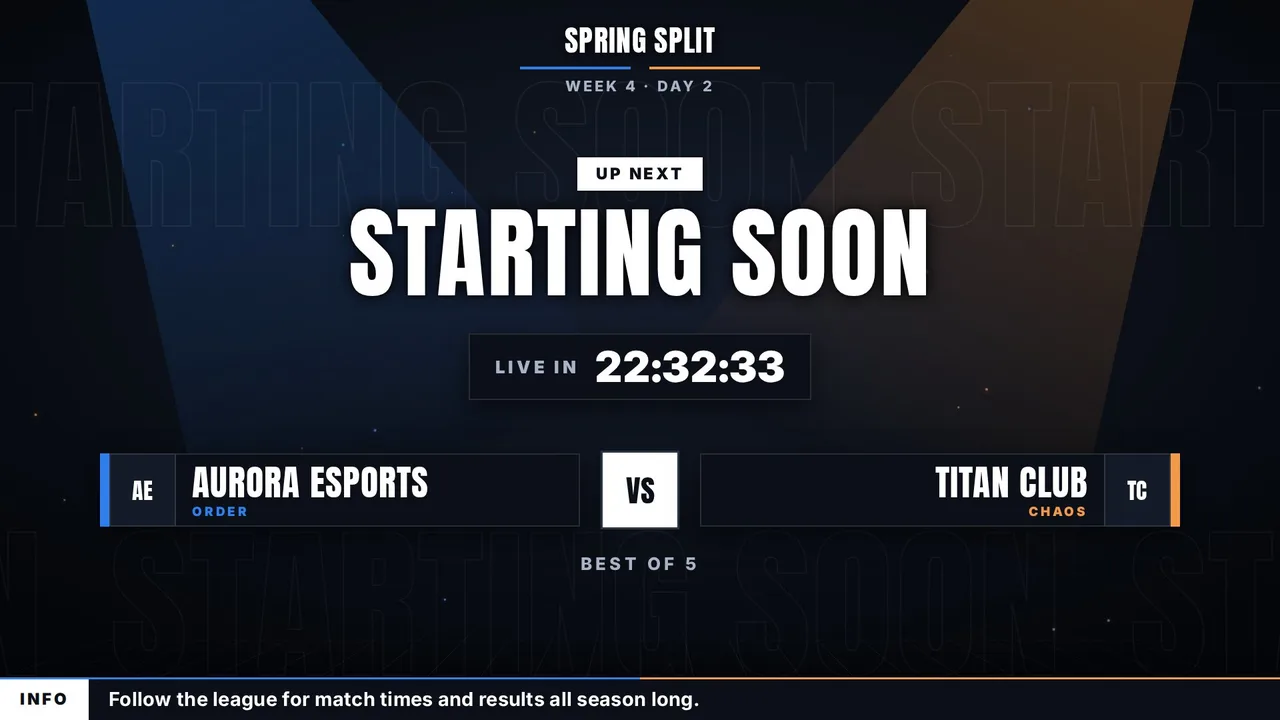
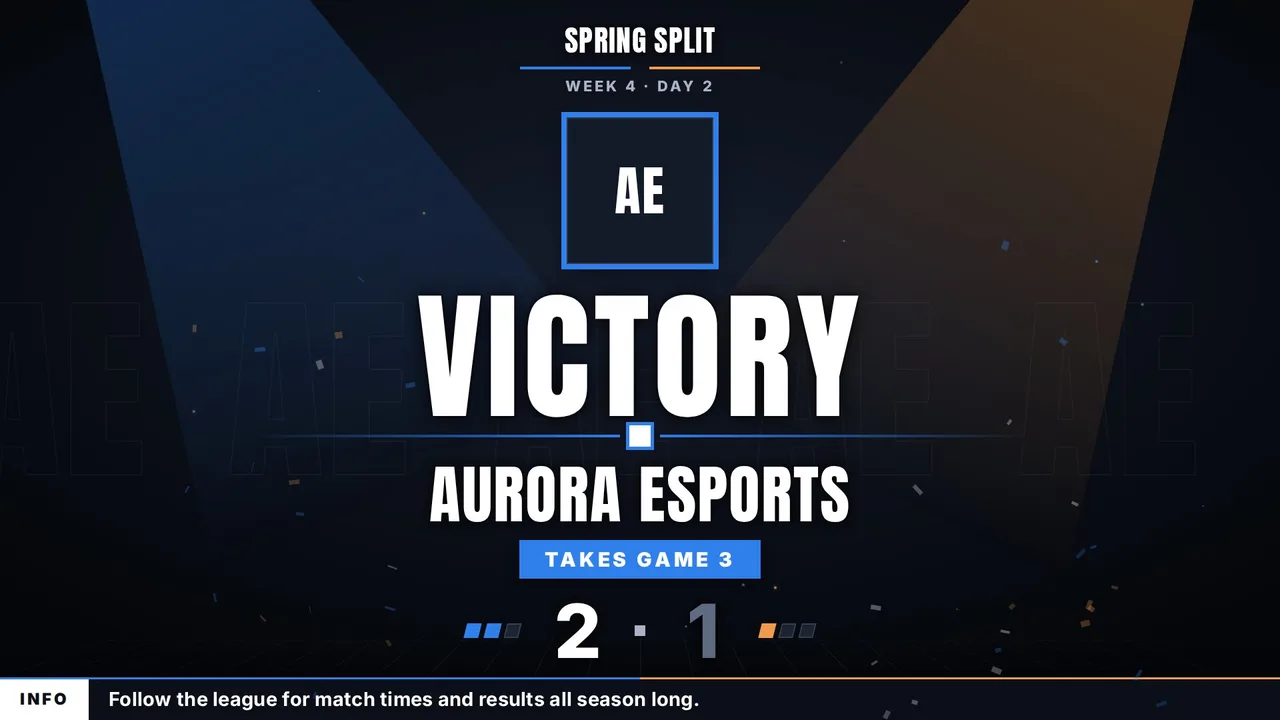
Built from what fans praise most in esports broadcasts: one fixed color per team, white type on solid dark panels, big god art, big bans and movement only when something changes. Blue Order on the left, orange Chaos on the right, easy to tell apart for colorblind viewers.
Every screen with sample teams. Drag the bar to jump to any screen.
What is inside
- Screens: Starting Soon, Intro Video, Caster Desk, Match Up, Head to Head, Draft, Draft Recap, In Game, Post Game, Post Game Stats, Victory, Interview, Be Right Back, Series Tracker, Bracket, Schedule, Thanks. The dock and OBS list them in this broadcast order.
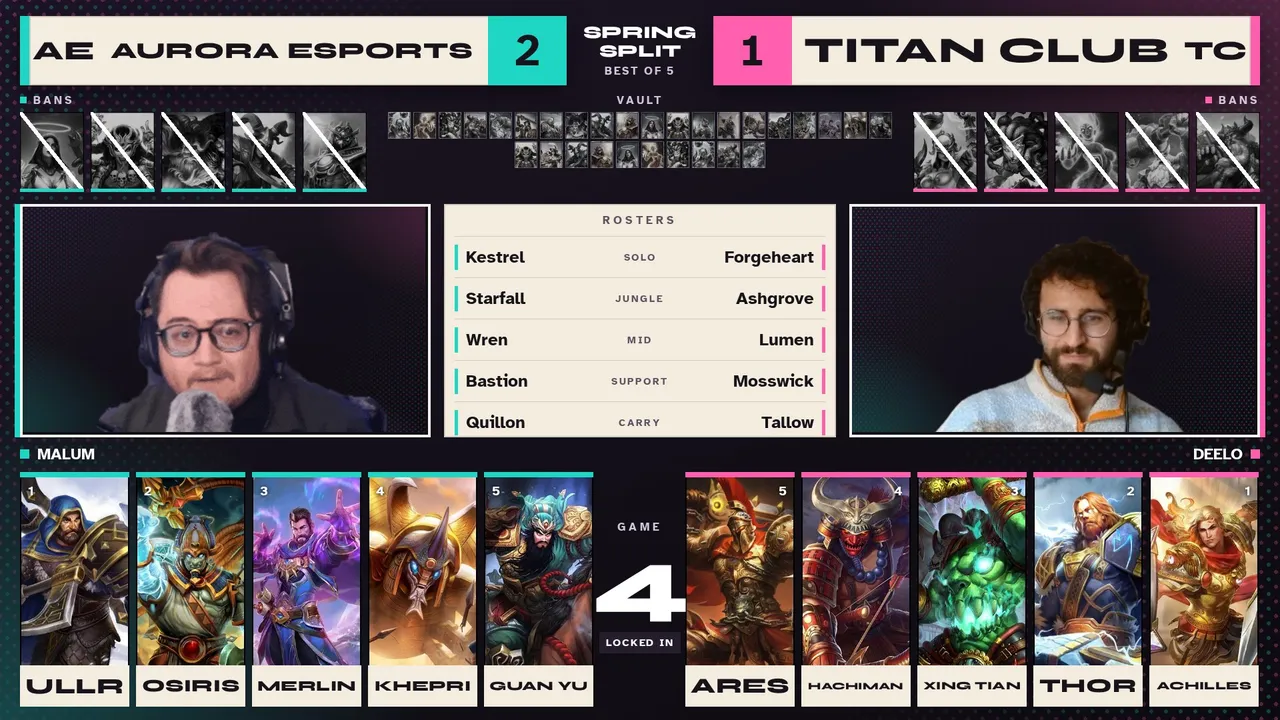
- Draft: the Fan Favorite layout. Bans sit big right under each team, the slot being picked lifts and lights up in its team color, and a lock in flashes once.
- Music: an upbeat loop for Starting Soon and Thanks, a calm one for Be Right Back and a fanfare for Victory, all made for this package. Free to use on stream and in VODs, no credit needed. The dock turns it off or sets the volume.
- Victory throws confetti in both team colors. The stinger slams two dark slabs together with a whoosh.
- Dock: team names and logos, swap sides, series score, caster handles, schedule, bracket, head to head, a post game stats reader that fills the board from two lobby screenshots, sponsors, and the full pick and ban draft.
- In Game is built to sit around the SMITE 2 spectator HUD.
Minimal Clean
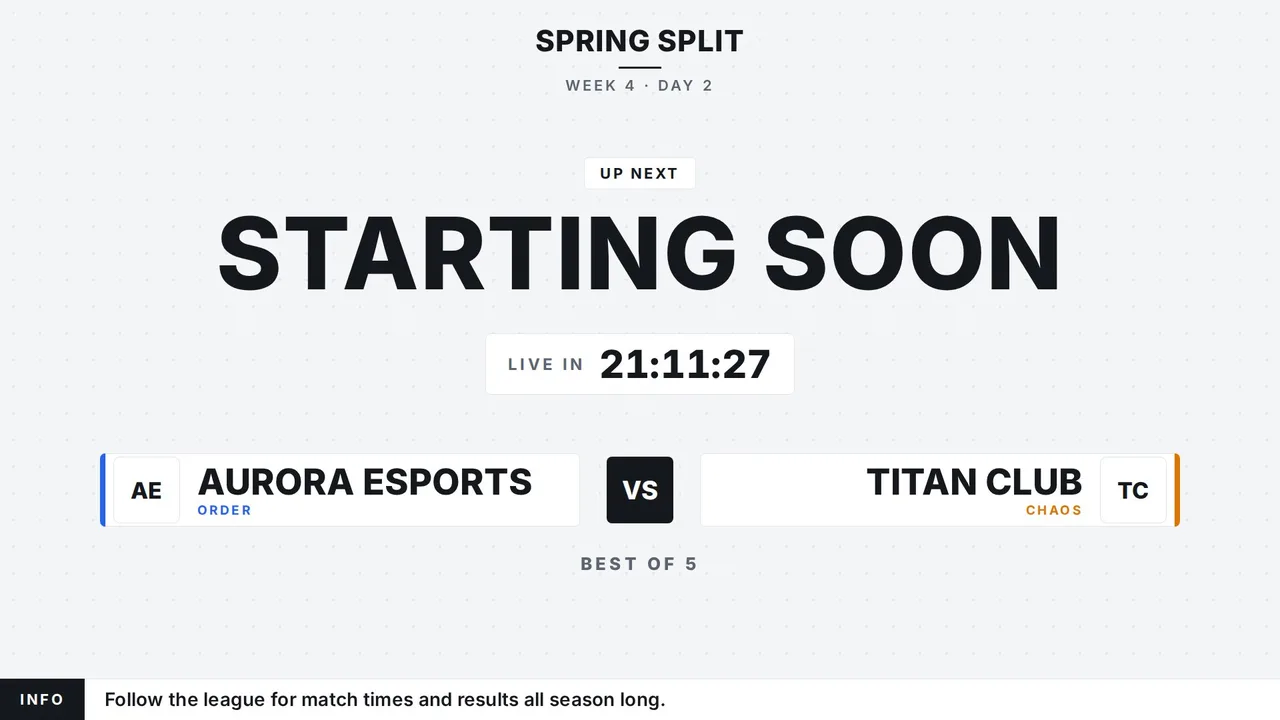
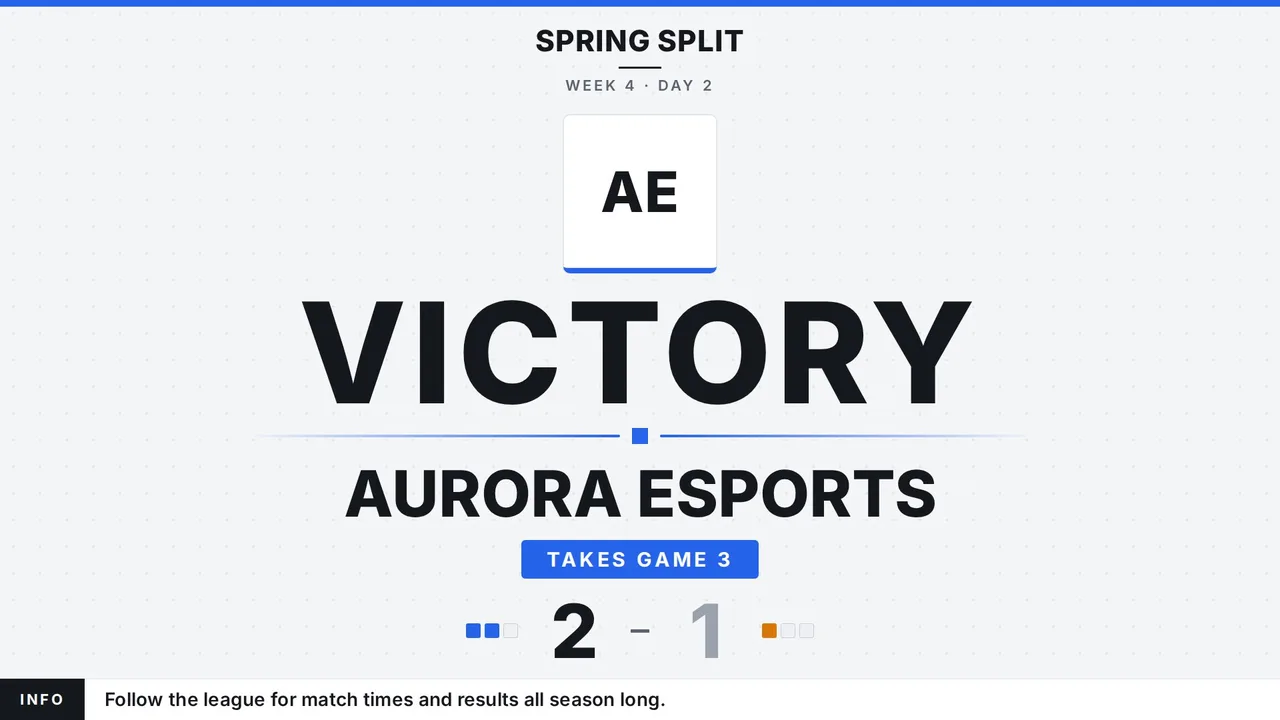
A flat, quiet look for small community leagues. Plain light backdrop, white cards with thin edges and big Inter type. Team color shows only as a thin bar, and you pick both colors in the dock, so it fits any league and any logo.
Every screen in the light version, then the black version, with sample teams. Drag the bar to jump to any screen.
What is inside
- Screens: Starting Soon, Intro Video, Caster Desk, Match Up, Head to Head, Draft, Draft Recap, In Game, Post Game, Post Game Stats, Victory, Interview, Be Right Back, Series Tracker, Bracket, Schedule, Thanks. The dock and OBS list them in this broadcast order.
- Team colors: two color pickers in the dock change the bars, pips and labels on every screen and the draft. Swap sides swaps them too.
- Logos sit on plain white squares, so dark, light and busy logos all read.
- Light and black versions: one switch in the dock flips every screen, the draft, the recap card and the stinger to black.
- Dock: team names and logos, swap sides, series score, caster handles, schedule, bracket, head to head, a post game stats reader that fills the board from two lobby screenshots, sponsors, and the full pick and ban draft.
- In Game is built to sit around the SMITE 2 spectator HUD.
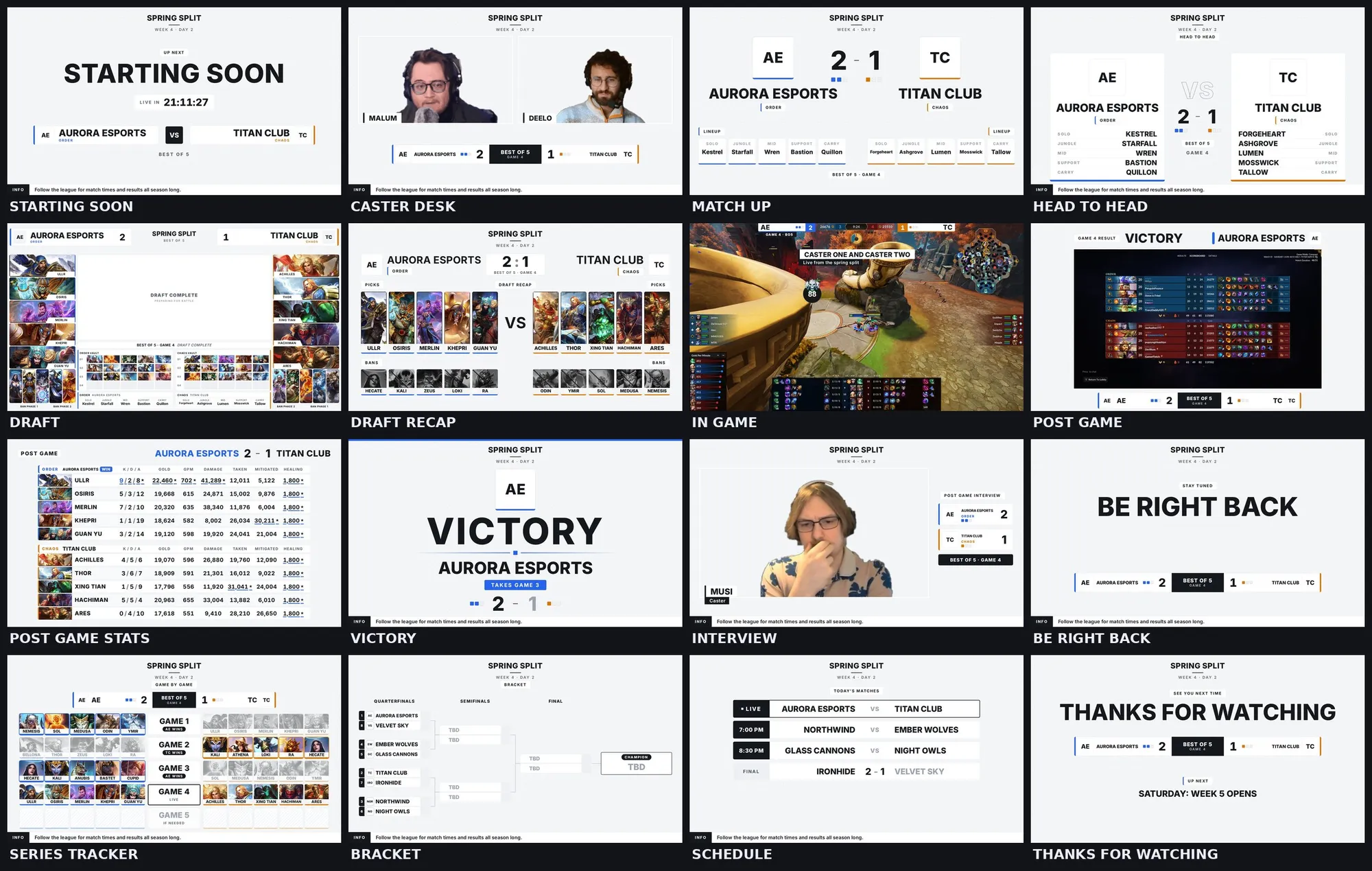
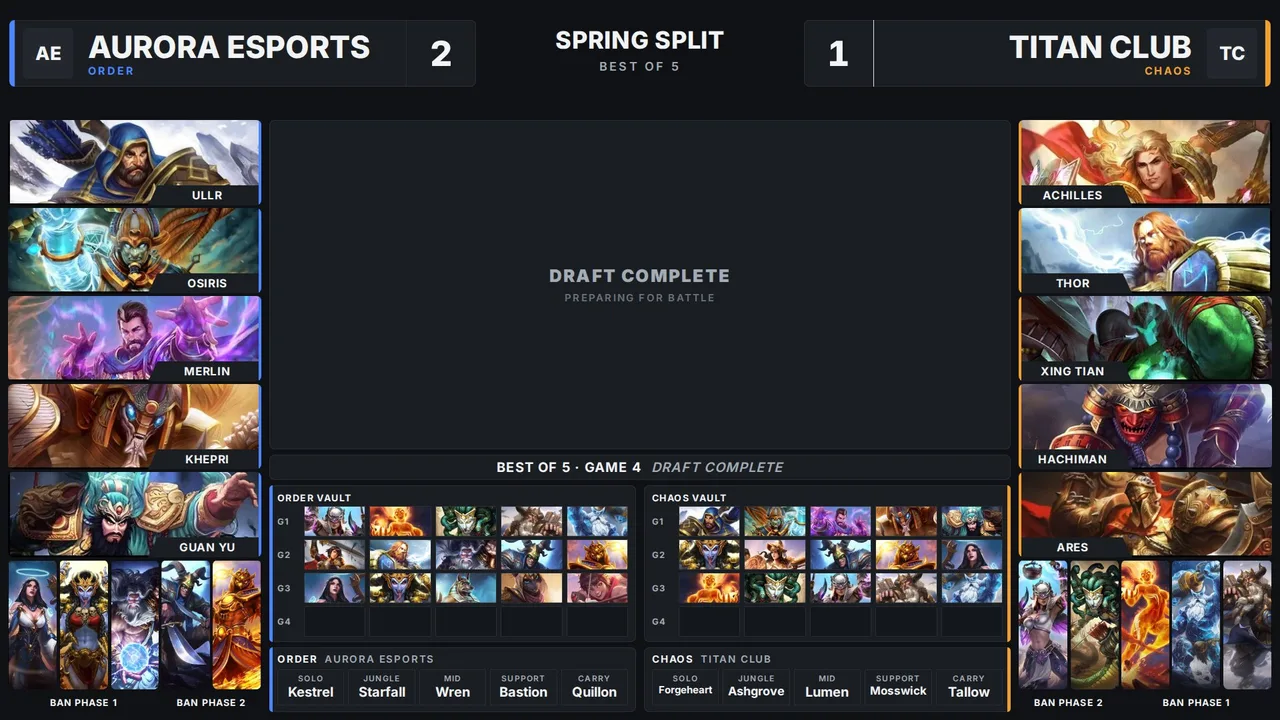
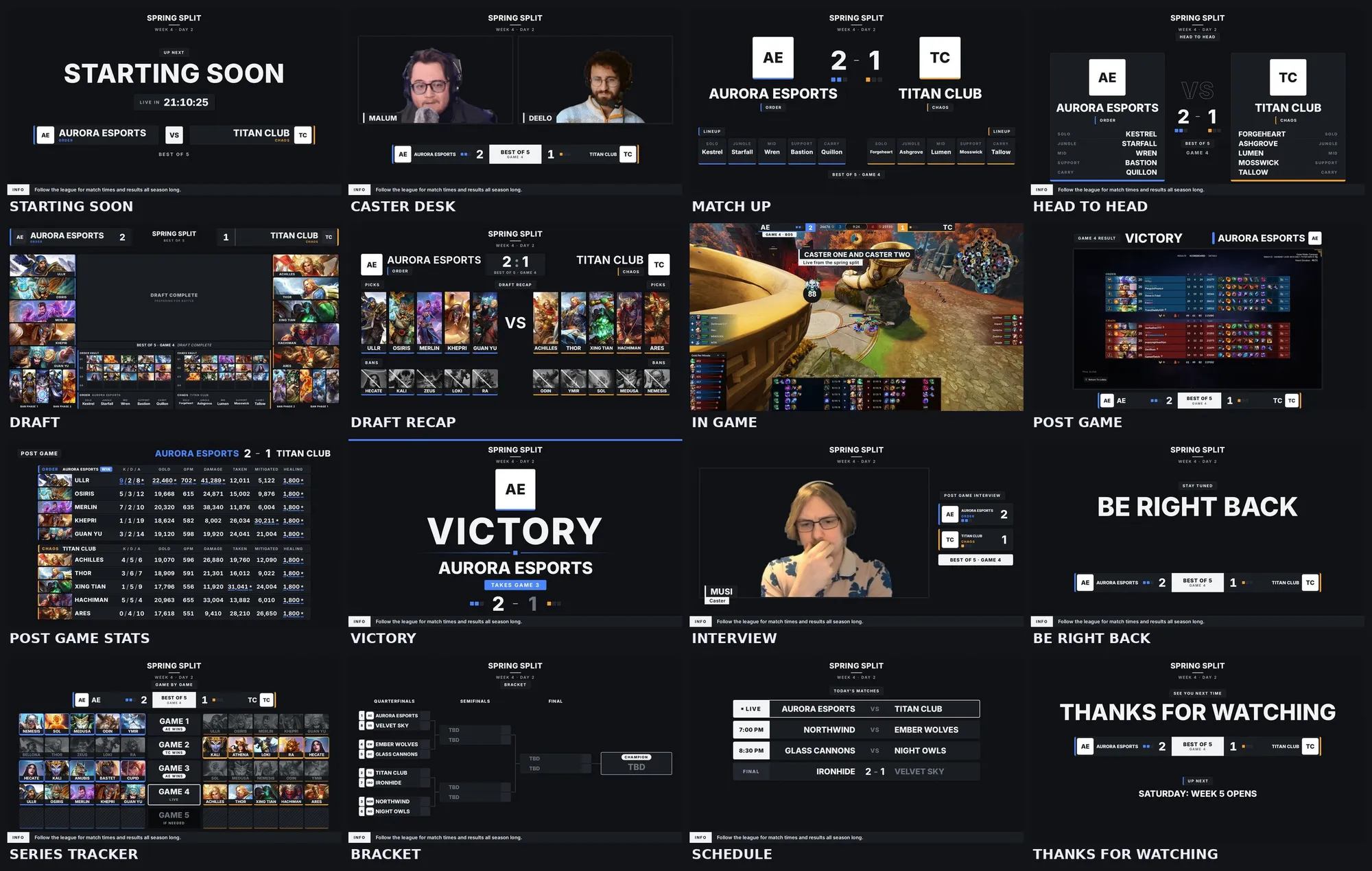
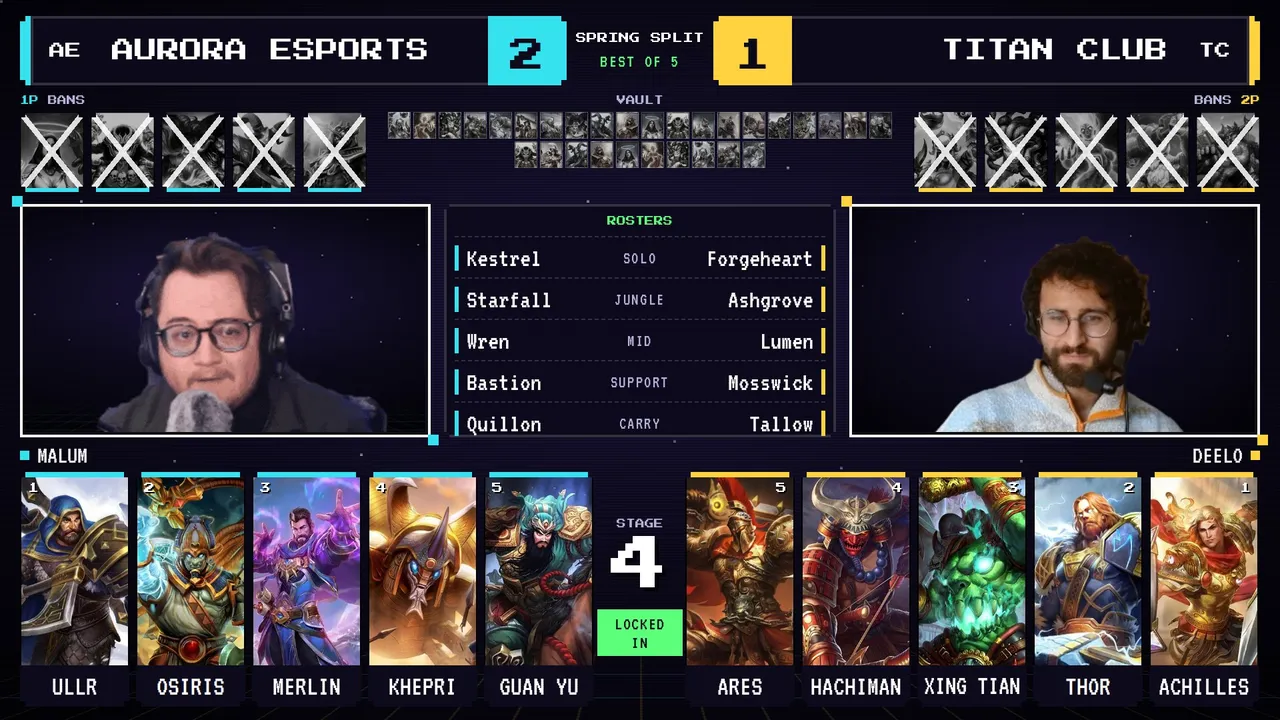
Retro Arcade Experimental
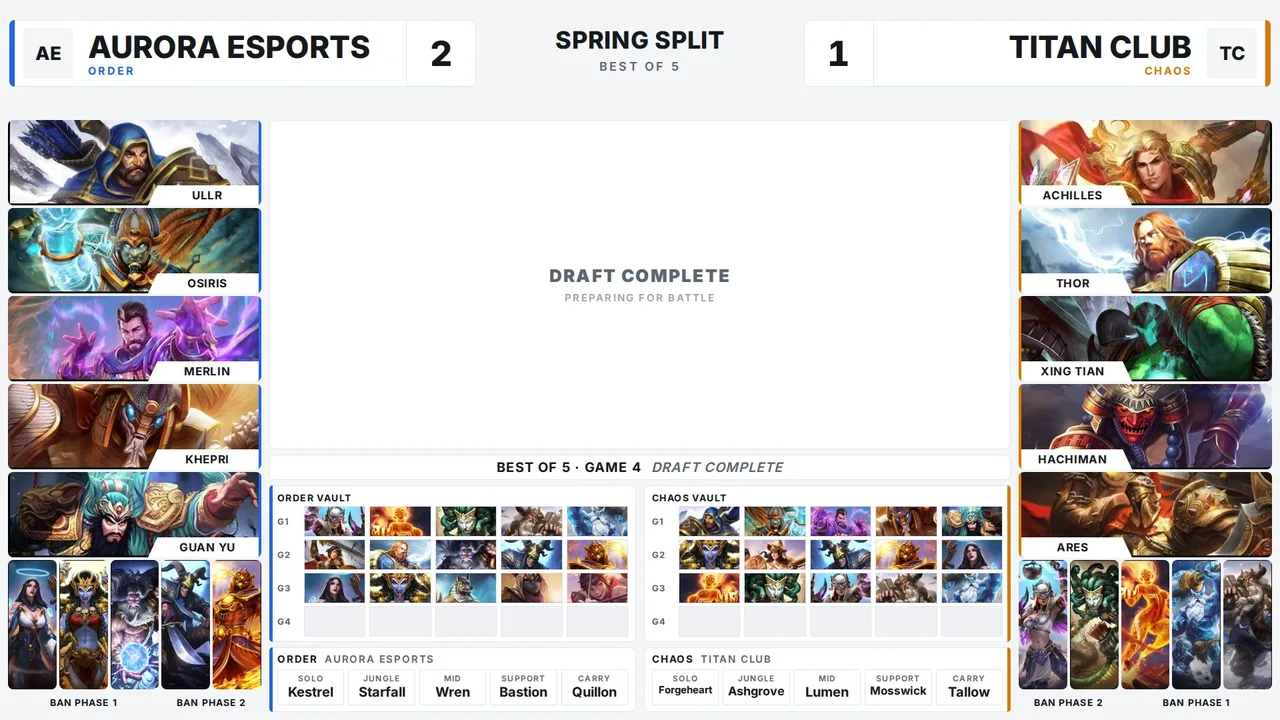
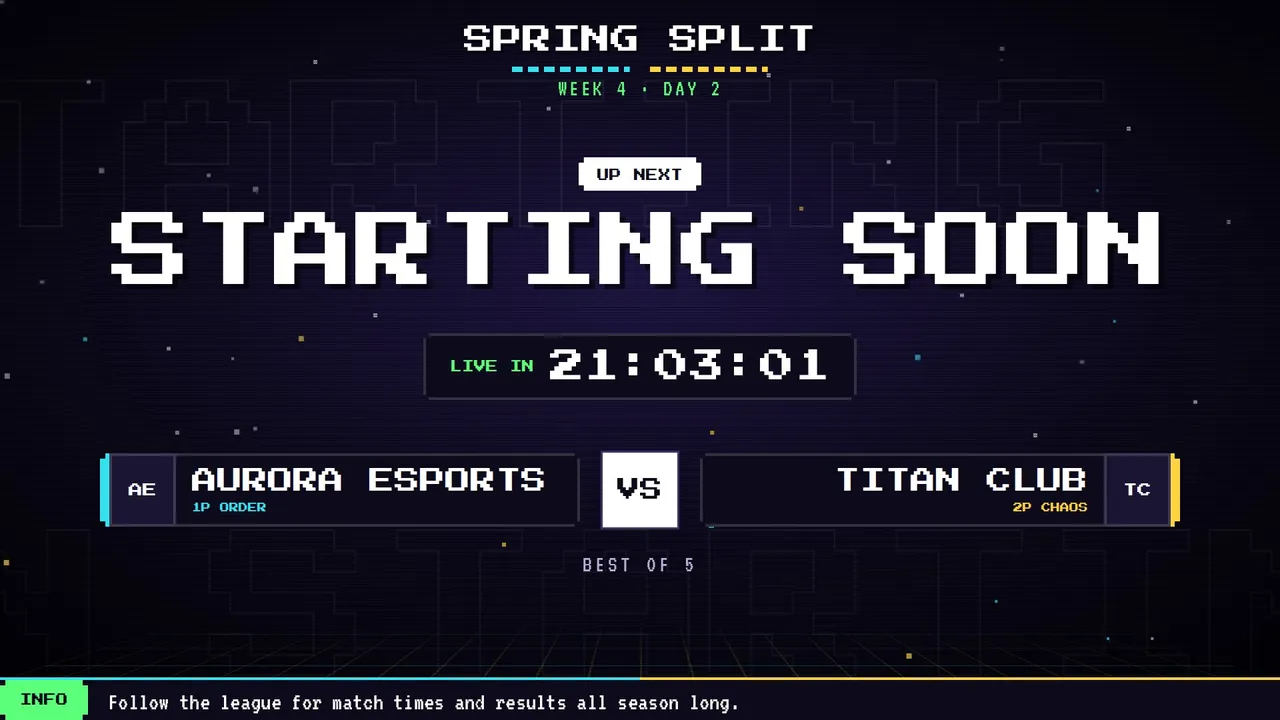
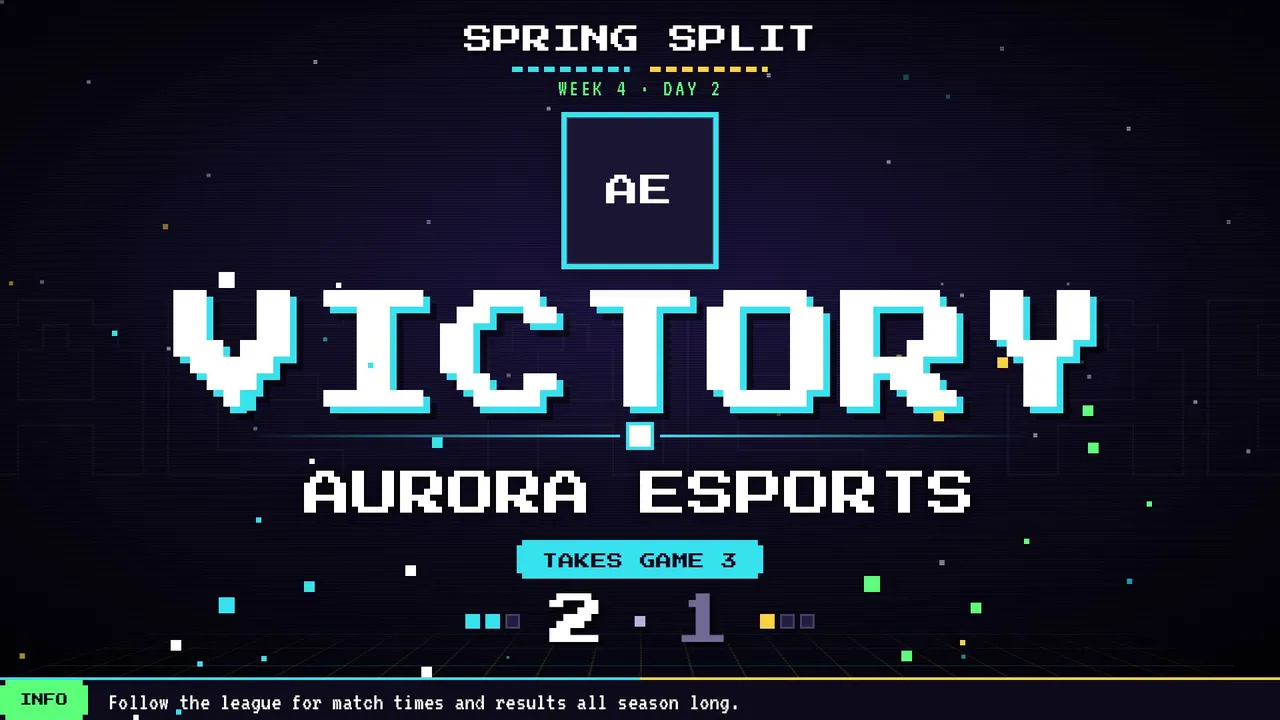
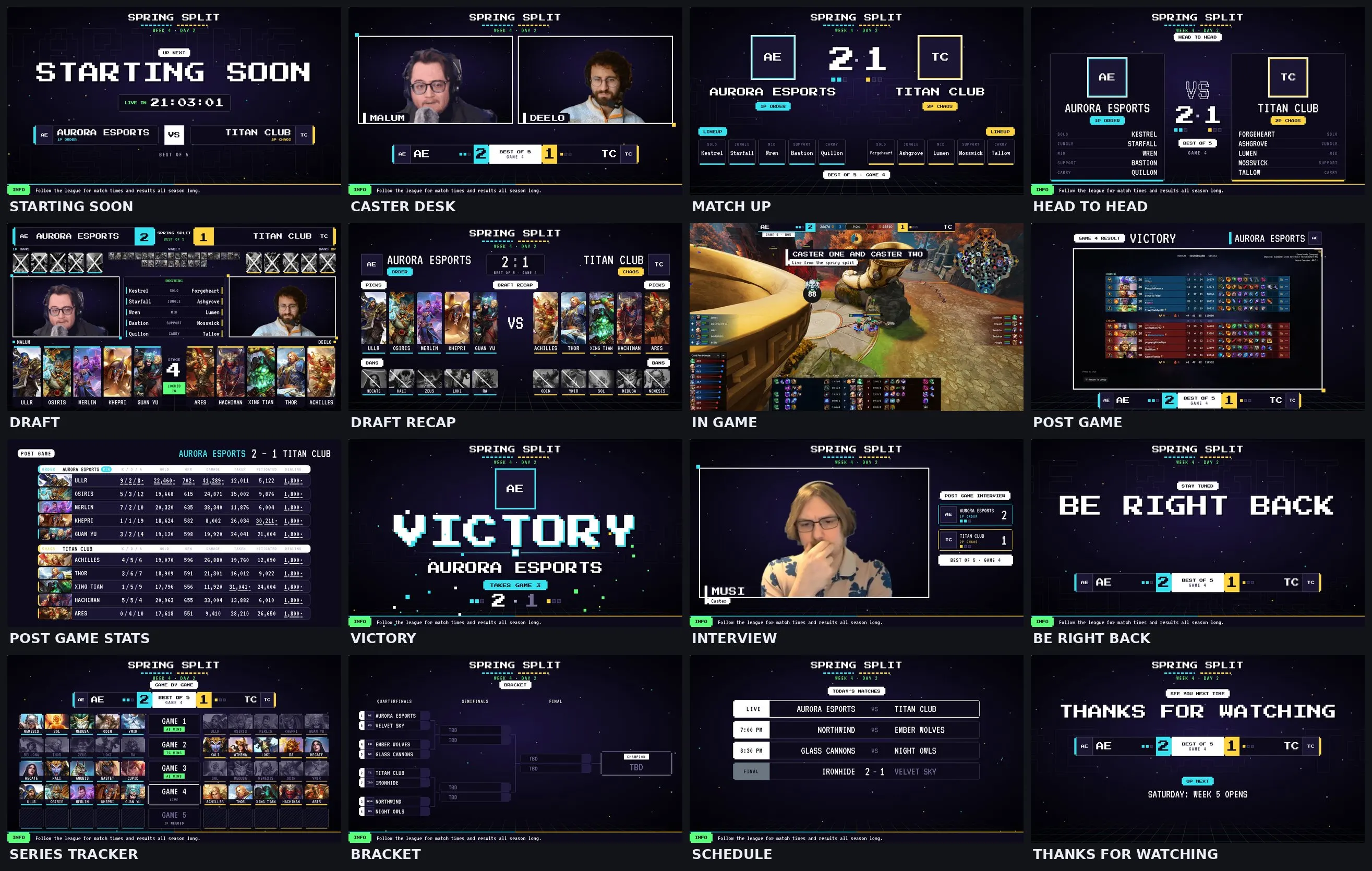
An old arcade cabinet look: a dark screen with CRT scanlines, pixel stars and a pixel grid floor, notched pixel frames and big pixel type. Order is player one in cyan on the left, Chaos is player two in yellow on the right.
Every screen with sample teams. Drag the bar to jump to any screen.
What is inside
- Screens: Starting Soon, Intro Video, Caster Desk, Match Up, Head to Head, Draft, Draft Recap, In Game, Post Game, Post Game Stats, Victory, Interview, Be Right Back, Series Tracker, Bracket, Schedule, Thanks. The dock and OBS list them in this broadcast order.
- Draft: the Retro Arcade layout. The slot being picked blinks like a cursor, a lock in flashes in two steps, and bans get a pixel cross.
- Music: chiptune made for this package: an upbeat loop for Starting Soon and Thanks, a calm one for Be Right Back and a stage clear tune for Victory. Free to use on stream and in VODs, no credit needed. The dock turns it off or sets the volume.
- Victory is an 8-bit screen with pixel confetti in both team colors. The stinger fills the screen with pixel blocks and blinks them away, with its own 8-bit sound.
- Dock: team names and logos, swap sides, series score, caster handles, schedule, bracket, head to head, a post game stats reader that fills the board from two lobby screenshots, sponsors, and the full pick and ban draft.
- In Game is built to sit around the SMITE 2 spectator HUD.
Alternative Life Style Experimental
An indie magazine, a zine and a record shop in one package, dressed in official SMITE 2 skin art. Every screen has its own style. Order is teal on the left, Chaos is hot pink on the right.
Every screen with sample teams. Drag the bar to jump to any screen.
What is inside
- Screens: Starting Soon, Intro Video, Caster Desk, Match Up, Head to Head, Draft, Draft Recap, In Game, Post Game, Post Game Stats, Victory, Interview, Be Right Back, Series Tracker, Bracket, Schedule, Thanks. The dock and OBS list them in this broadcast order.
- A different style on every screen: a magazine cover for Starting Soon, polaroid cams on the desk, a fight poster for the Match Up, holo trading cards for Head to Head, a tabloid for Post Game, a ransom note collage for Be Right Back, a gig poster for the Schedule and a vinyl sleeve for Thanks.
- Skin art: big official skin renders on the covers and posters. Pick the skin for each screen in the dock or shuffle them. Picks, bans and god cards keep the usual god art.
- Your logo: drop in your league or channel logo and it sits at the top of every screen.
- Music: lo-fi beats made for this package: a head nod loop for Starting Soon and Thanks, a slow jazzy one for Be Right Back and a short swell for Victory. Free to use on stream and in VODs, no credit needed.
- Victory is a winner's issue cover with paper confetti. The stinger slides torn paper strips across the screen and slaps a star sticker in the middle, with its own paper sound.
- Dock: team names and logos, swap sides, series score, caster handles, schedule, bracket, head to head, a post game stats reader that fills the board from two lobby screenshots, sponsors, and the full pick and ban draft.
- In Game is built to sit around the SMITE 2 spectator HUD.
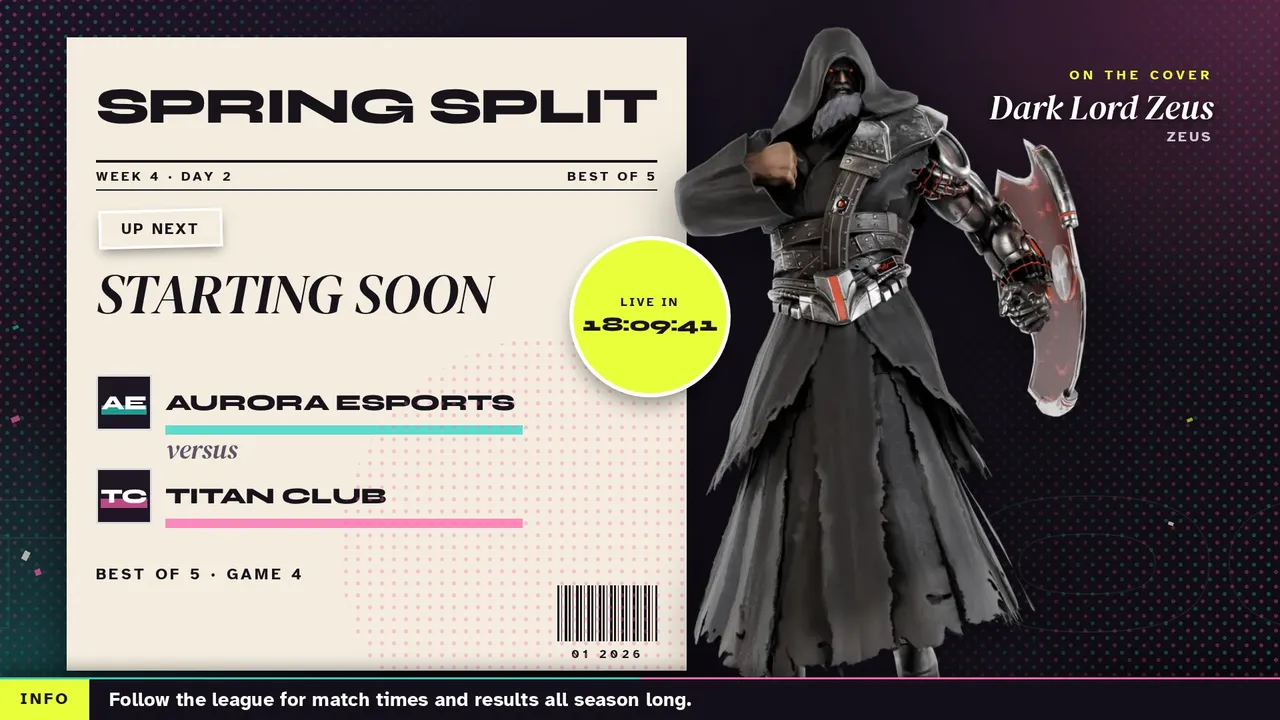
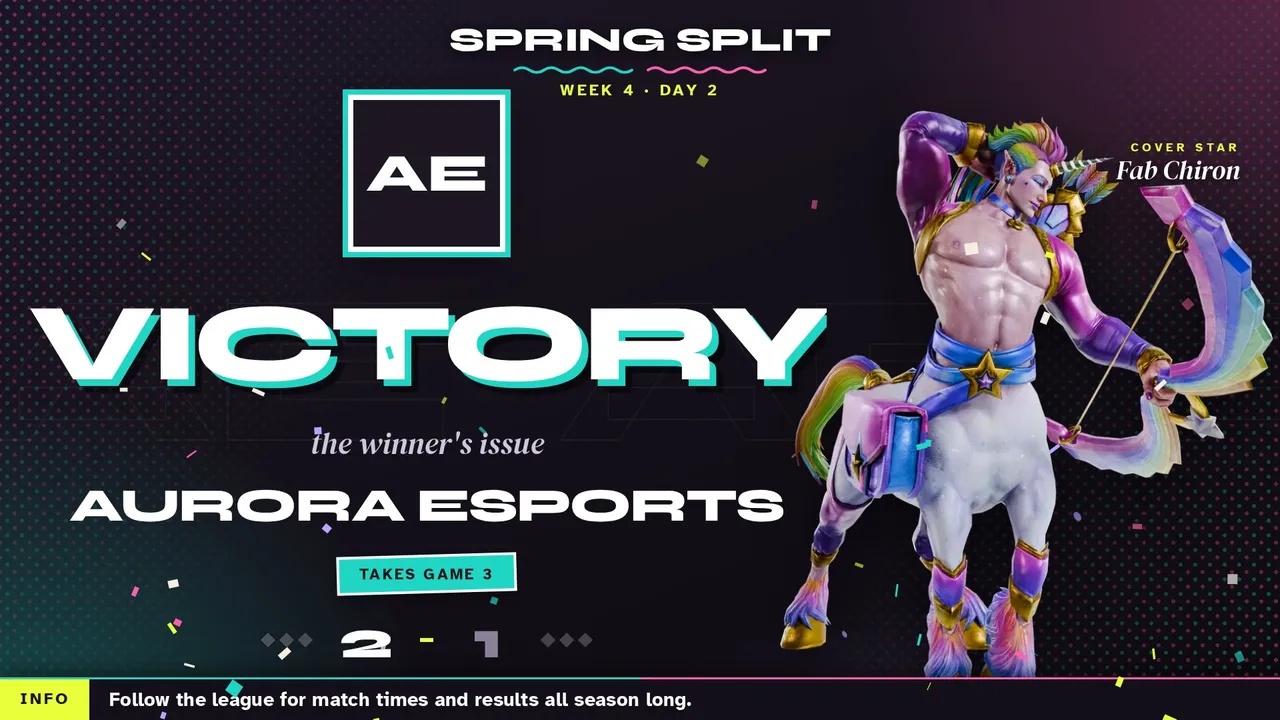
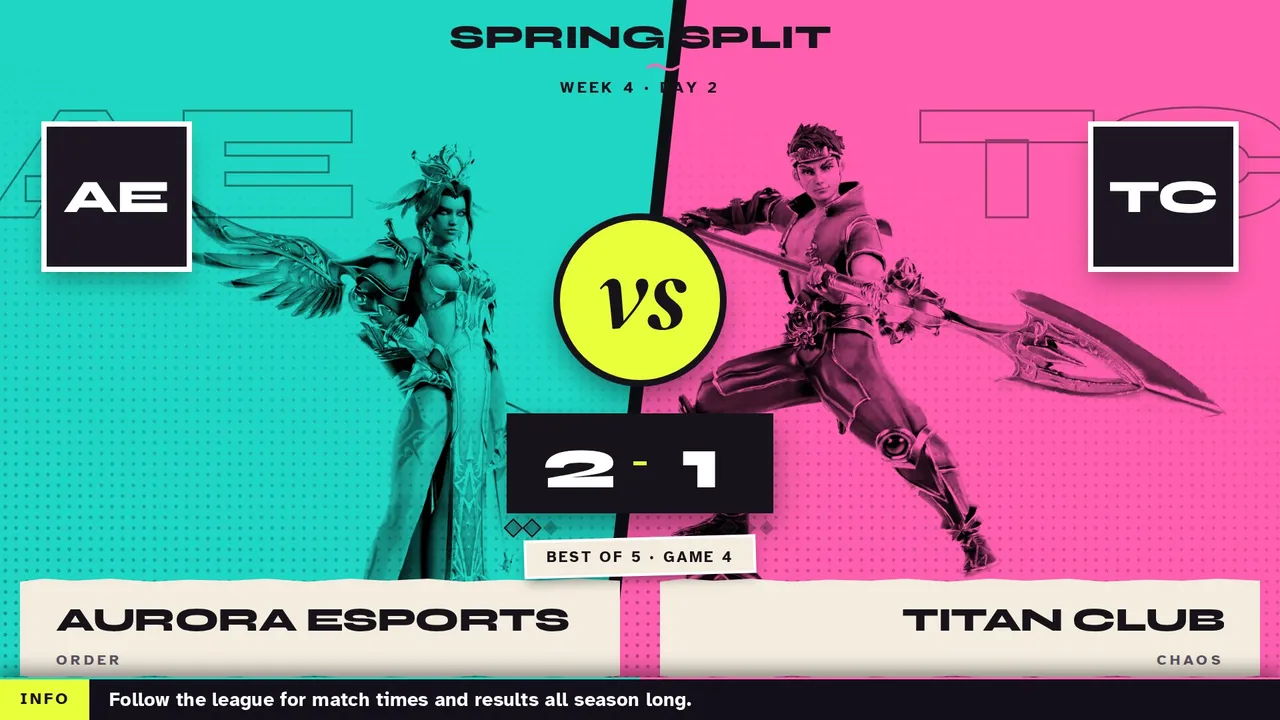
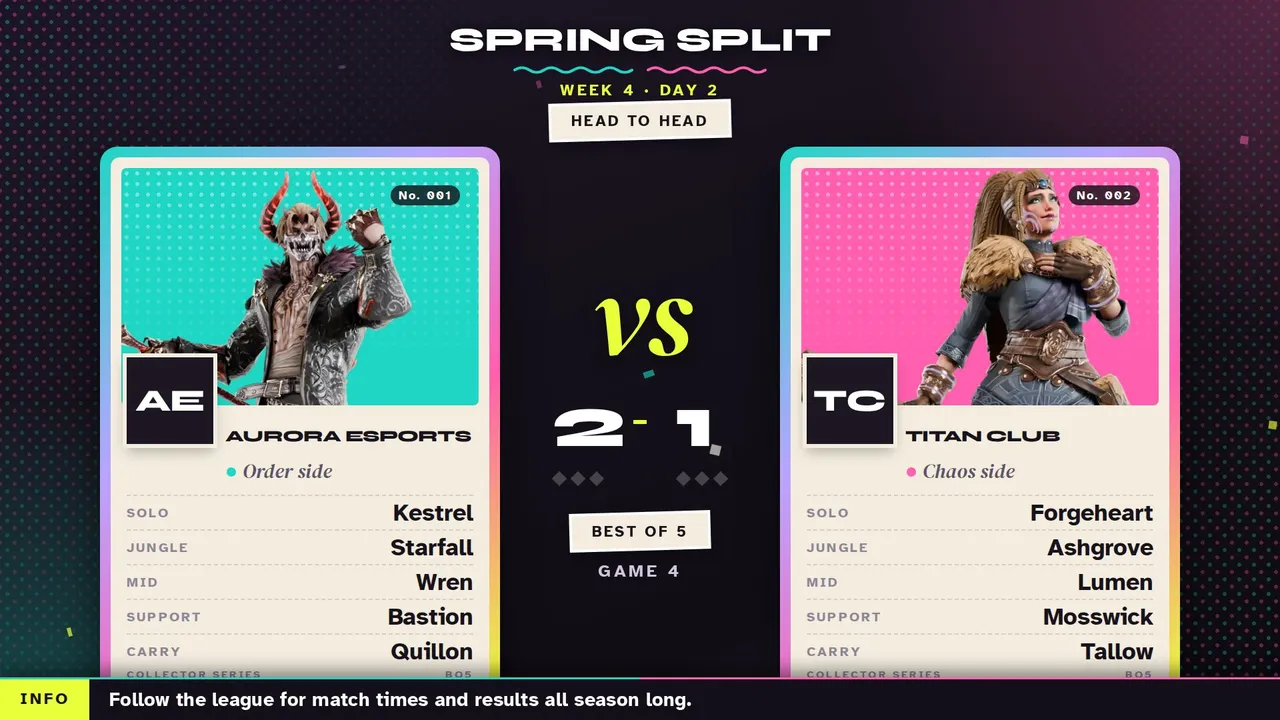
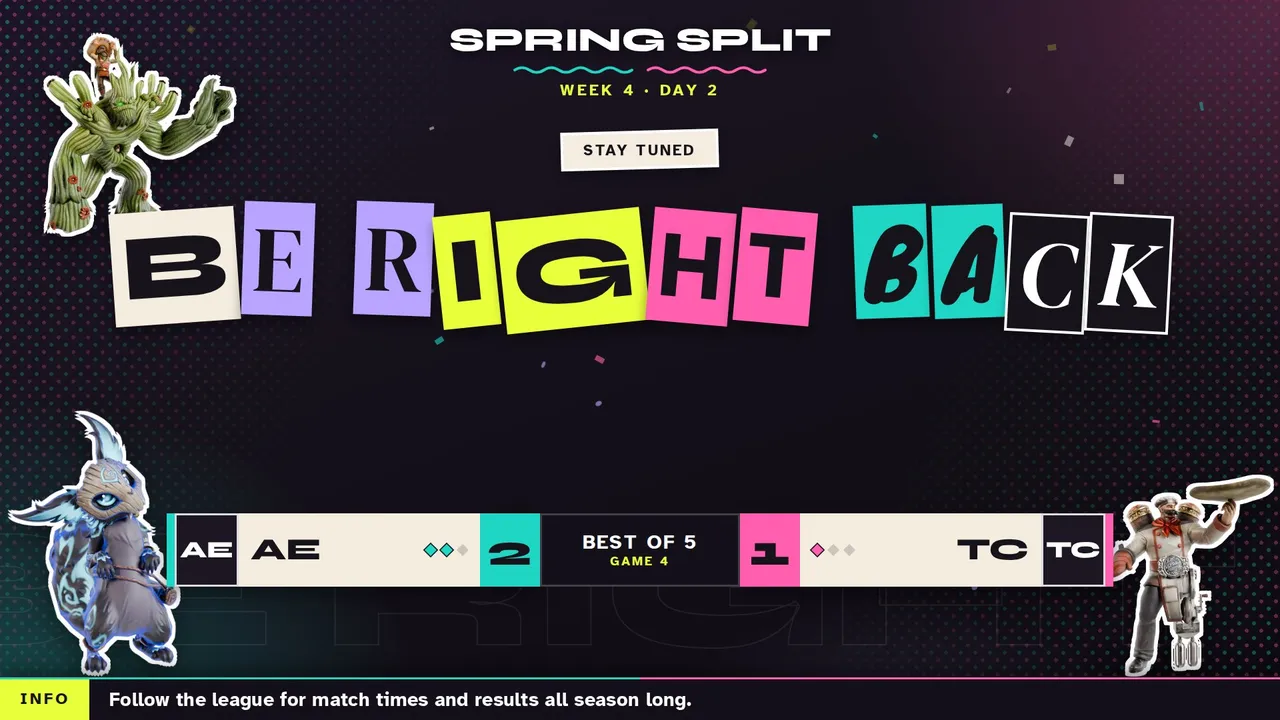
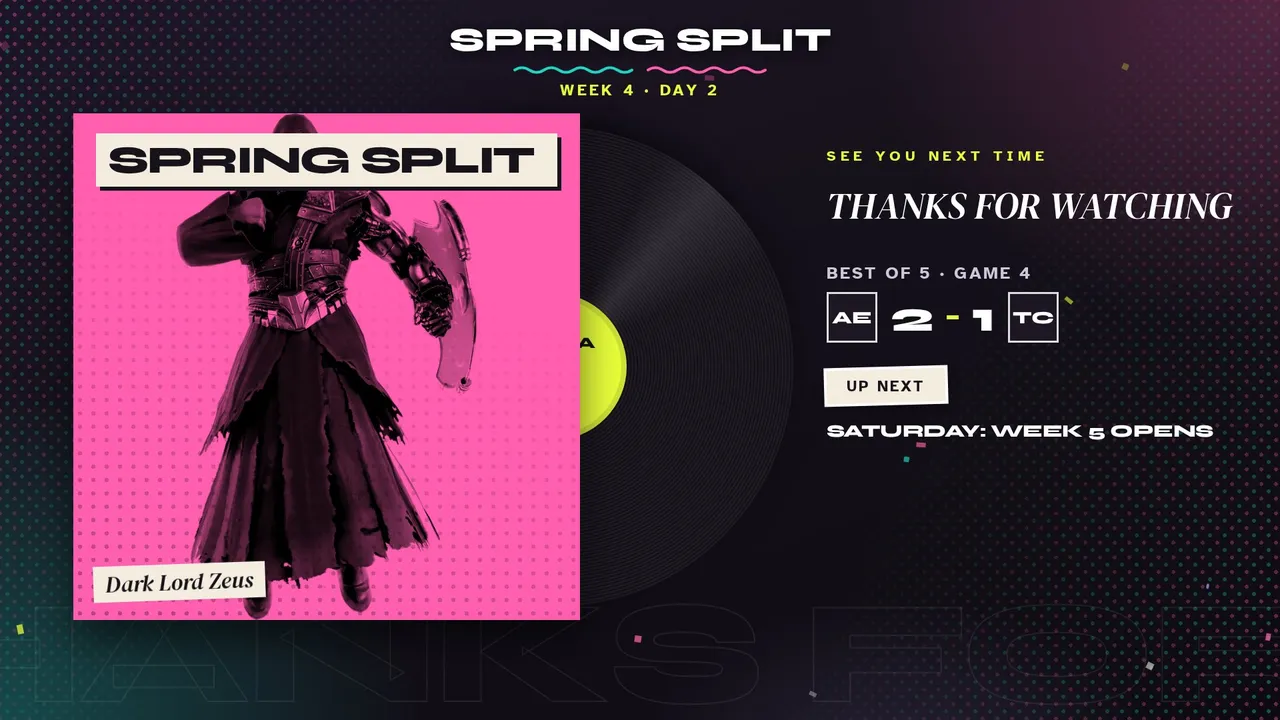
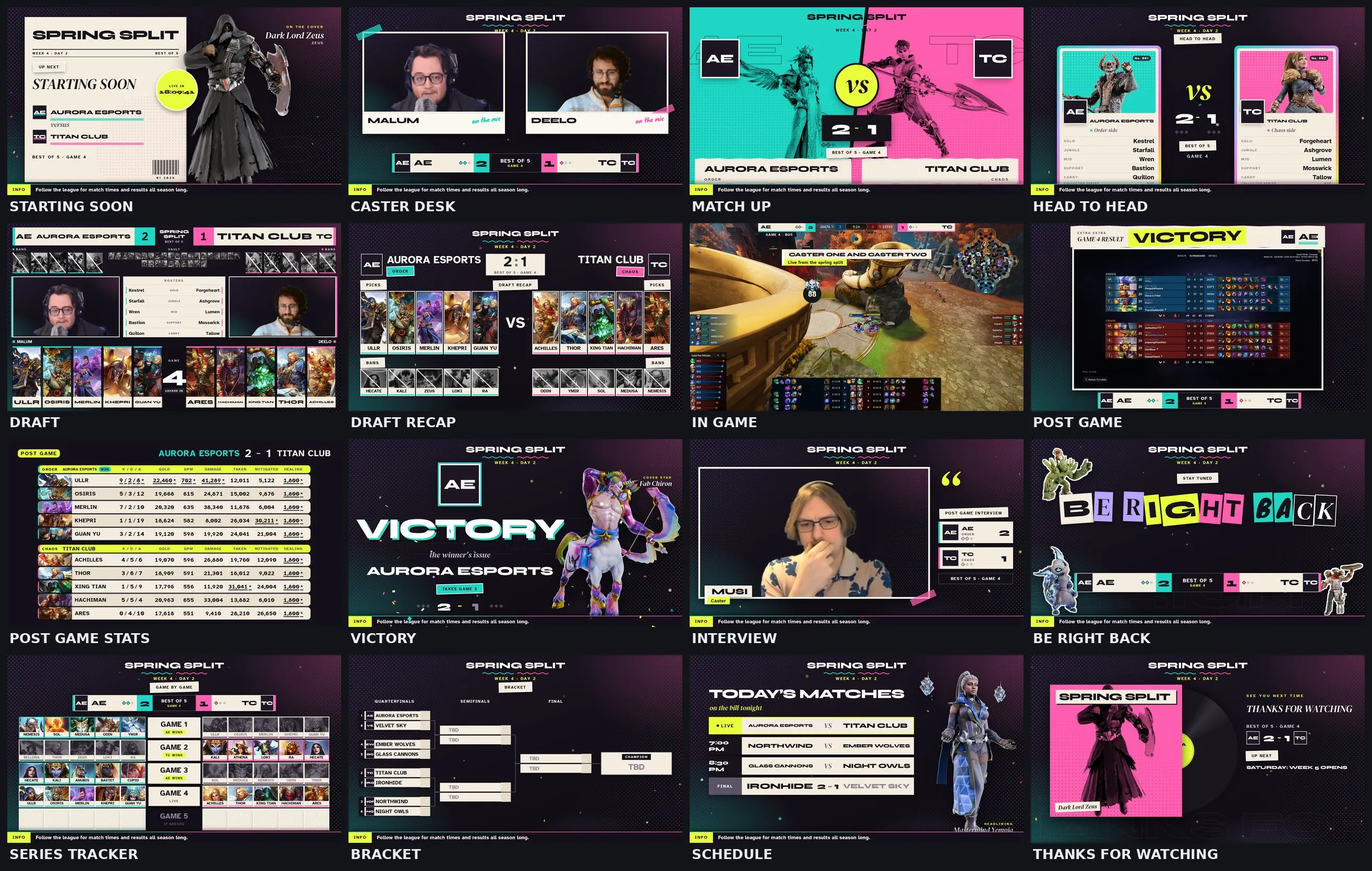
Skin art is official SMITE 2 art by Hi-Rez Studios. Skin renders collected by @dudelookitskyle.
Fight Night Experimental
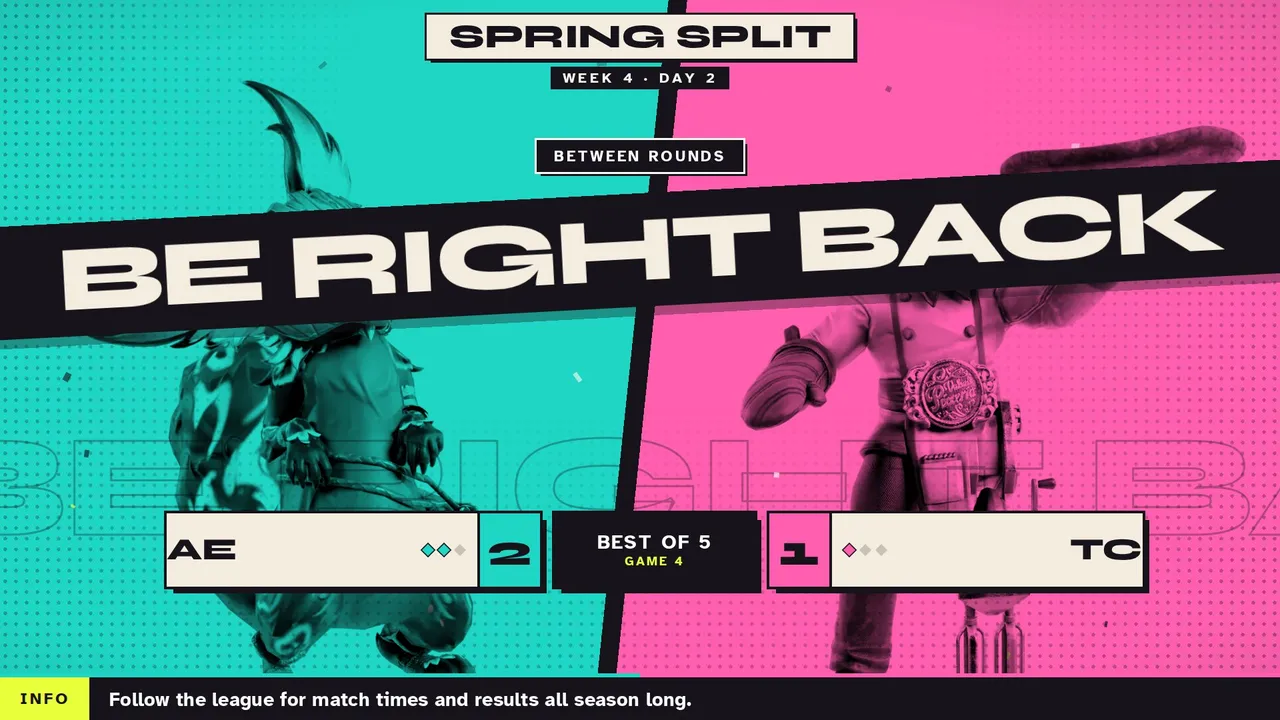
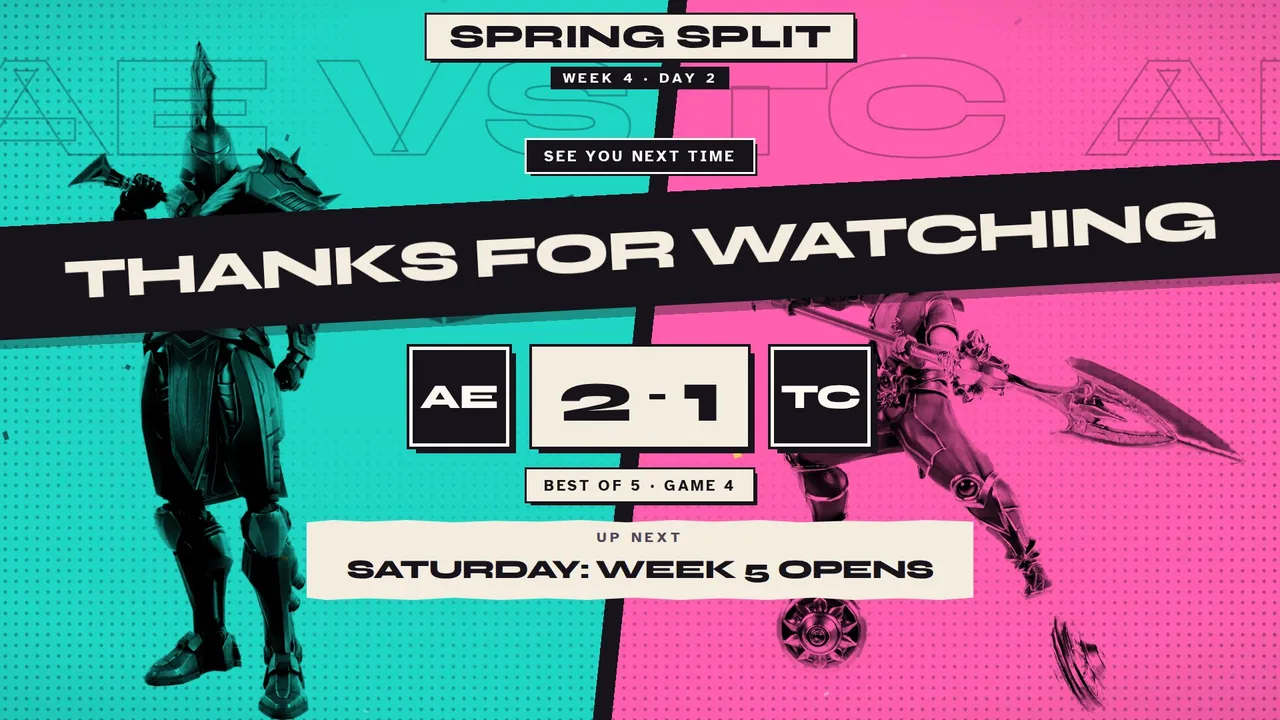
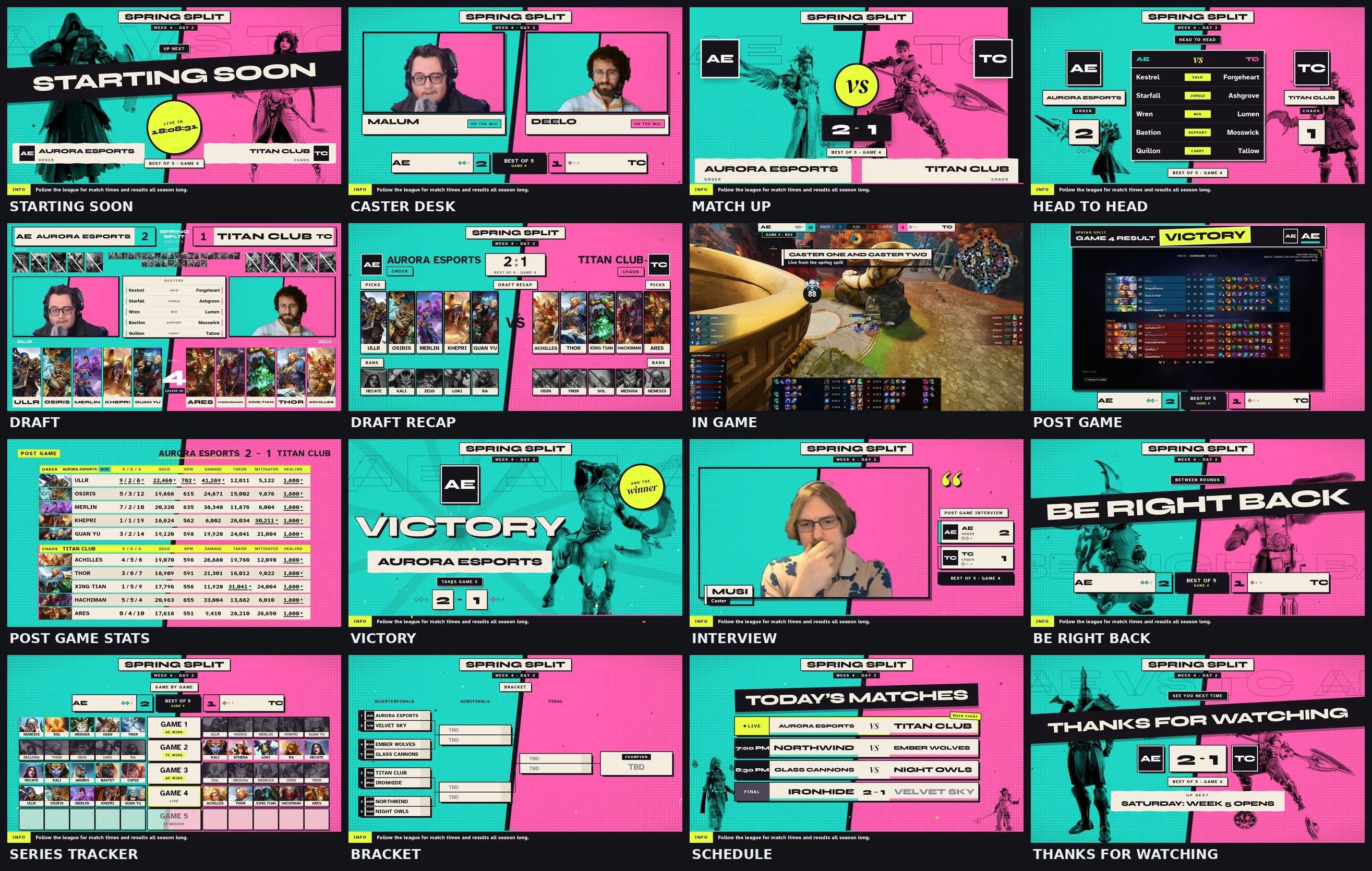
Every screen is a fight poster. Teal Order on the left, hot pink Chaos on the right, split down a leaning seam, with official SMITE 2 skin art printed into each half in ink and an acid yellow VS sticker in the middle.
Every screen with sample teams. Drag the bar to jump to any screen.
What is inside
- Screens: Starting Soon, Intro Video, Caster Desk, Match Up, Head to Head, Draft, Draft Recap, In Game, Post Game, Post Game Stats, Victory, Interview, Be Right Back, Series Tracker, Bracket, Schedule, Thanks. The dock and OBS list them in this broadcast order.
- One poster, every screen: Starting Soon is the fight card, the Caster Desk is the weigh in, Head to Head is the tale of the tape with both lineups side by side, Be Right Back is the break between rounds, and the Schedule marks the main event.
- Skin art: big official skin renders printed into both halves. Pick the skin for each side in the dock or shuffle them. Picks, bans and god cards keep the usual god art.
- Your logo: drop in your league or channel logo and it sits at the top of every screen.
- Music: walk out beats made for this package: a punchy loop with brass stabs for Starting Soon and Thanks, a softer one for Be Right Back, and the bell for Victory. Free to use on stream and in VODs, no credit needed.
- Victory floods the whole poster in the winner's color with paper confetti. The stinger slams the two halves together to a boxing bell.
- Dock: team names and logos, swap sides, series score, caster handles, schedule, bracket, head to head, a post game stats reader that fills the board from two lobby screenshots, sponsors, and the full pick and ban draft.
- In Game is built to sit around the SMITE 2 spectator HUD.
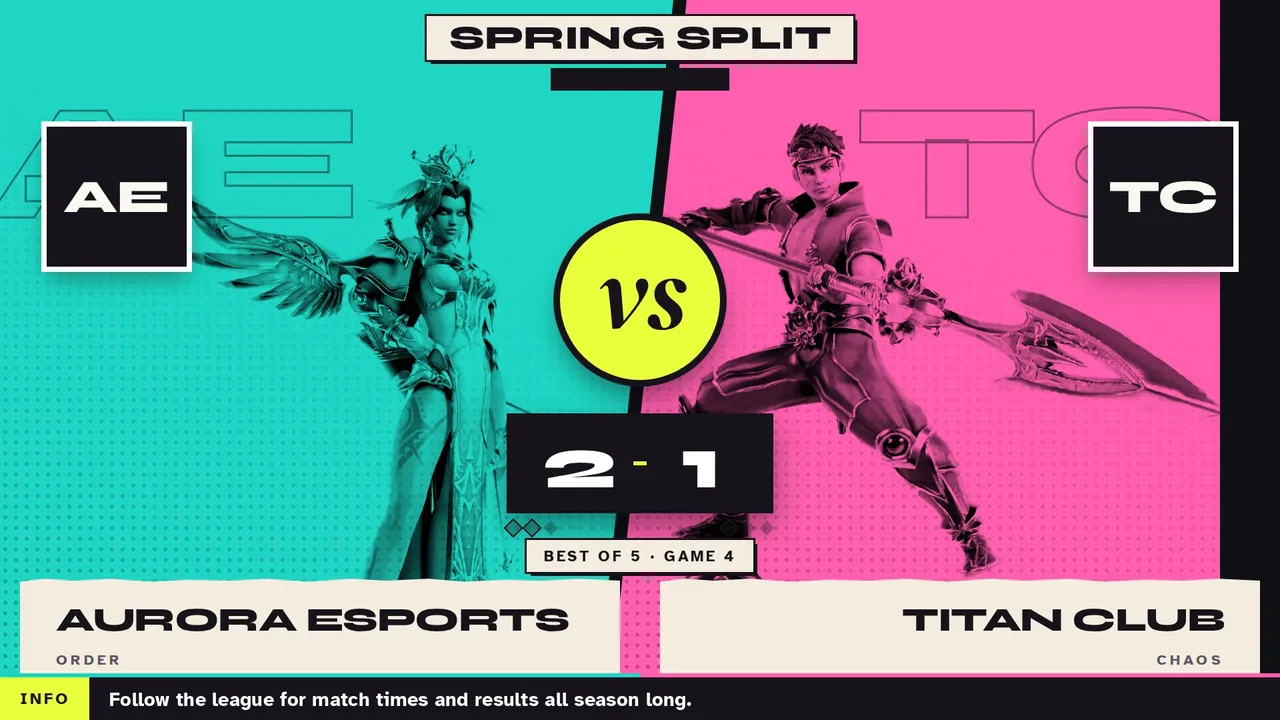
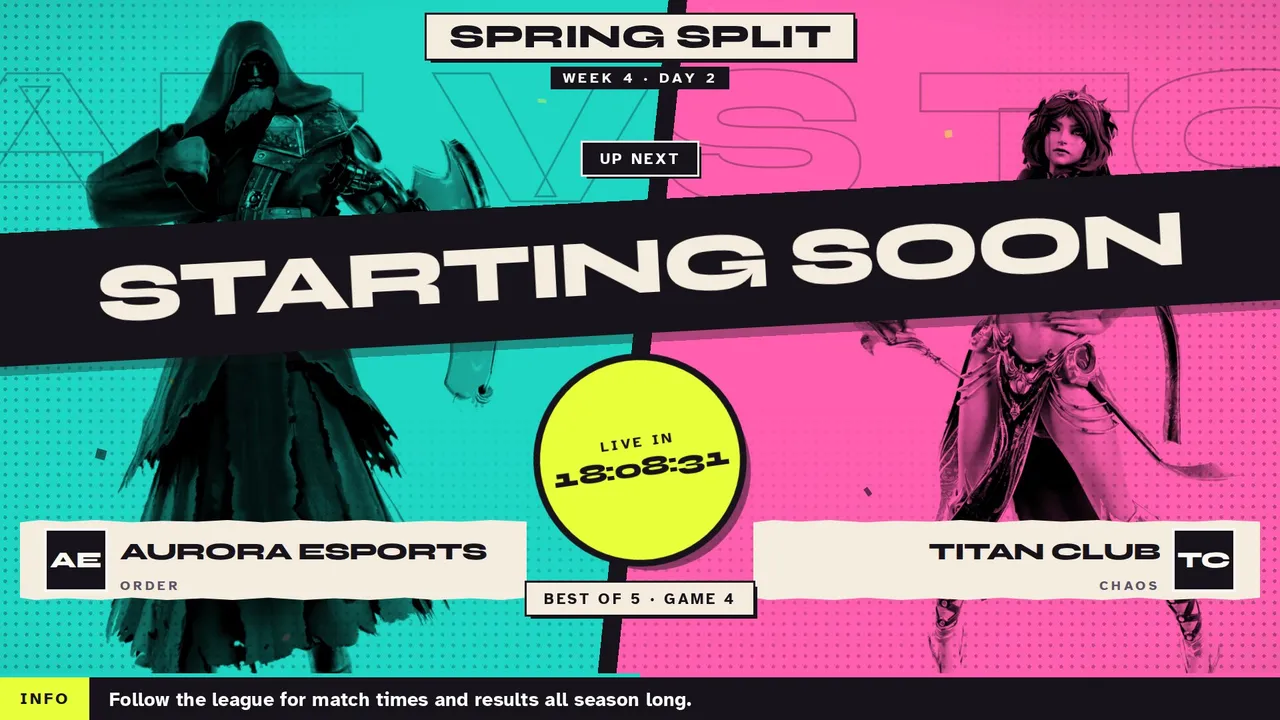
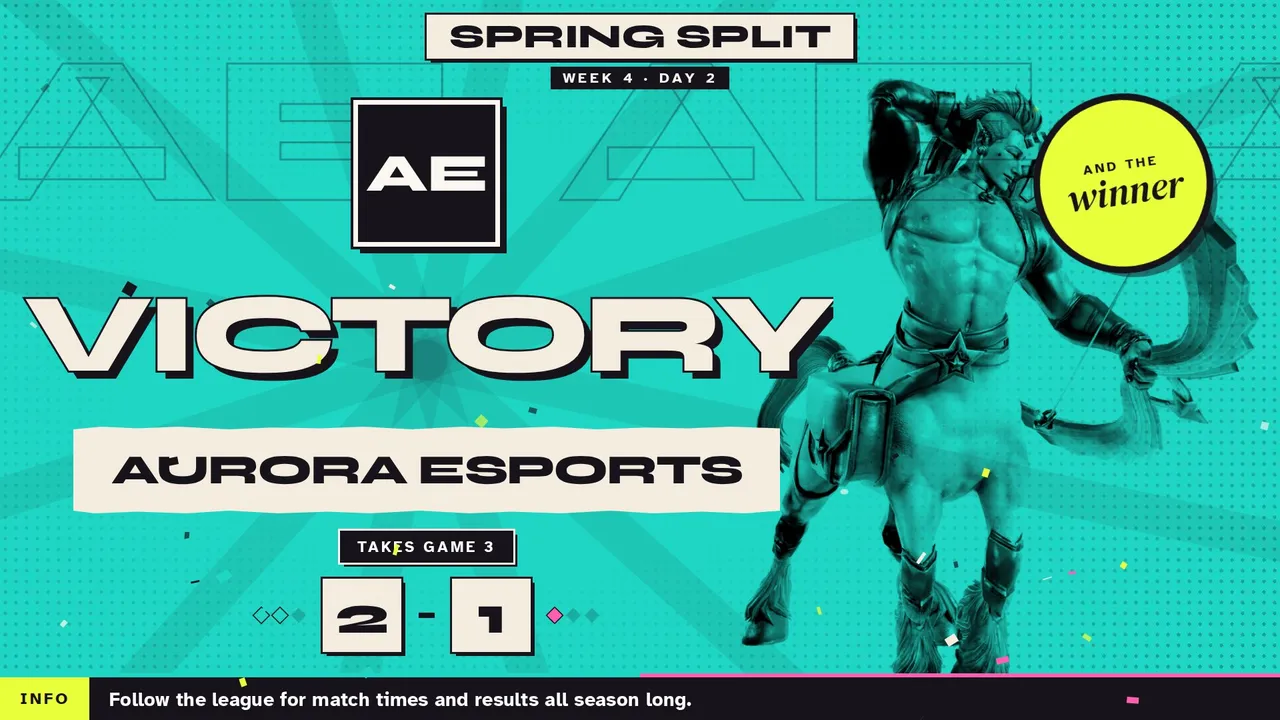
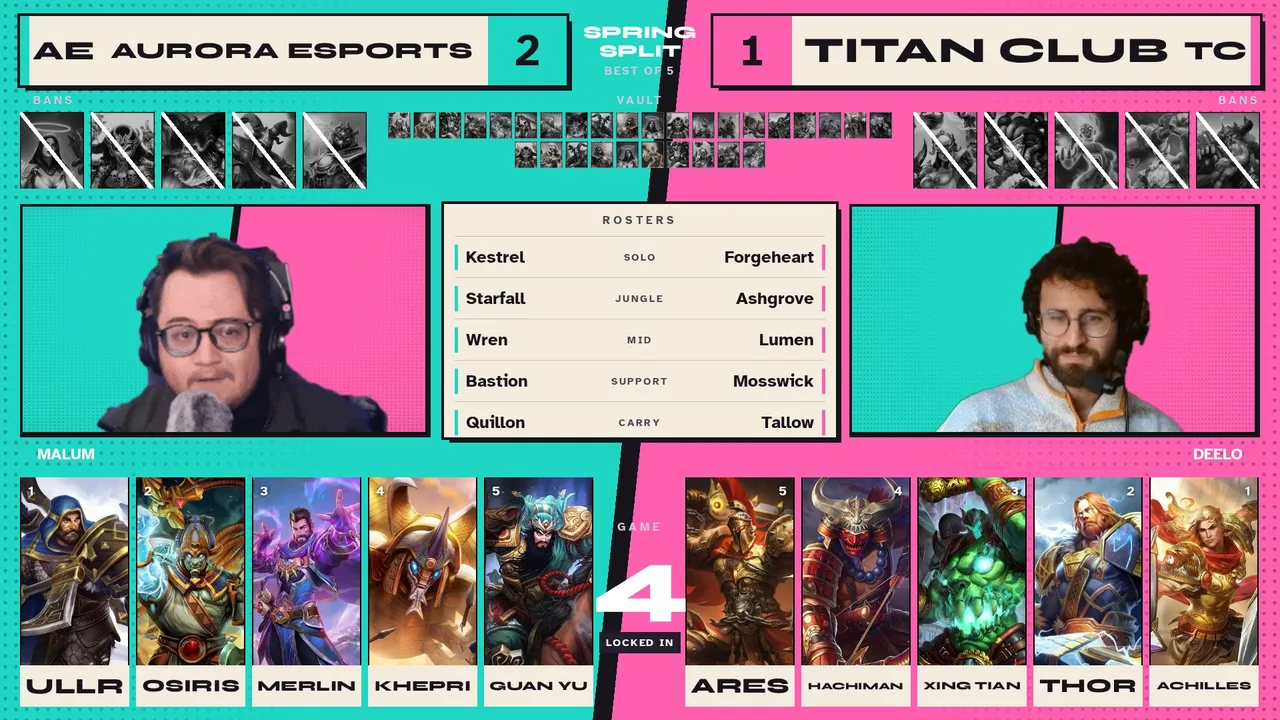
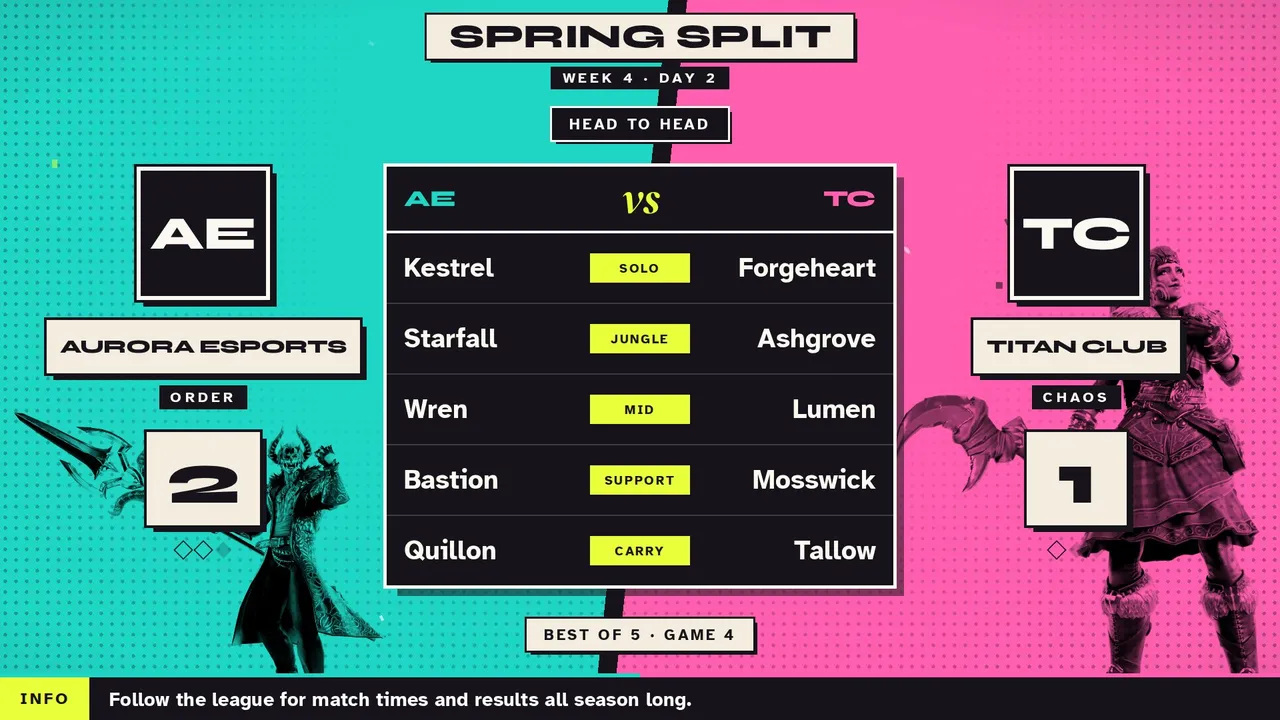
Skin art is official SMITE 2 art by Hi-Rez Studios. Skin renders collected by @dudelookitskyle.
SMITE Worlds 1 Throwback
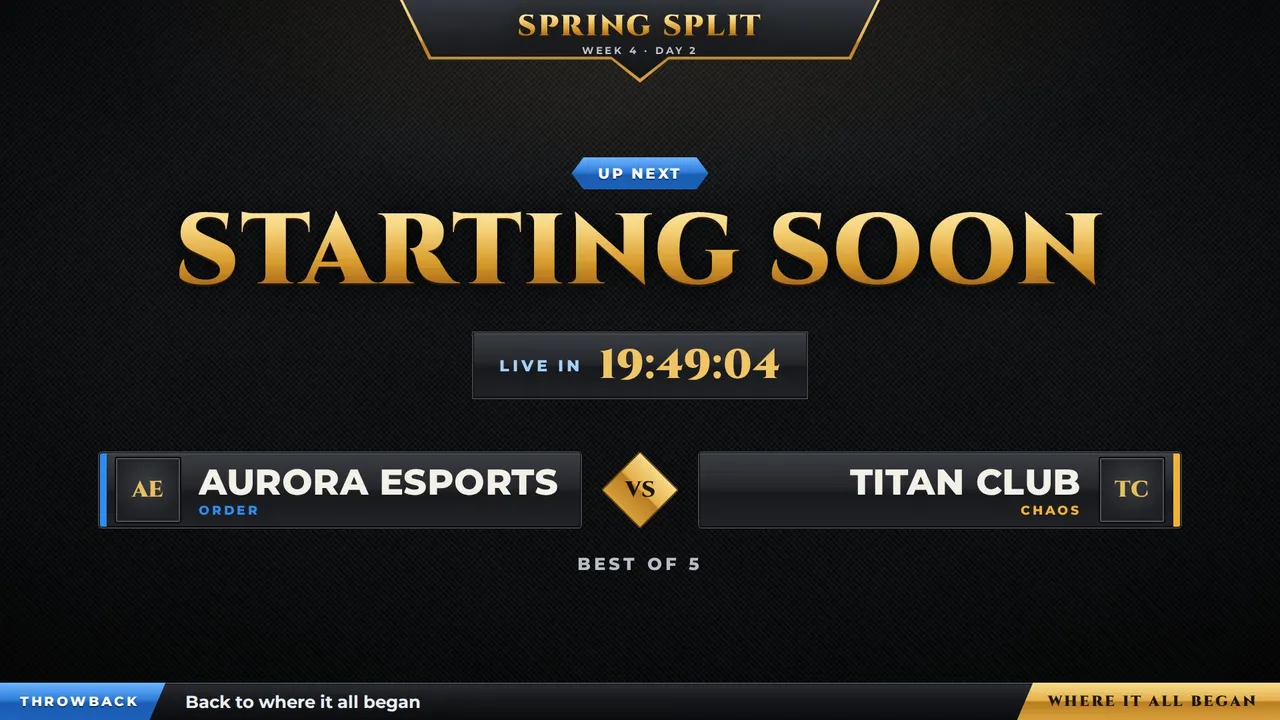
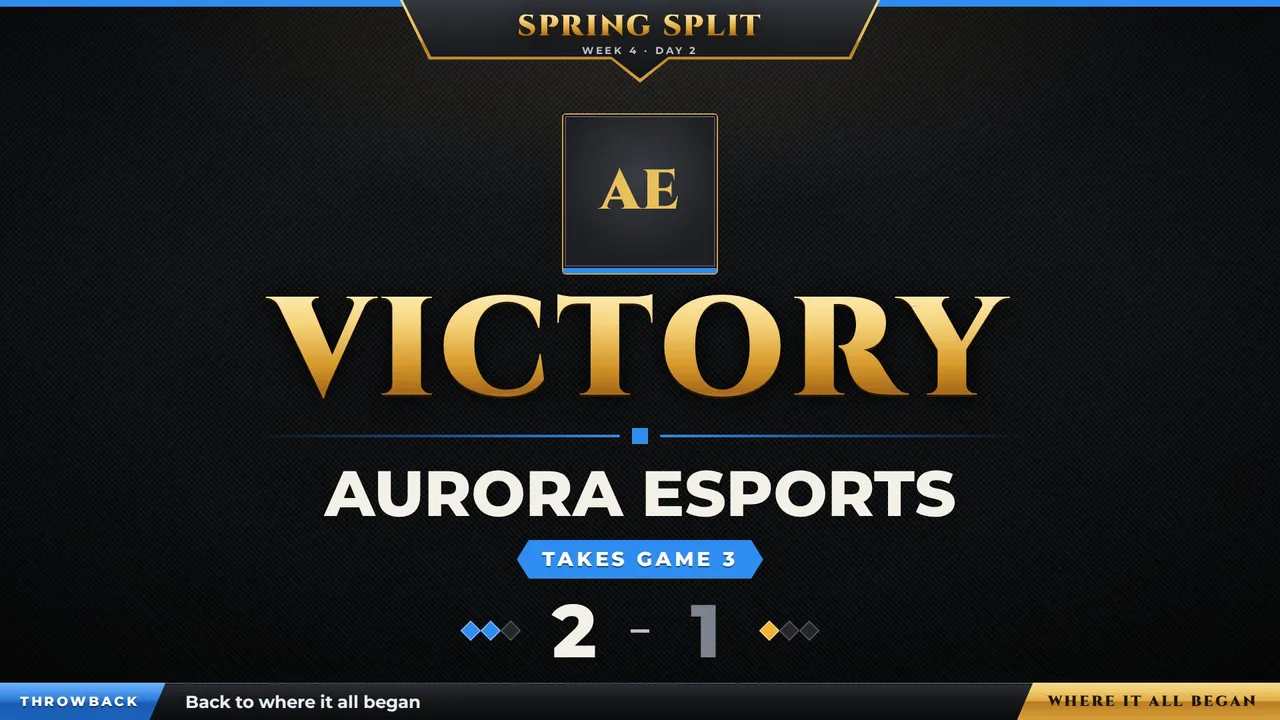
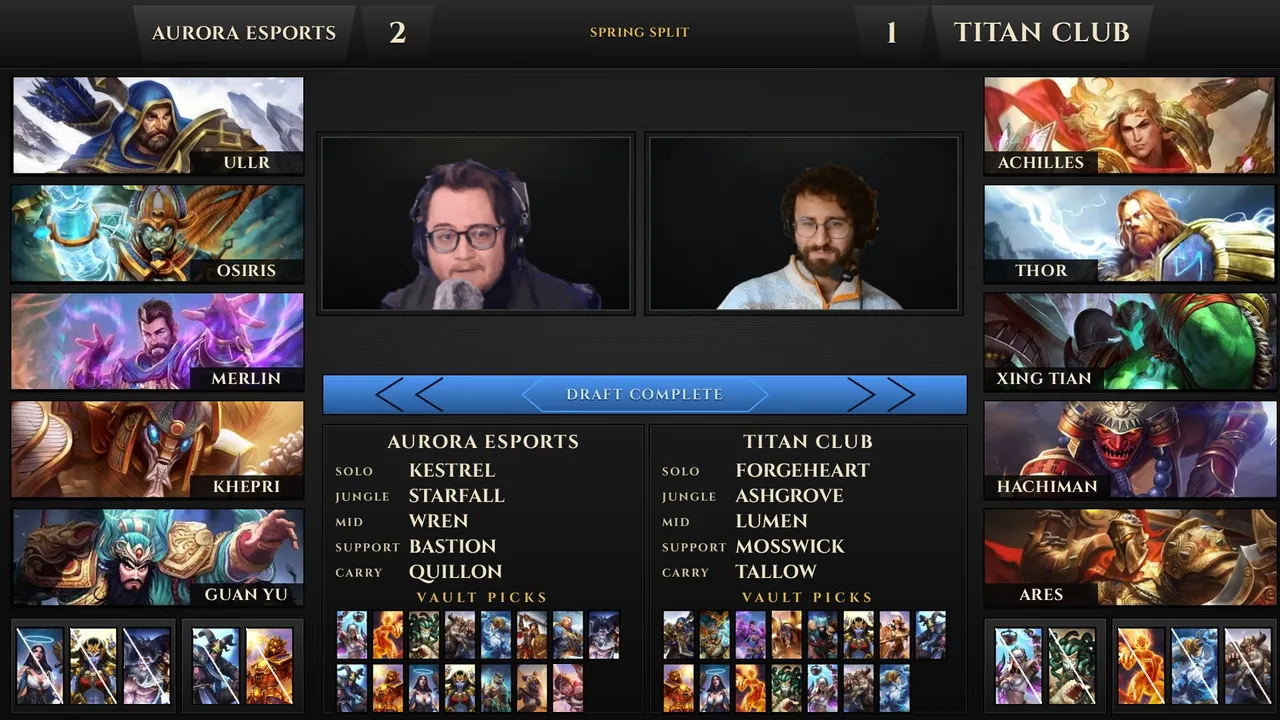
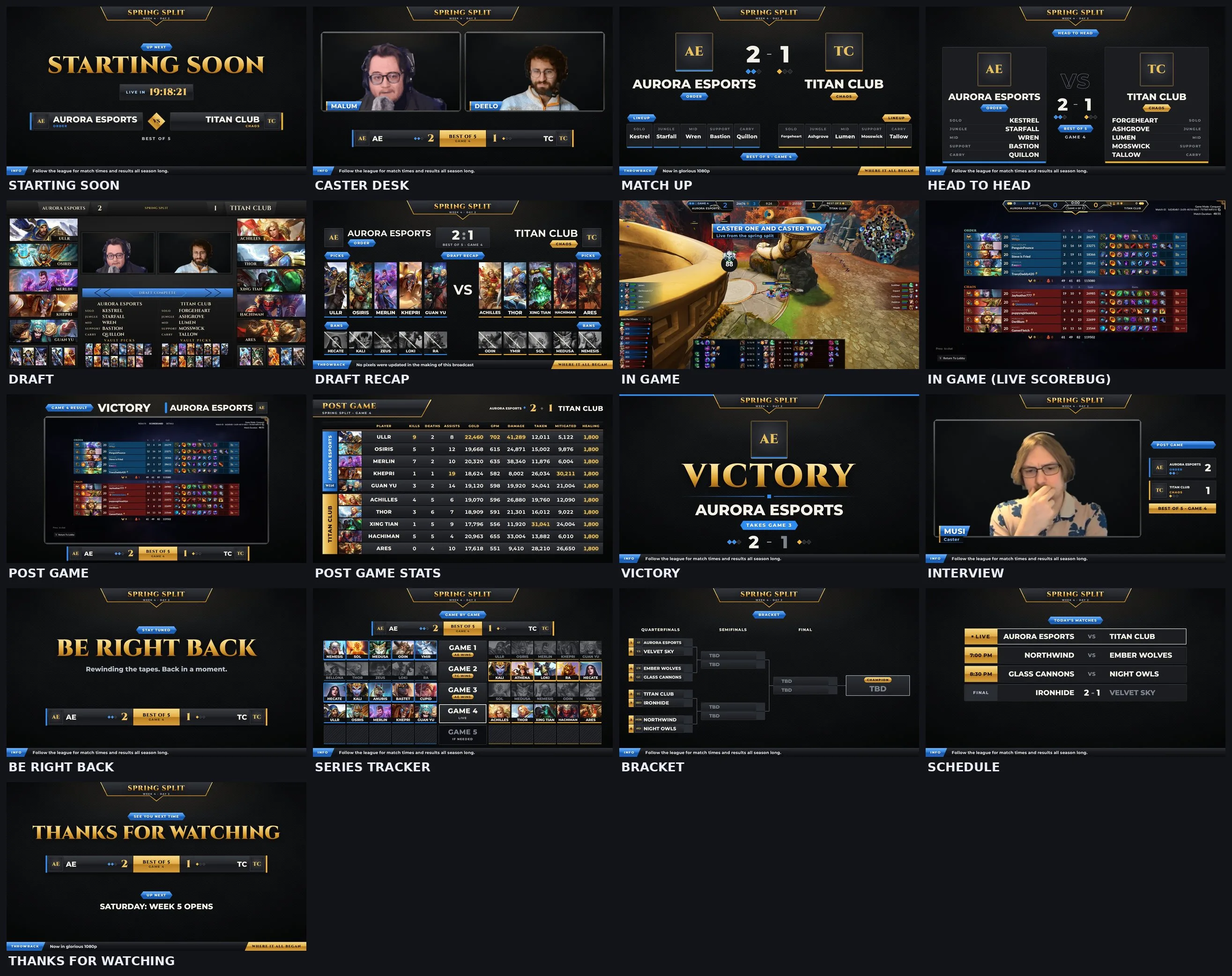
A throwback to where it all began. The look of the very first SMITE broadcasts, rebuilt from scratch: dark carbon backdrop, gunmetal frames, a gold crest hanging from the top, glossy blue name bars and big gold titles.
Every screen with sample teams. Drag the bar to jump to any screen.
What is inside
- Screens: Starting Soon, Intro Video, Caster Desk, Match Up, Head to Head, Draft, Draft Recap, In Game, Post Game, Post Game Stats, Victory, Interview, Be Right Back, Series Tracker, Bracket, Schedule, Thanks. The dock and OBS list them in this broadcast order.
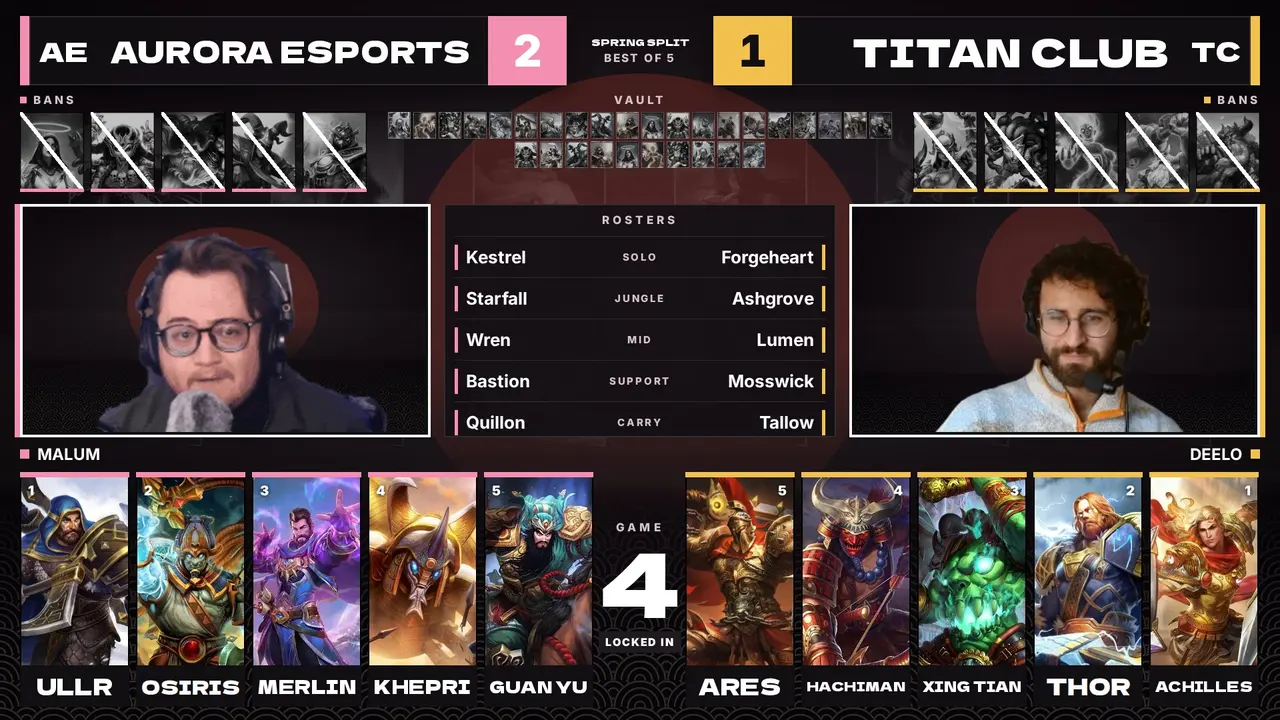
- Draft: the original Qualifier layout, with both cams, the Fearless vault and lineups.
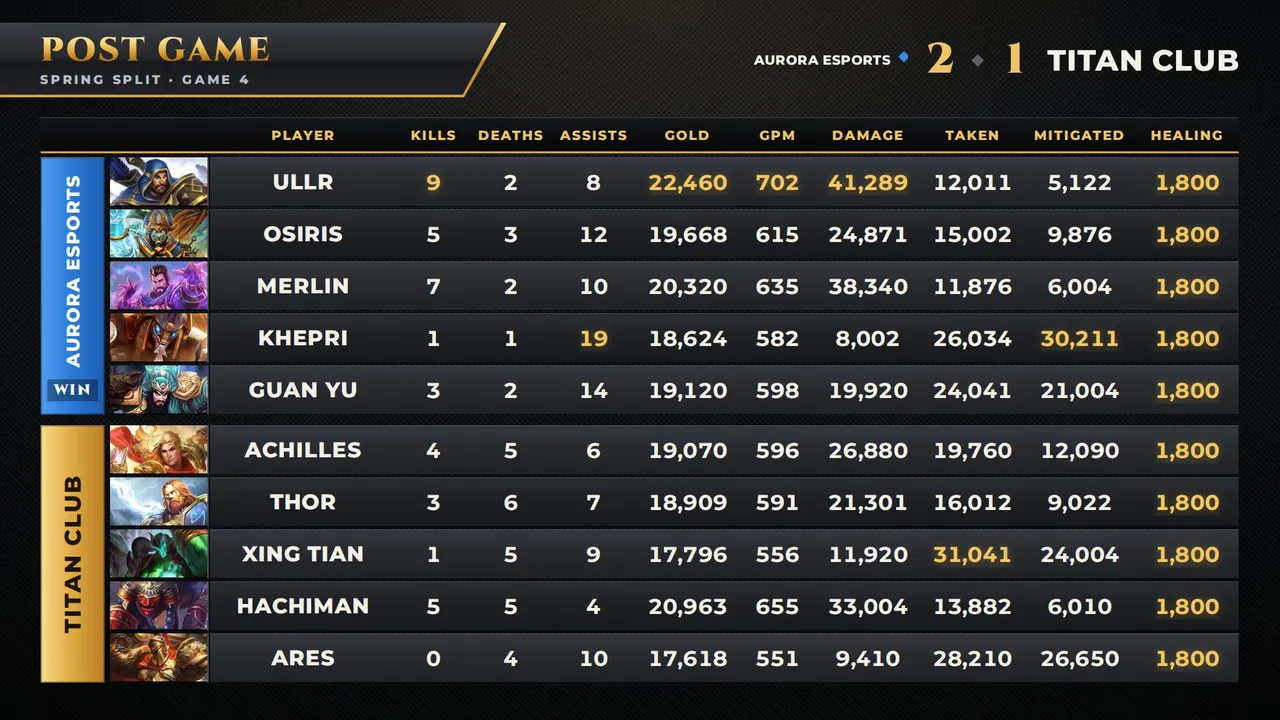
- Post Game Stats: the Season 6 post match screen (team name down a colored band, god portrait, player, a column per stat) in the gold and gunmetal of the first Worlds. It fills itself from two lobby screenshots.
- Throwback jokes run along the bottom of the full screens ("Dusting off the gold trim since 2014"). Turn them off or write your own in the dock.
- Worlds blue backdrop: one switch in the dock swaps the dark carbon for the blue arena backdrop. The stinger slams two gunmetal doors shut with a gold crest in the middle.
- Dock: team names and logos, swap sides, series score, caster handles, schedule, bracket, a post game stats reader, sponsors, and the full pick and ban draft. In Game sits around the SMITE 2 spectator HUD.
The G Arena Throwback
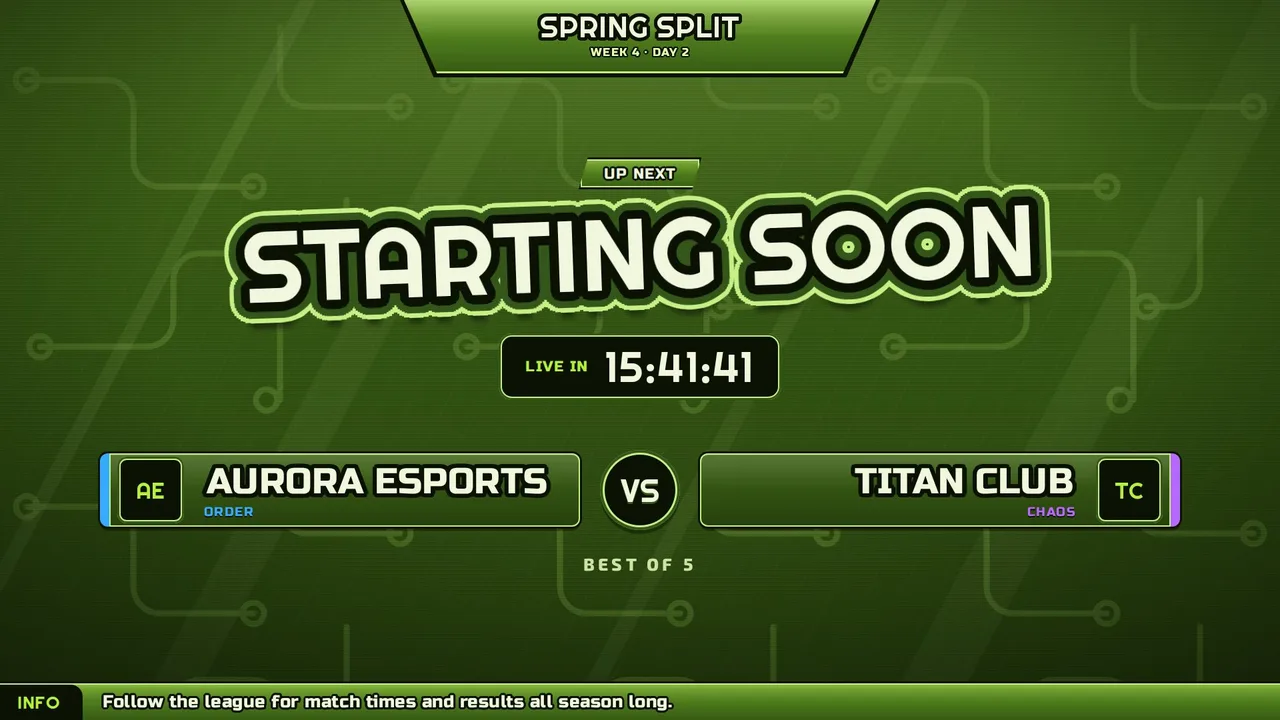
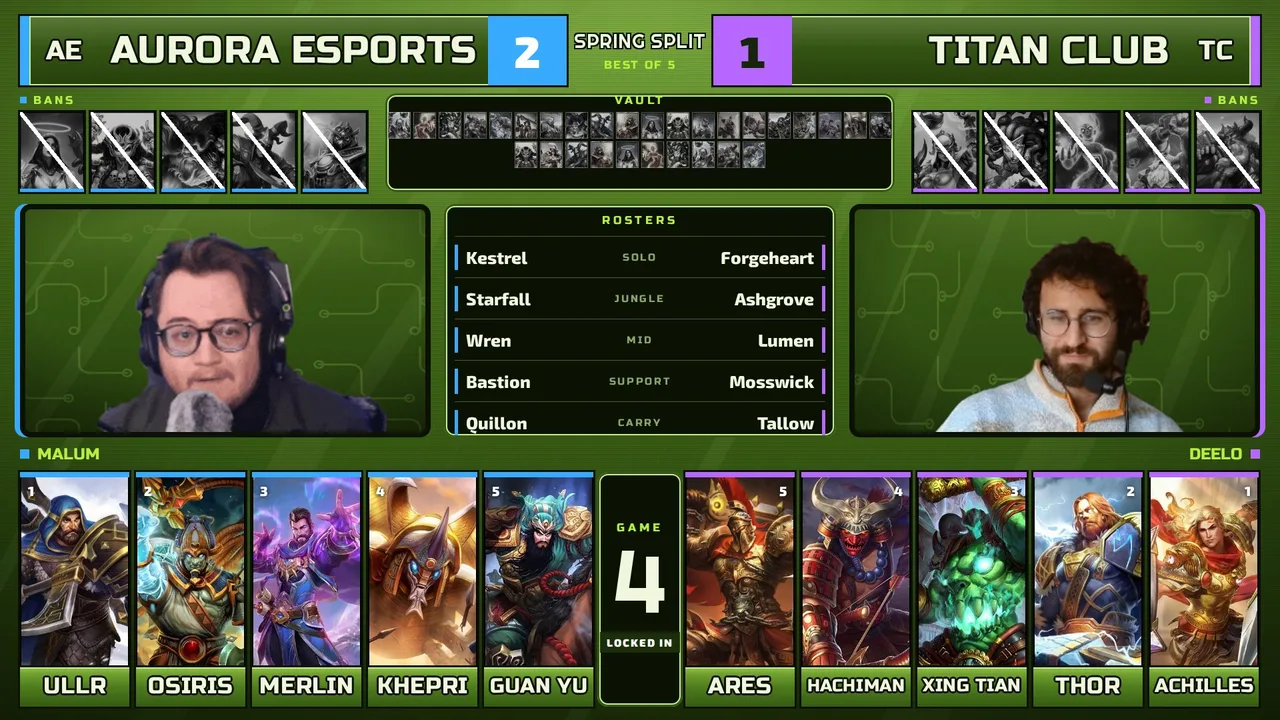
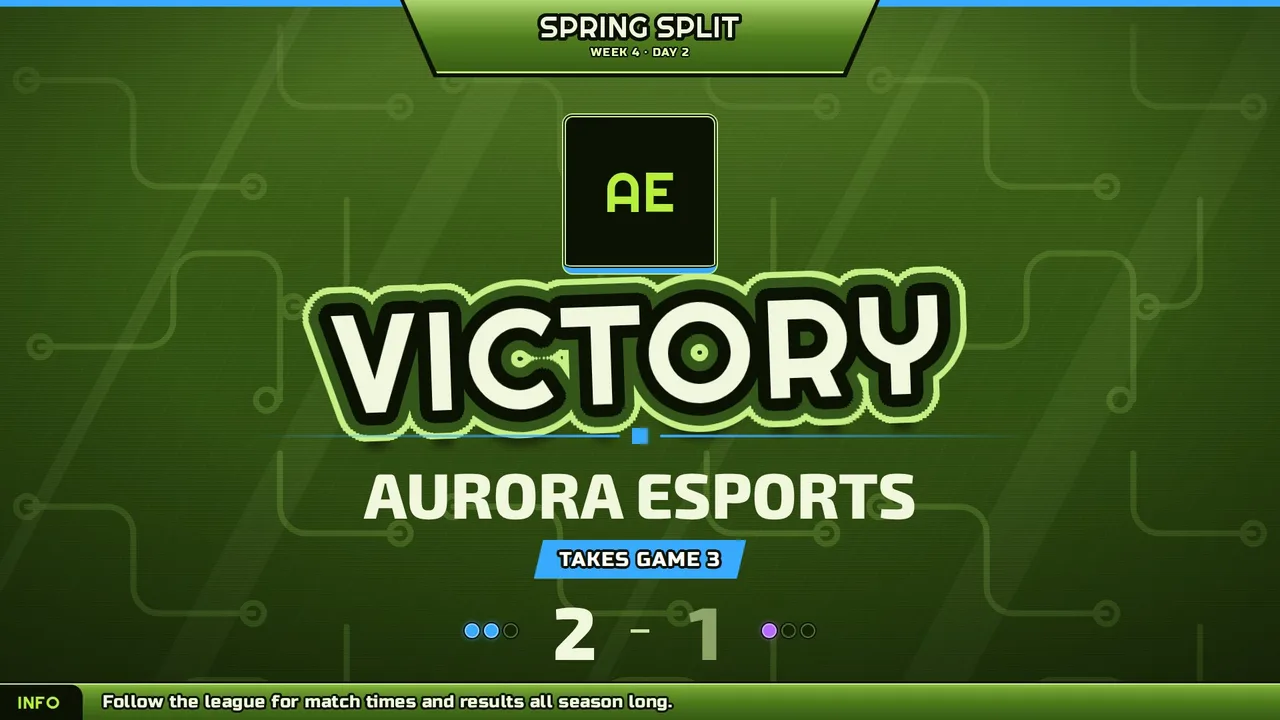
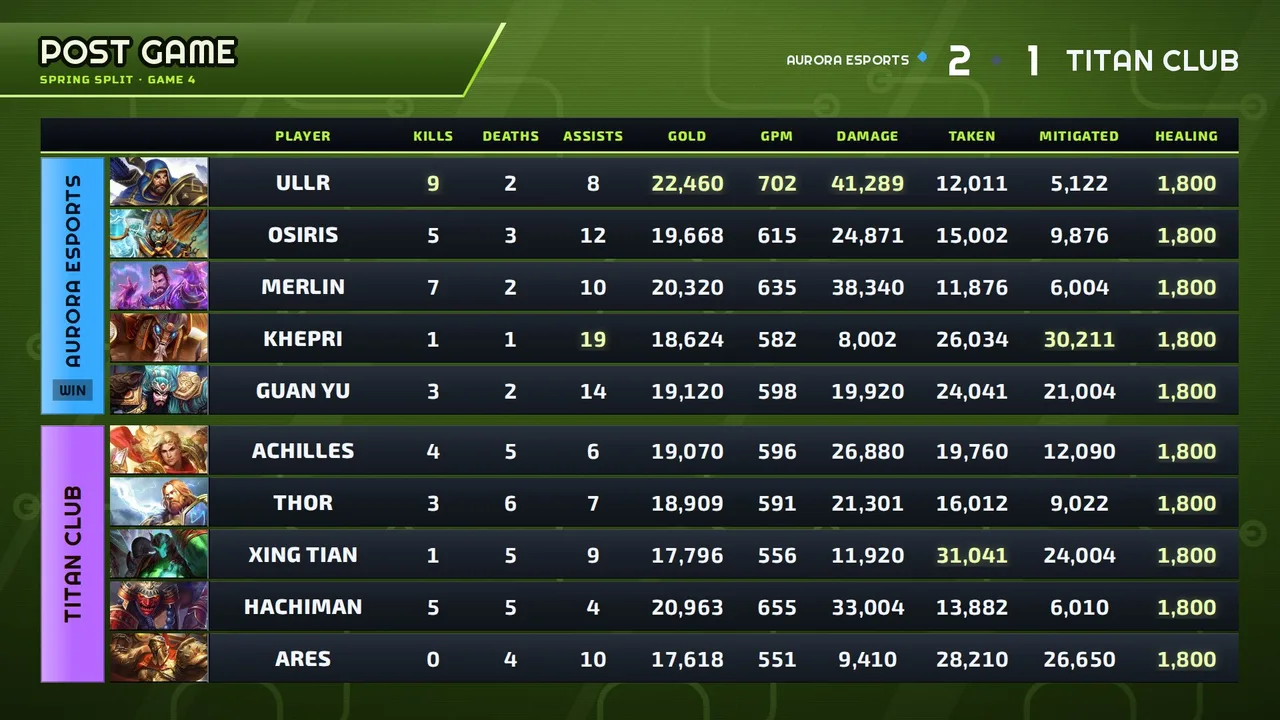
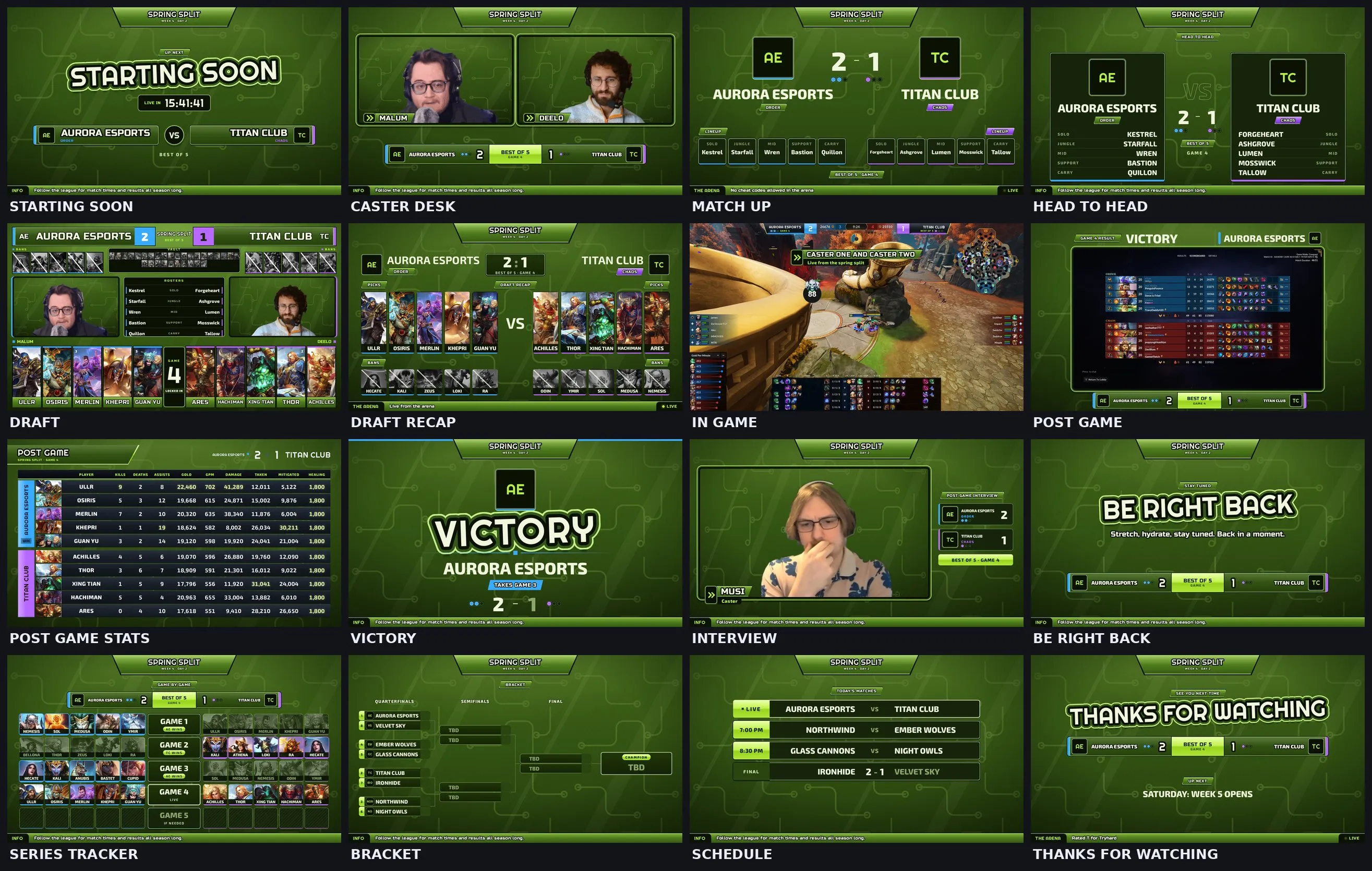
Early to mid 2000s gaming TV, the arena tournament era. Olive and lime green with diagonal light streaks and TV scanlines, chunky outlined sticker titles and slanted green bars with black badges.
Every screen with sample teams. Drag the bar to jump to any screen.
What is inside
- Screens: Starting Soon, Intro Video, Caster Desk, Match Up, Head to Head, Draft, Draft Recap, In Game, Post Game, Post Game Stats, Victory, Interview, Be Right Back, Series Tracker, Bracket, Schedule, Thanks. The dock and OBS list them in broadcast order.
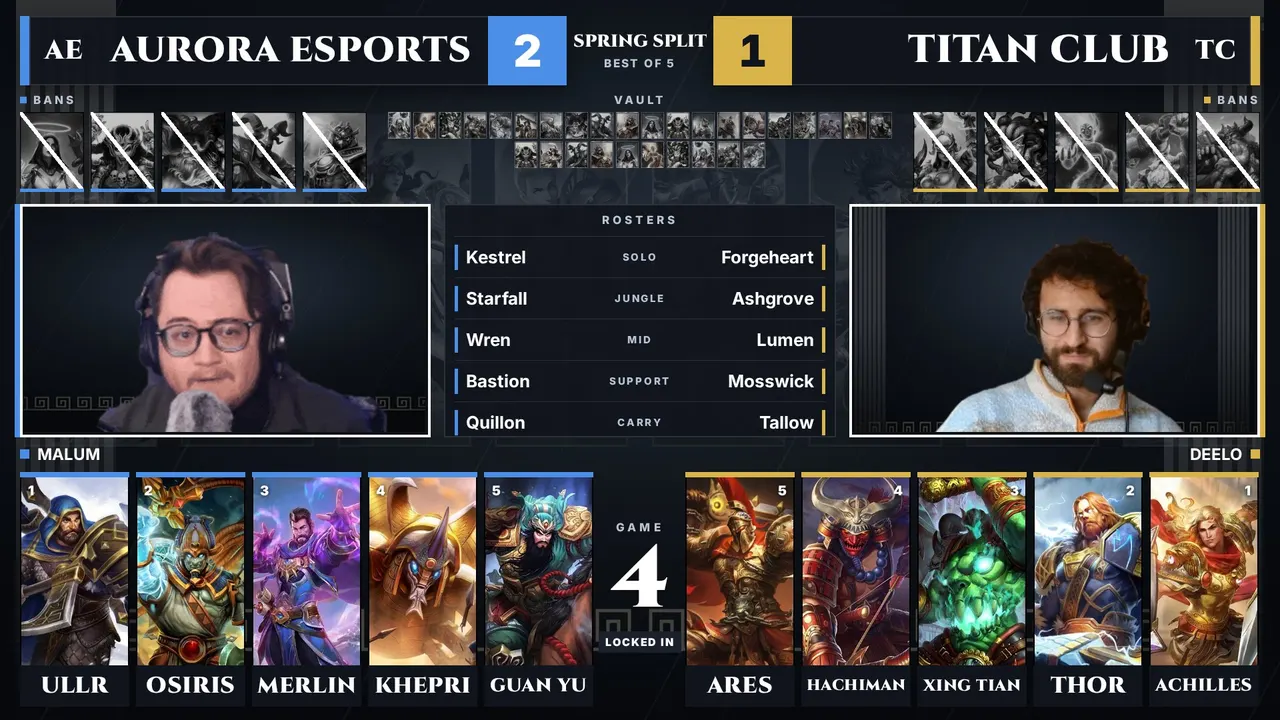
- Draft: the broadcast draft screen in olive and lime green, with both cams, bans, the Fearless vault and lineups. Your event logo goes in the middle of the top bar.
- Music: big beat and techno loops for Starting Soon, Be Right Back and Thanks, plus a Victory sting. Made in code for this package, free to use on stream and in VODs.
- Arena lines run along the bottom of the full screens ("Do not adjust your television set"). Turn them off or write your own in the dock.
- Stinger: two green panels slam shut, a sticker badge lands with a light streak, then they slide open. Purple stage in the dock swaps the green backdrop for a purple set wall.
- Dock: team names and logos, swap sides, team colors, series score, caster handles, schedule, bracket, a post game stats reader, sponsors, and the full pick and ban draft. In Game sits around the SMITE 2 spectator HUD.
Pantheon packages
SMITE through and through: one package that wears the look of a pantheon. Pick it in the dock and every screen swaps at once.
Pantheon
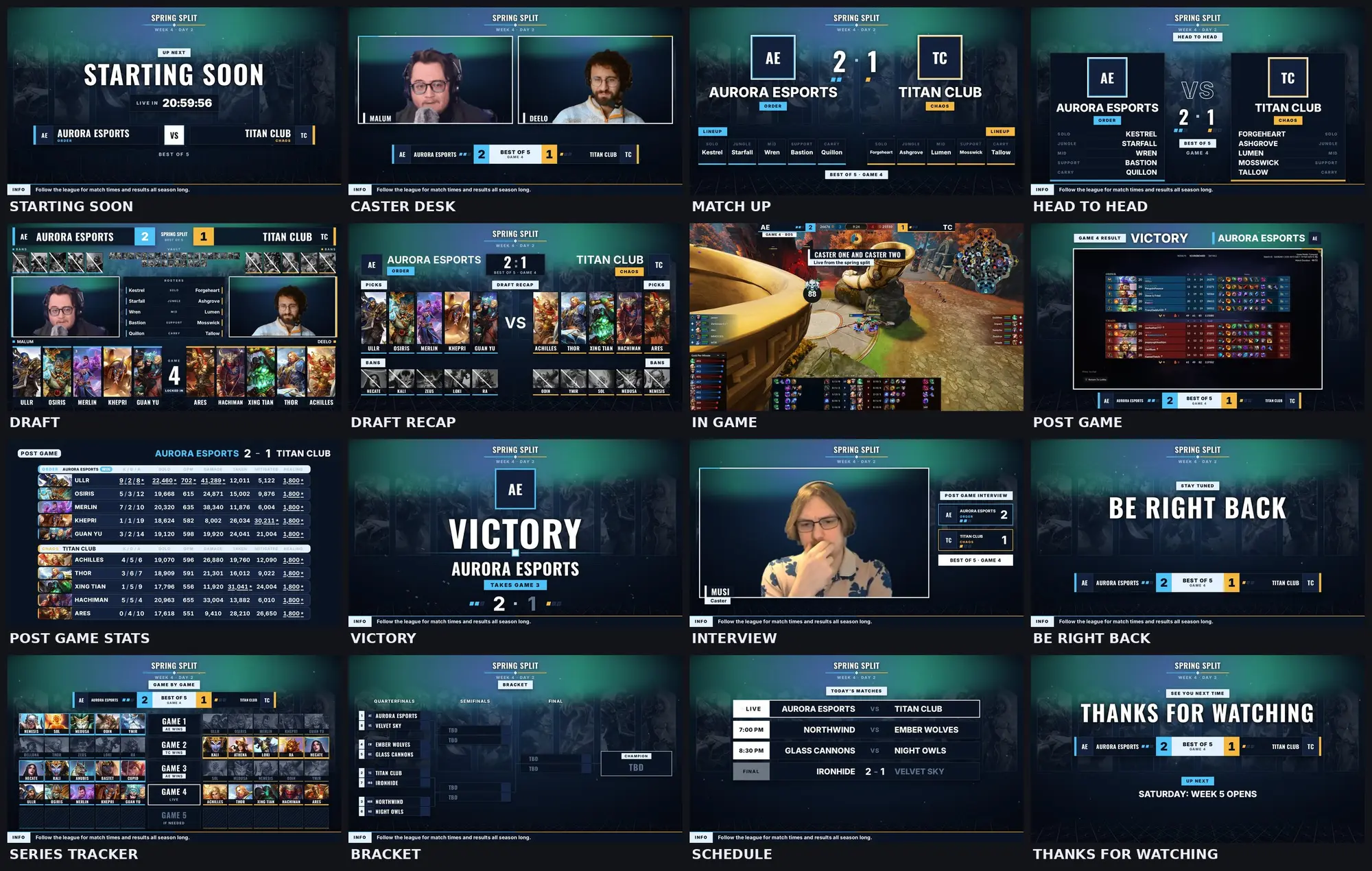
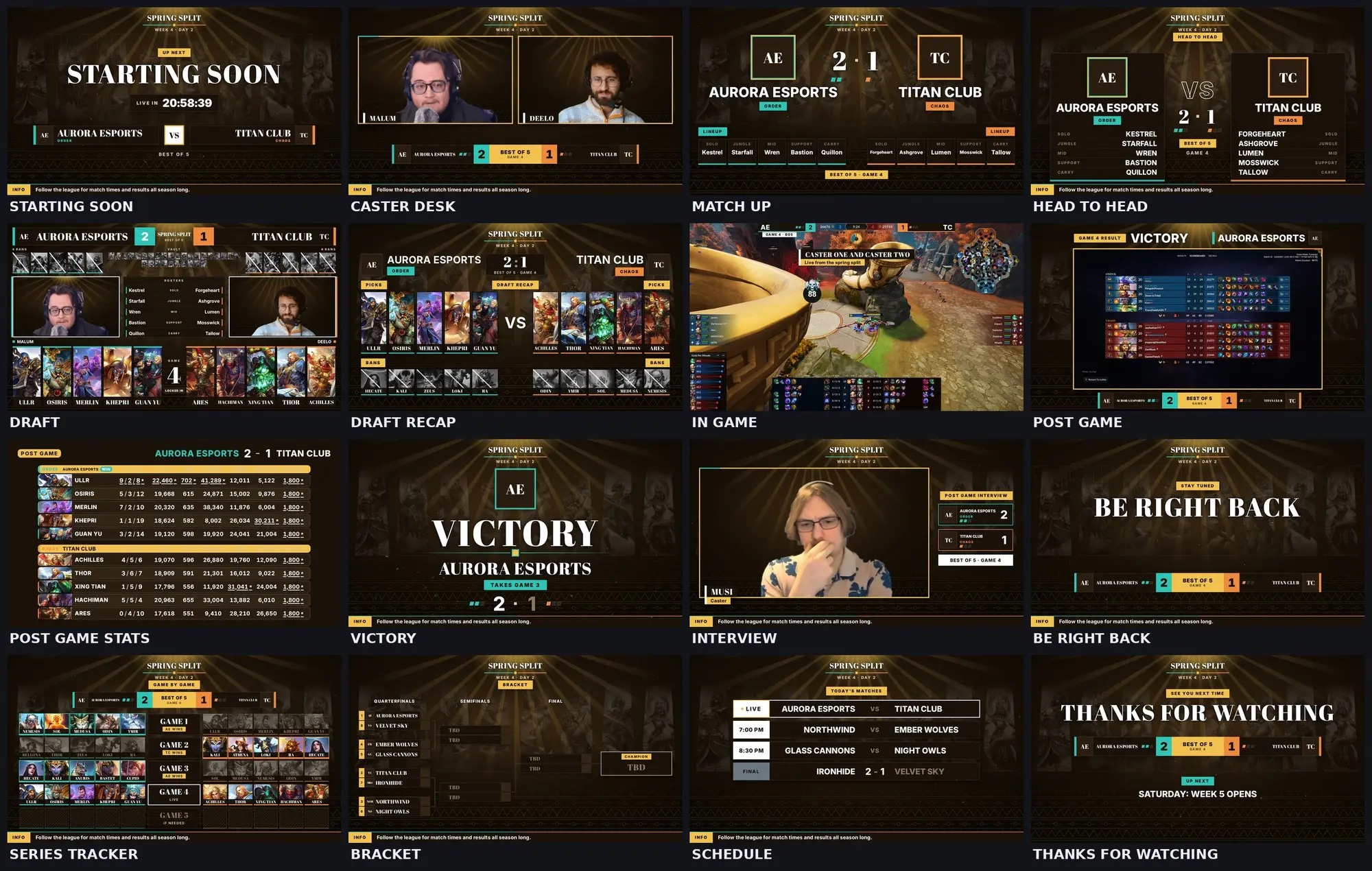
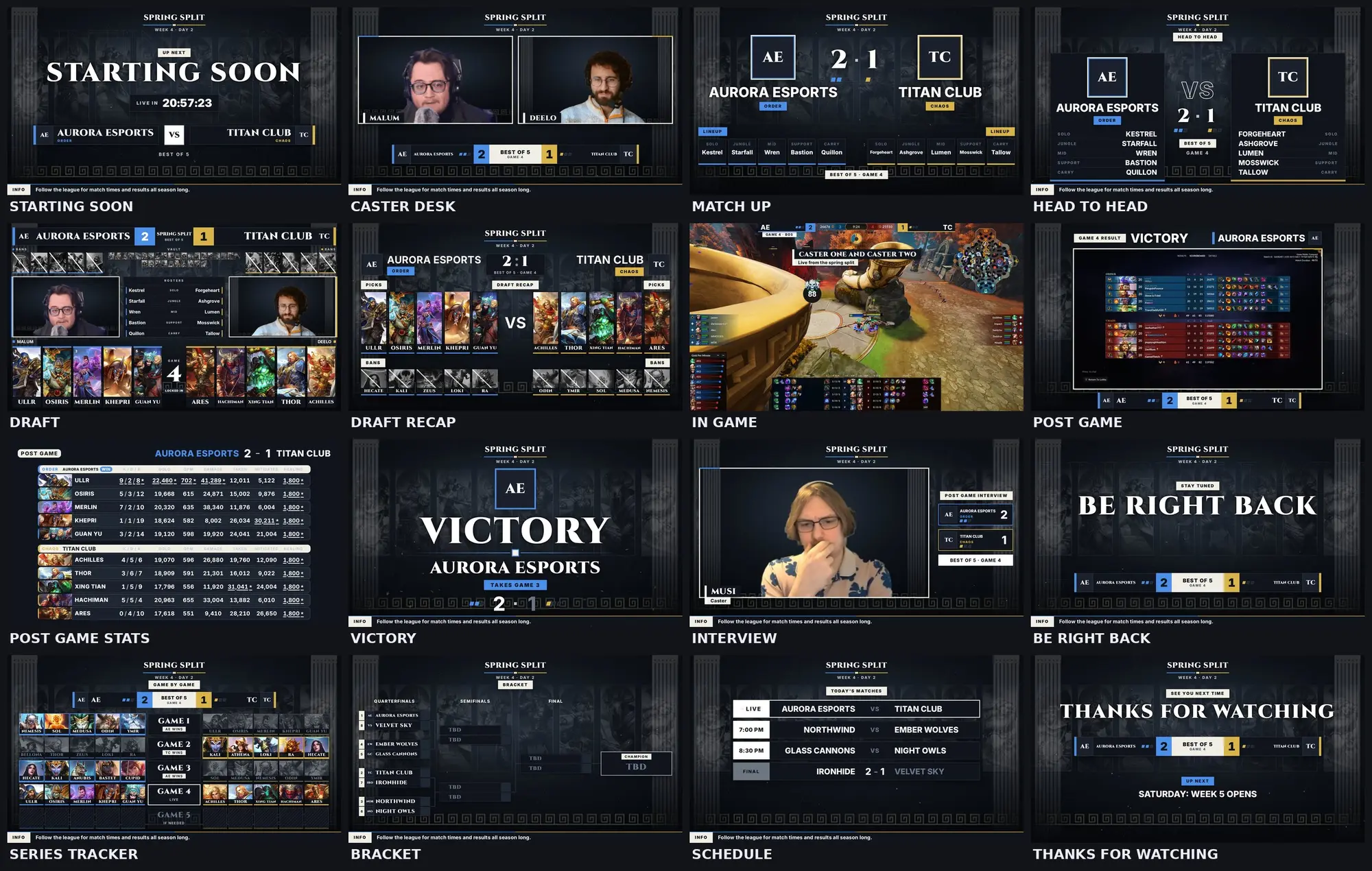
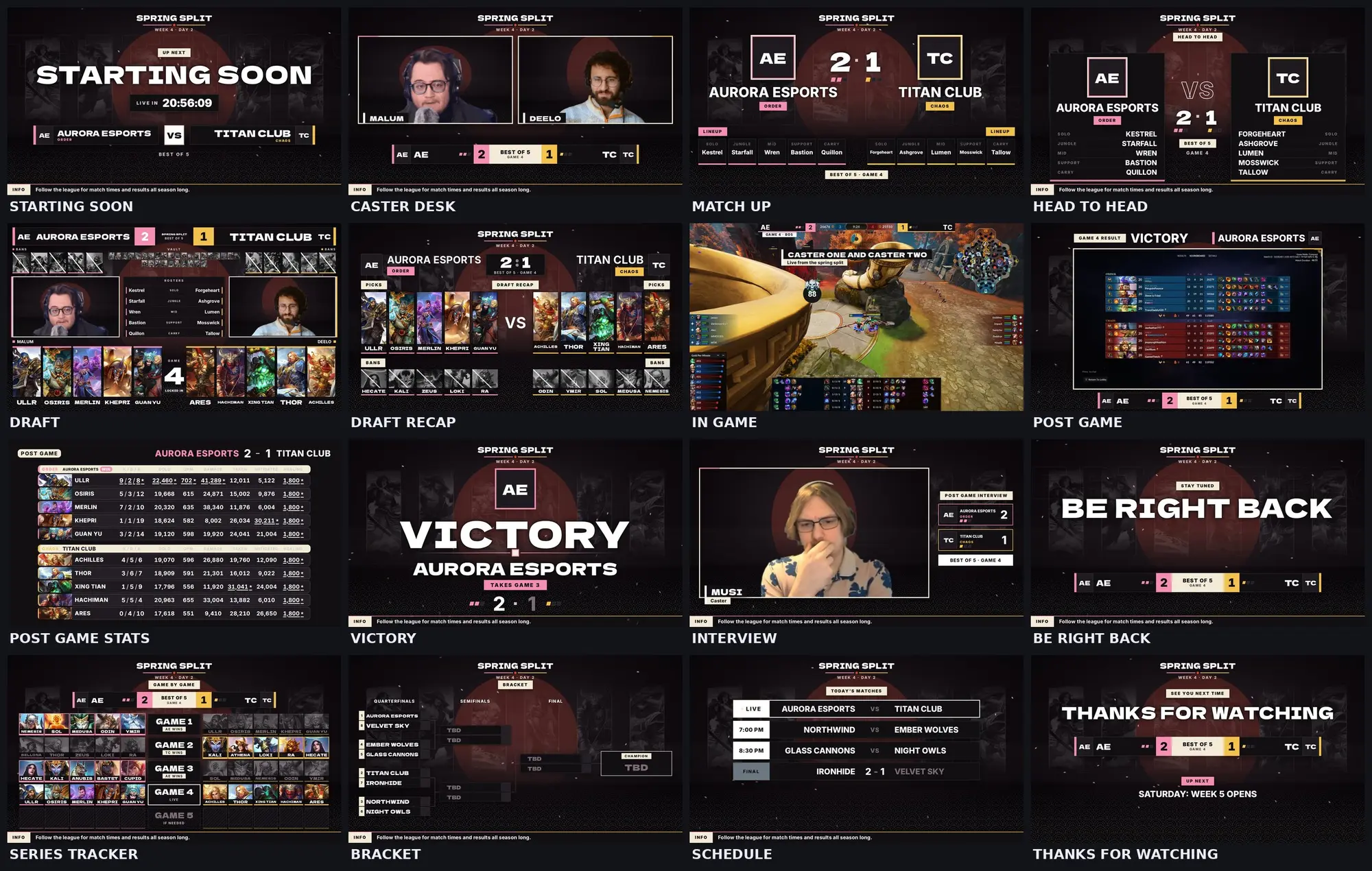
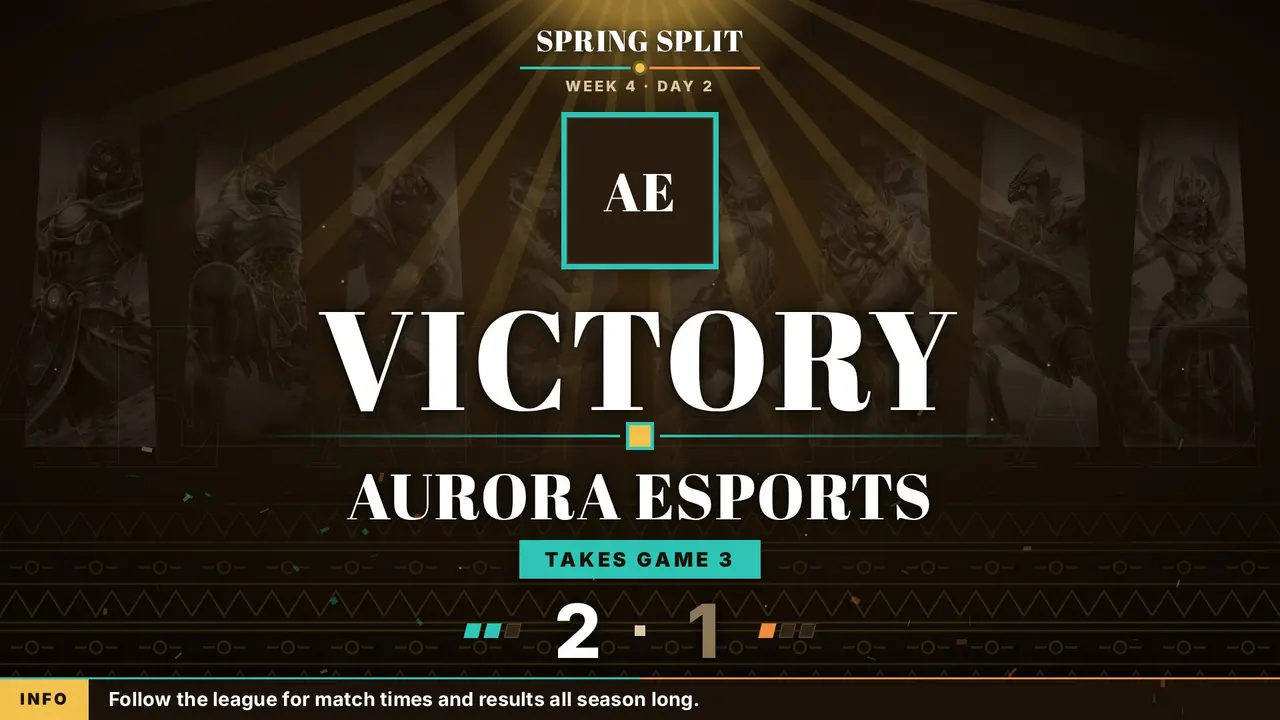
One esports broadcast in four looks: Norse, Egyptian, Greek and Japanese. Pick one in the dock and every screen, the draft, the music and the stinger change together, with that pantheon's gods standing along the back wall in official SMITE 2 god art.
Every screen with sample teams, moving through Norse, Egyptian, Greek and Japanese. Drag the bar to jump to any screen.
What is inside
- Norse: an aurora over a night sky, a rune lattice floor and falling snow. Frost blue and amber.
- Egyptian: a low sun with slow rays, gold pyramid bands and drifting sand. Turquoise and carnelian.
- Greek: marble, fluted columns and a Greek key band. Aegean blue and laurel gold.
- Japanese: a rising sun behind mist, seigaiha waves and falling petals. Sakura and gold.
- Screens: Starting Soon, Intro Video, Caster Desk, Match Up, Head to Head, Draft, Draft Recap, In Game, Post Game, Post Game Stats, Victory, Interview, Be Right Back, Series Tracker, Bracket, Schedule, Thanks. The dock and OBS list them in this broadcast order.
- Music: each look has its own loop and Victory flourish, made for this package in code: war drums and a horn, frame drum and oud style plucks, lyre style plucks, taiko and koto style plucks. Free to use on stream and in VODs.
- Stingers: one per look, each with the look's mark and its own sound. Linked to OBS, the dock picks the right one.
- Dock: the pantheon picker, team names and logos, swap sides, series score, caster handles, schedule, bracket, head to head, a post game stats reader that fills the board from two lobby screenshots, sponsors, and the full pick and ban draft.
- In Game is built to sit around the SMITE 2 spectator HUD.
How to start
- Unzip the package to a folder you will keep, like Documents. Do not run it from inside the zip.
- Import the scene collection in OBS: Scene Collection, Import, then pick the .json file in the folder. Every scene comes in already set up, stinger included.
- Open OBS_GUIDE.html from the folder. It gives you the dock address with a Copy button.
- Add the dock in OBS: Docks, Custom Browser Docks, paste the address. Run the whole esports broadcast from it.
Each package has a README with the full steps. Fonts ship inside, so nothing needs installing. Free for community and league use.